Wan 2.2 AI Video Generator

Lightning Fast Image to Video Generation

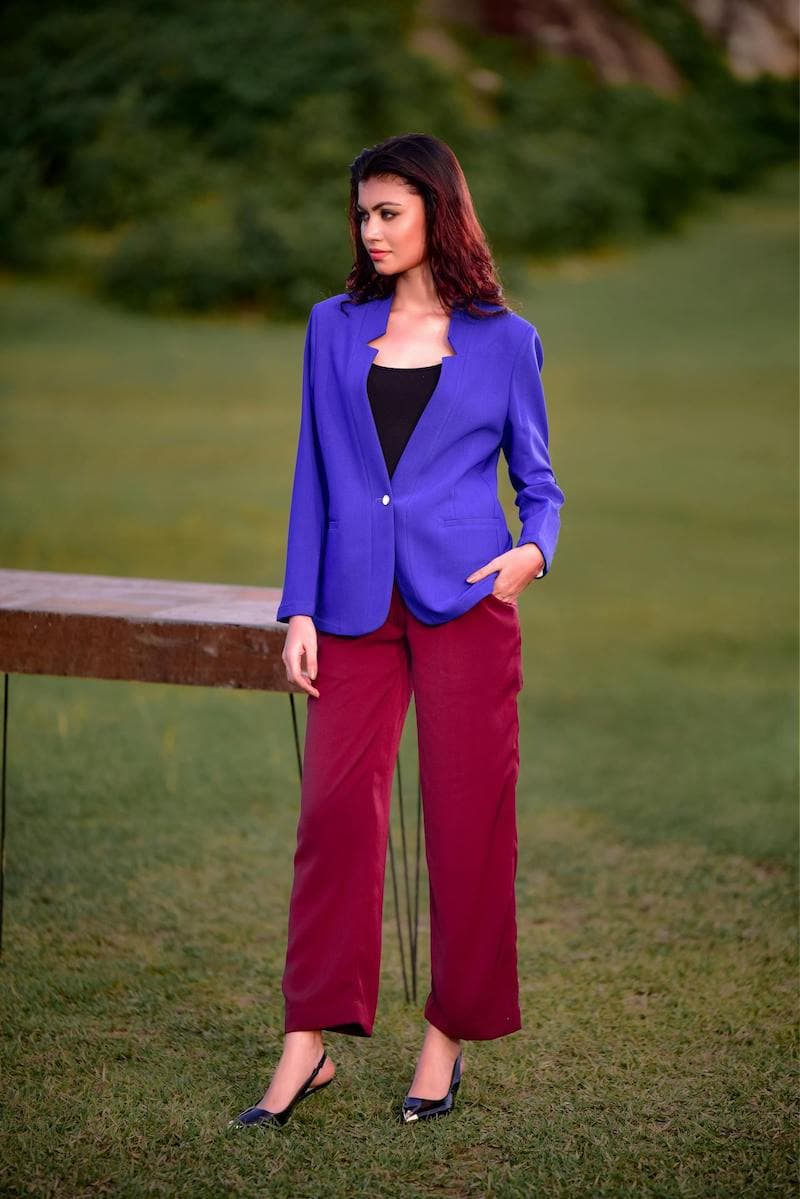
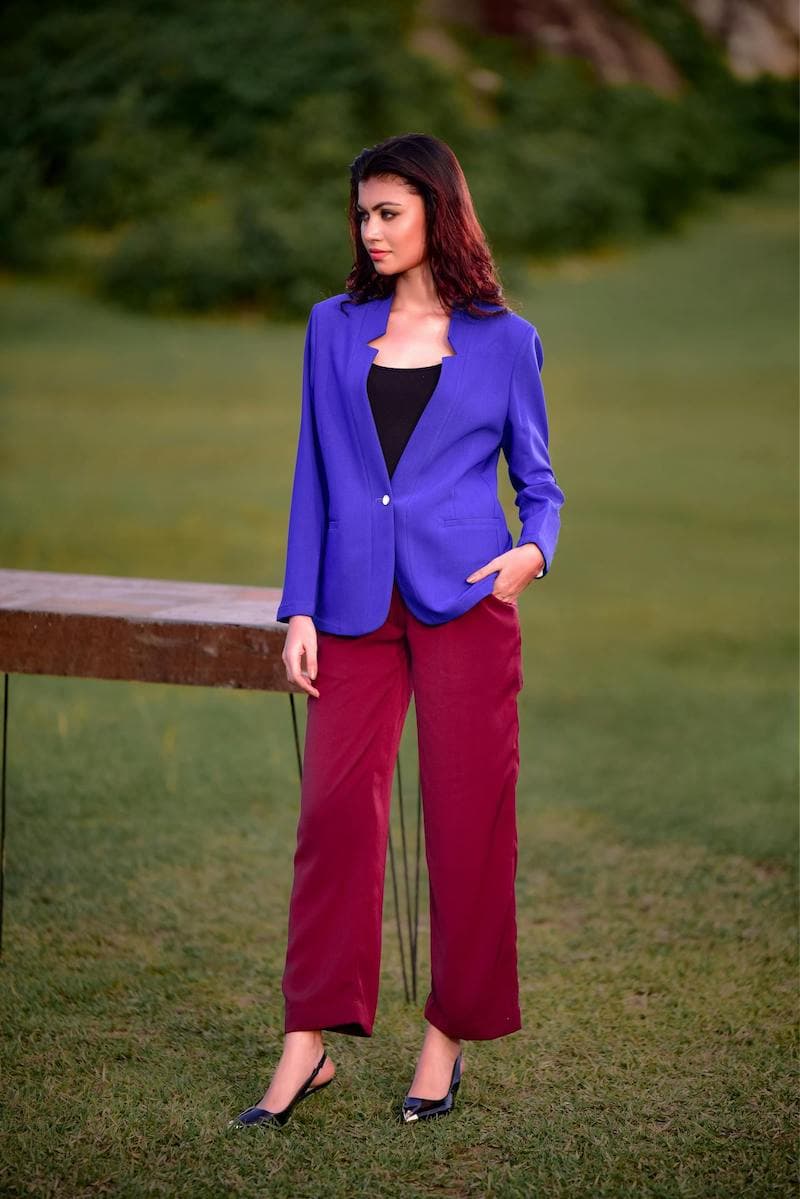
Transform your images into stunning videos with Wan 2.2, one of the fastest AI video models available. Generate smooth, high-quality animations in just 10-20 seconds. Perfect for quick content creation, social media, and bringing your photos to life.

Wan 2.2 AI Video Generator

Drag & drop or browse

PNG, JPG, JPEG or WEBP (max 10MB each)

Your AI Video

Watch your image come to life with AI-generated motion

Result Time 10-20 seconds

How to Generate Videos with Wan 2.2

1

Upload Your Image

Select an image you want to animate. This becomes the starting frame of your video. Optionally, upload an end frame image to control exactly where the animation ends—perfect for morphing effects or precise transitions.

2

Describe the Motion

Write a prompt describing how you want the image to move. Be specific: 'ocean waves crashing on the shore', 'hair flowing in the wind', or 'camera slowly zooming in'. The AI interprets your description to create natural movement.

3

Generate & Download

Click generate and watch Wan 2.2 work its magic in just 10-20 seconds. Enable 'Go Fast' mode for even quicker results. Download your video in HD quality, ready for social media, presentations, or creative projects.

Frequently Asked Questions

Everything you need to know about Wan 2.2 AI video generation

Wan 2.2 is a state-of-the-art AI video generation model known for its exceptional speed and quality balance. While many AI video models take minutes to generate content, Wan 2.2 produces smooth, high-quality videos in just 10-20 seconds. It's built on advanced diffusion technology and excels at understanding natural motion, making it perfect for quick content creation without sacrificing visual quality.

The End Frame (last_image) feature lets you upload a second image that defines where your video ends. This is incredibly powerful for creating morphing effects, precise transitions, or videos that move from one scene to another. For example, upload a daytime photo as the start frame and a nighttime version as the end frame to create a day-to-night transition. If you don't upload an end frame, the AI freely interprets the motion based on your prompt.

Go Fast mode optimizes the generation process for maximum speed, reducing generation time even further. While standard mode prioritizes quality with more processing steps, Go Fast mode finds an optimal balance that's perfect for quick iterations, testing ideas, or when you need results immediately. Both modes produce excellent results—Go Fast is just optimized for speed.

Effective prompts describe the motion you want to see, not just the scene. Instead of 'a beach', try 'gentle ocean waves rolling onto sandy shore with foam dissipating'. Include movement verbs: flowing, drifting, swaying, zooming, panning. Mention camera movement if desired: 'slow zoom in', 'camera panning left'. Be specific about speed: 'slowly moving', 'rapidly spinning'. The more detail about motion, the better the AI understands your vision.

Wan 2.2 handles a wide variety of images excellently. Photos with clear subjects and good lighting produce the best results. Landscapes, portraits, nature scenes, and artistic images all animate beautifully. The model is particularly good with images that have natural motion potential—things that would realistically move like water, clouds, hair, fabric, or foliage. Even static subjects can come alive with subtle camera movements or atmospheric effects.

You can control video length using the 'Number of Frames' setting. Combined with your chosen FPS (frames per second), this determines the final duration. For example, 30 frames at 15 FPS gives you a 2-second video, while 60 frames creates a 4-second video. Shorter videos generate faster and are perfect for loops and social media. The speed of Wan 2.2 makes it practical to create multiple short clips and combine them for longer content.

Wan 2.2 supports multiple resolution options to suit your needs. Choose lower resolutions for faster generation and smaller file sizes—great for quick previews or social media where high resolution isn't critical. Higher resolutions produce sharper, more detailed videos ideal for professional use, presentations, or when quality is paramount. The resolution you choose affects generation time proportionally.

FPS controls how smooth your video appears. Higher FPS (24-30) creates fluid, cinematic motion ideal for realistic content. Lower FPS (12-15) gives a more stylized, almost stop-motion feel that works great for artistic effects or when you want a dreamy, ethereal quality. Standard video is typically 24-30 FPS, while stylized content often uses 12-15 FPS. Experiment to find what suits your creative vision.

The Seed is a number that initializes the AI's random generation process. Using the same seed with the same inputs produces identical results—perfect for recreating a video you liked or making slight variations. Leave it random for unique results each time, or note down seeds of videos you love so you can recreate the same 'style' of motion with different images. It's a powerful tool for consistency in your content.

Wan 2.2's standout feature is its generation speed—10-20 seconds versus minutes for many competitors. This makes it ideal for iterative workflows where you want to try multiple variations quickly. The quality-to-speed ratio is exceptional. While some slower models may produce marginally more detailed results, Wan 2.2 offers the best practical balance for most use cases, especially content creators who need to produce videos efficiently.

This page creates one clip or effect. For complete YouTube, TikTok, or social videos with narration, scenes, and export, try our Script to Video workflow — turn a script, audio, or idea into a finished video you can publish.