Flux Kontext - AI Image Editing with Text Commands
Edit Any Photo Using Natural Language - 100% Free to Try
Transform your images by simply describing what you want! Flux Kontext is a revolutionary AI that understands text commands and applies precise edits to your photos. Change hairstyles, swap clothing, modify backgrounds, add objects, remove elements, or apply artistic styles—all while keeping everything else perfectly intact. No Photoshop skills needed.
Flux Kontext AI Editor
Drag & drop or browse
PNG, JPG, JPEG or WEBP (max 10MB each)
Support multiple images
Your Edited Image
AI has applied your requested changes while preserving the rest
Result Time 20-40 seconds


Flux Kontext Transformation Examples


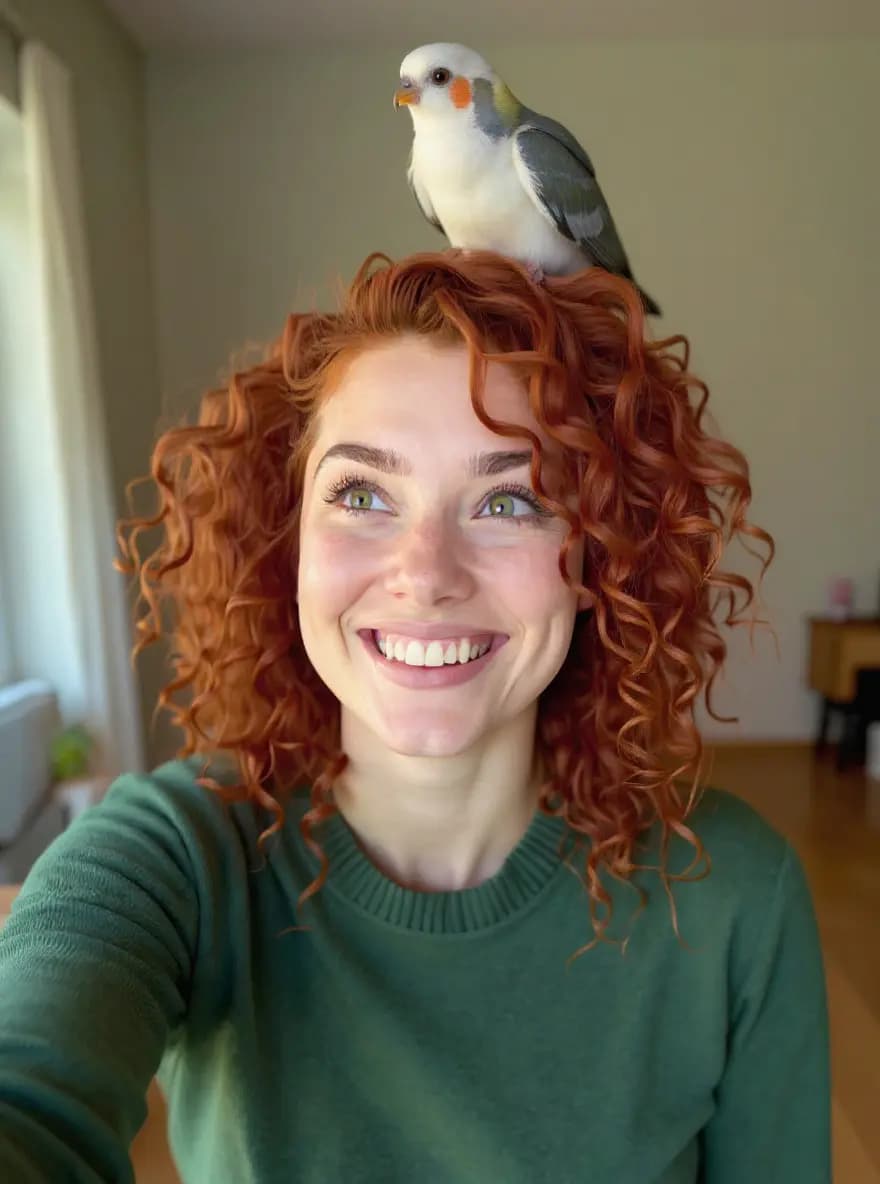
Change clothing to t-shirt, add sunglasses, keep everything else
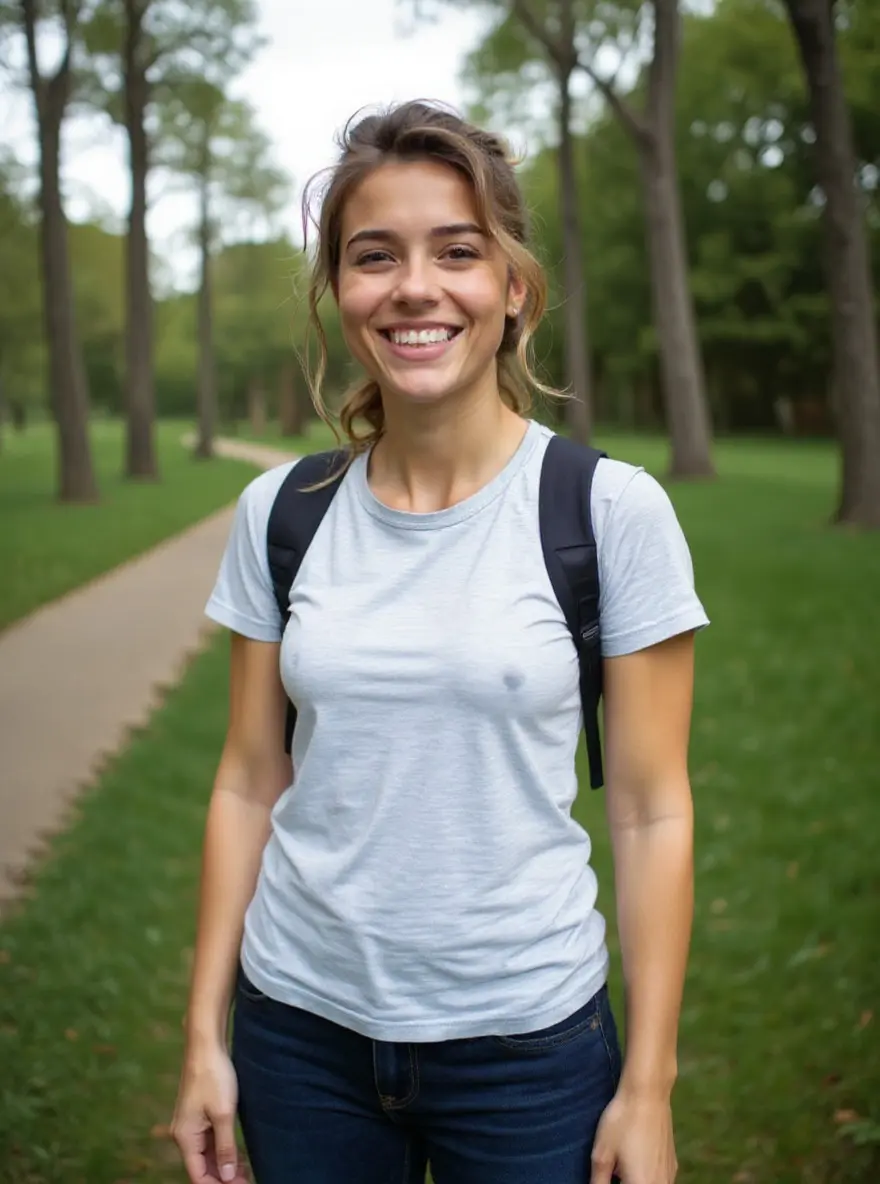
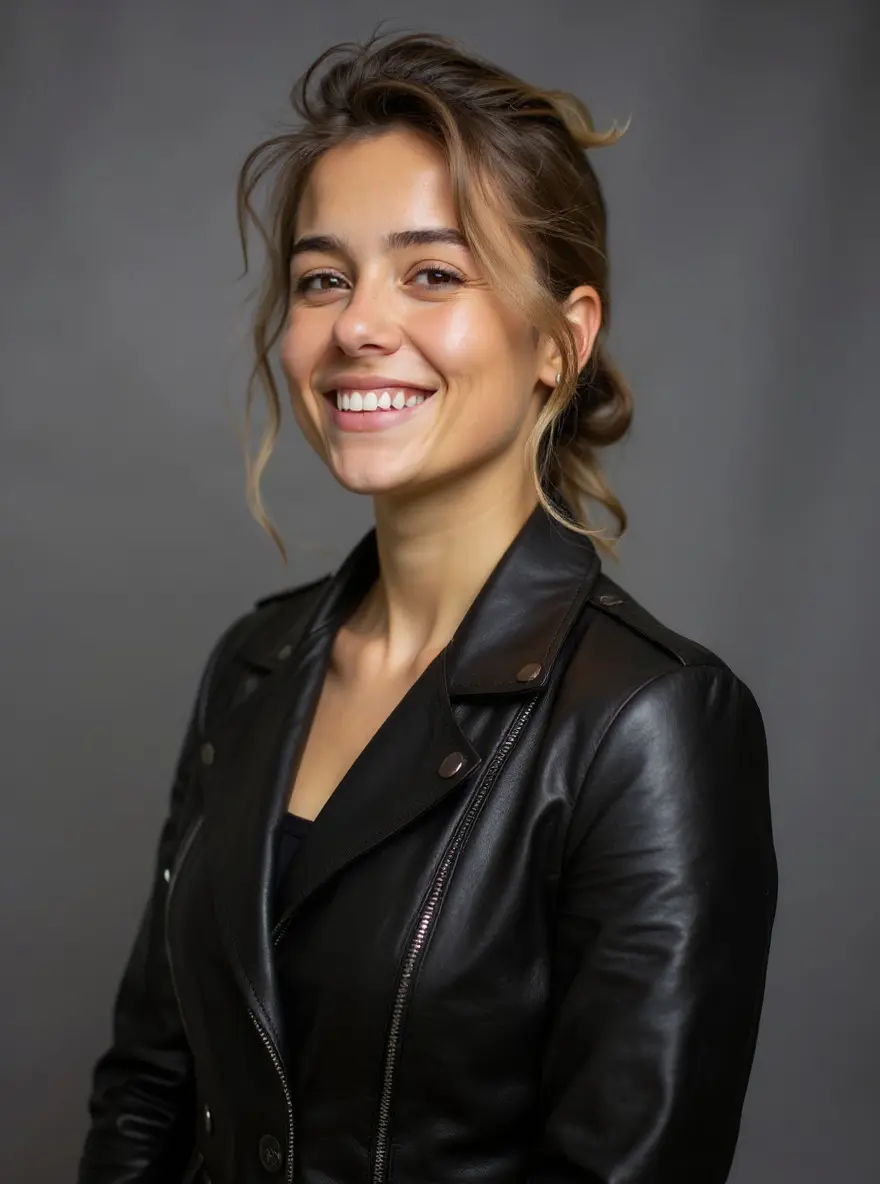
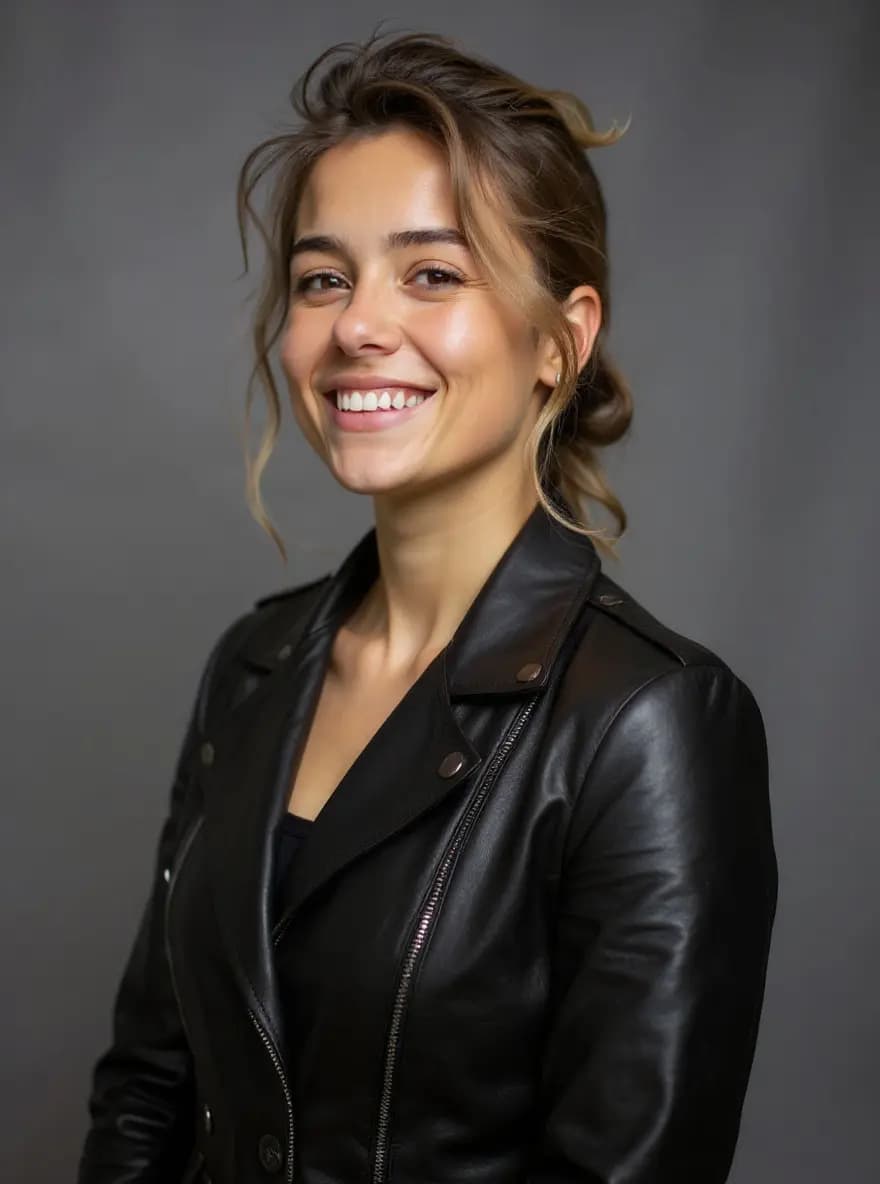
Professional portrait with dramatic lighting and leather jacket
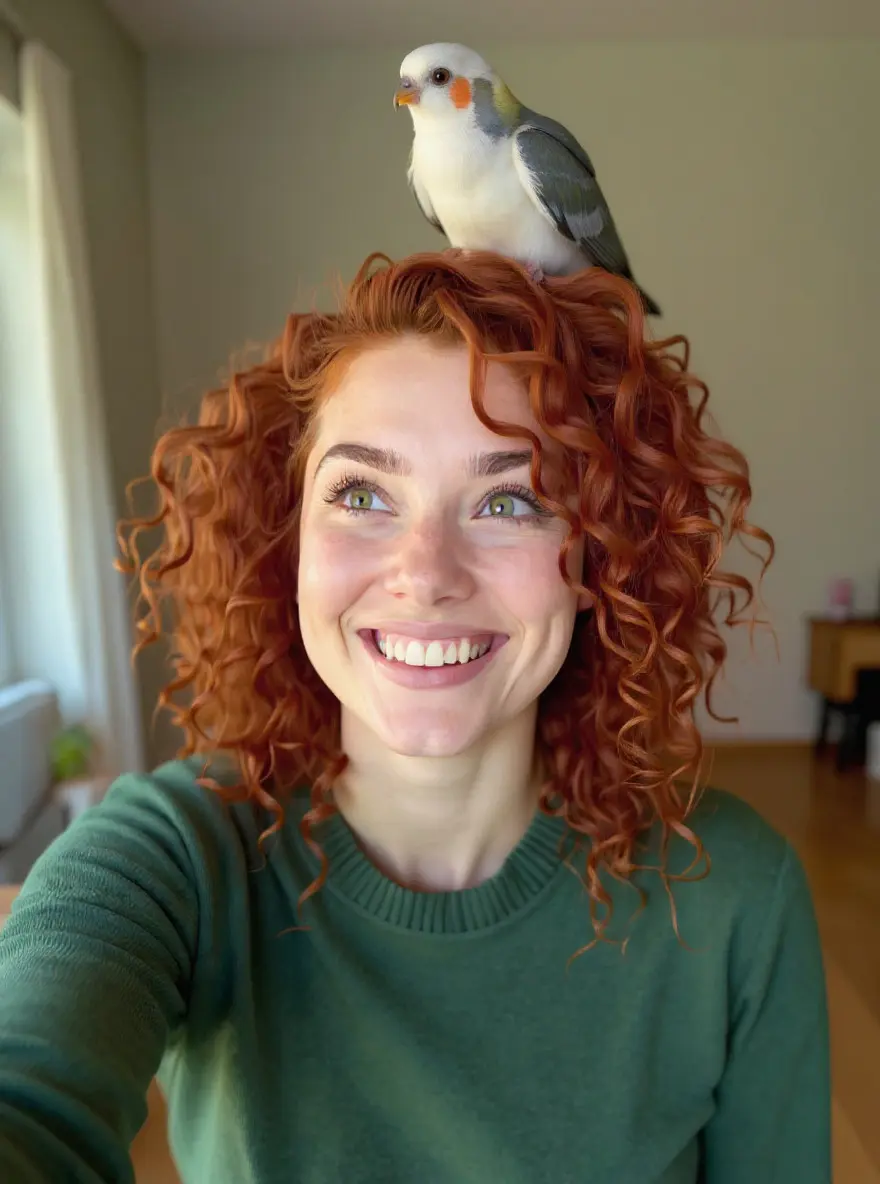
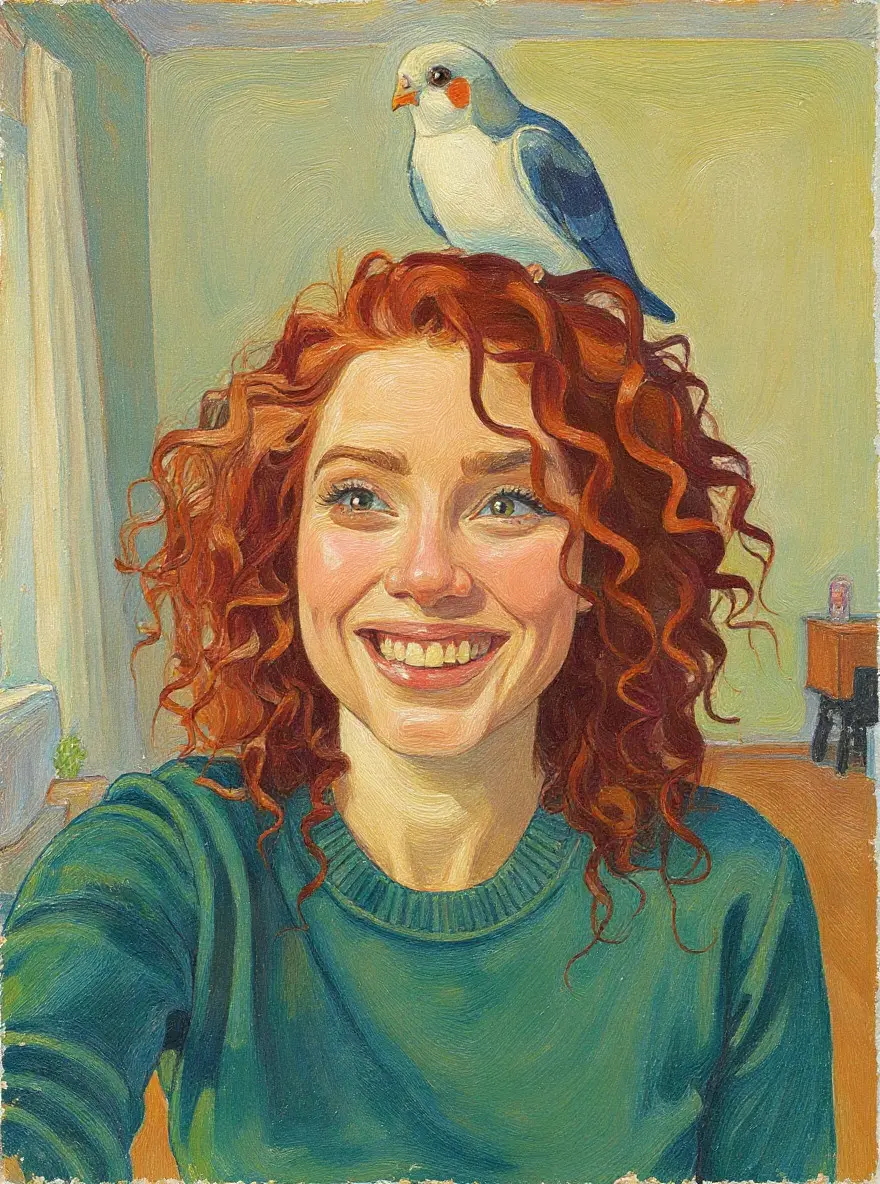
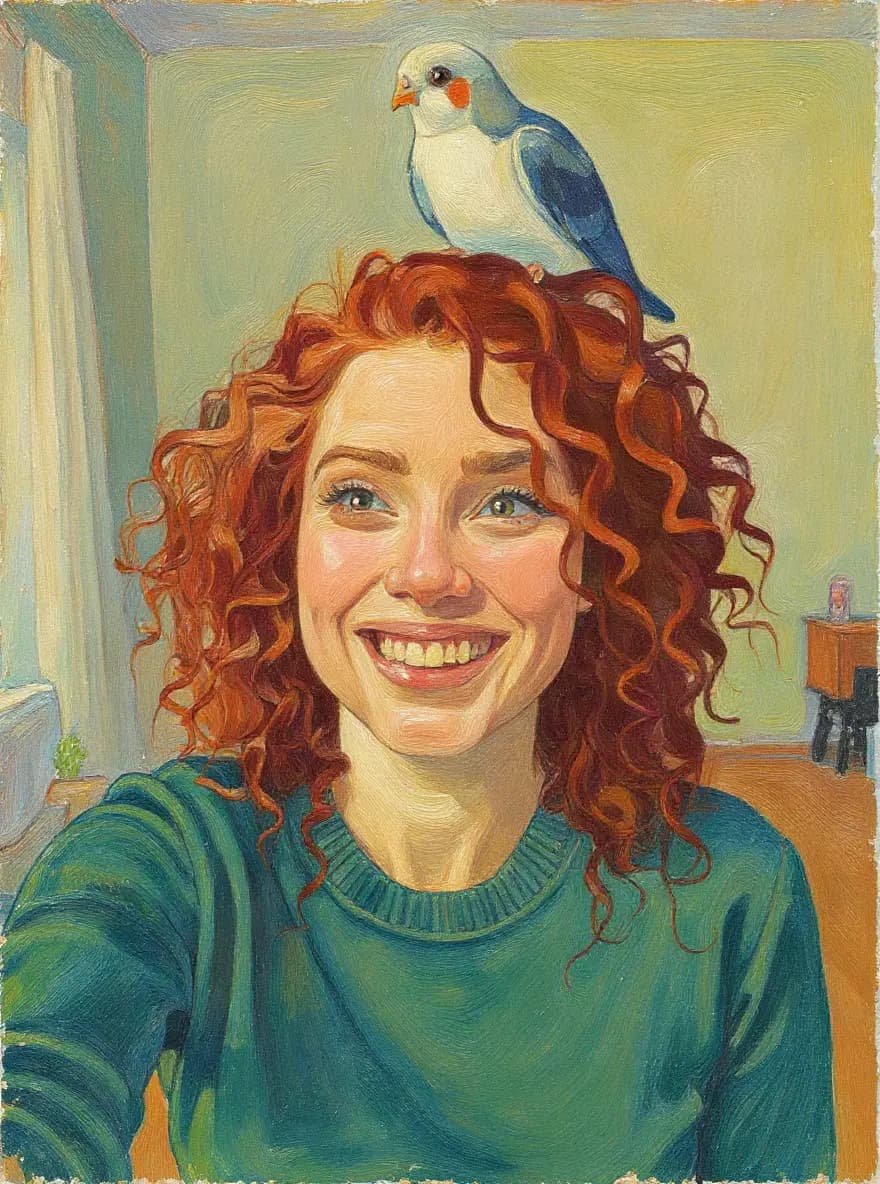
Apply artistic effects while maintaining composition
How to Edit Images with Flux Kontext AI
Upload & Describe Your Edit
Upload any image and describe the changes you want in plain English. Be specific: 'Change the shirt to a blue hoodie', 'Make hair curly and red', 'Replace background with a sunset beach'. The AI understands natural language!
AI Applies Precise Changes
Flux Kontext analyzes your image and instructions, then applies only the requested modifications. It intelligently identifies what to change and what to preserve—your face, expressions, and untouched areas remain perfectly intact.
Download & Iterate
Preview your edited image and download instantly. Not quite right? Refine your prompt and try again—or build on your edit with additional changes. Create complex transformations step by step!

Create full videos for YouTube & social
Turn scripts, audio, and ideas into complete videos with AI voices, visuals, and export.
Script to Video
Paste your script, choose a style, and let AI create a professional video with voice narration, music, and visuals in minutes.
Learn moreAudio to Video AI
Our audio to video AI generator is an audio to video converter built for creators: upload an audio file or paste a YouTube/TikTok link, and turn audio into video with auto captions, AI-matched visuals, and MP3-to-video export—no camera or B-roll hunt required.
Learn moreTikTok Video Generator
Generate scroll-stopping TikTok videos with AI. Trending hooks, viral formats, faceless content - everything optimized for TikTok's algorithm. No filming, no editing, just viral content.
Learn moreFrequently Asked Questions
Everything you need to know about Flux Kontext AI image editor