Free AI Photo Restoration Tool
Breathe new life into your treasured memories! Our AI photo restoration tool repairs damaged photos, removes scratches and stains, enhances faded images, and even colorizes black & white photographs. Perfect for restoring vintage family photos, old portraits, and historical images—completely free to try.
AI Photo Restoration
Drag & drop or browse
PNG, JPG, JPEG or WEBP (max 10MB each)
Support multiple images
Your Restored Photo
AI has restored your photo—removing damage and enhancing quality
Result Time 15-30 seconds
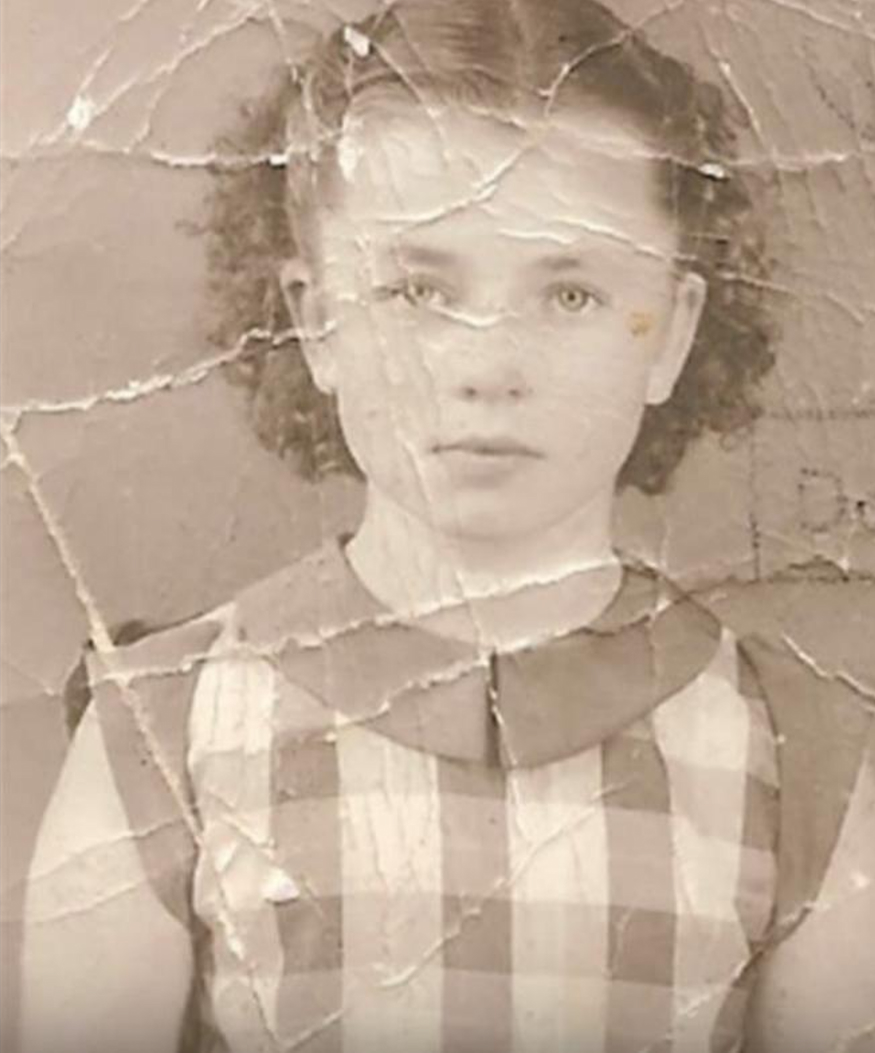
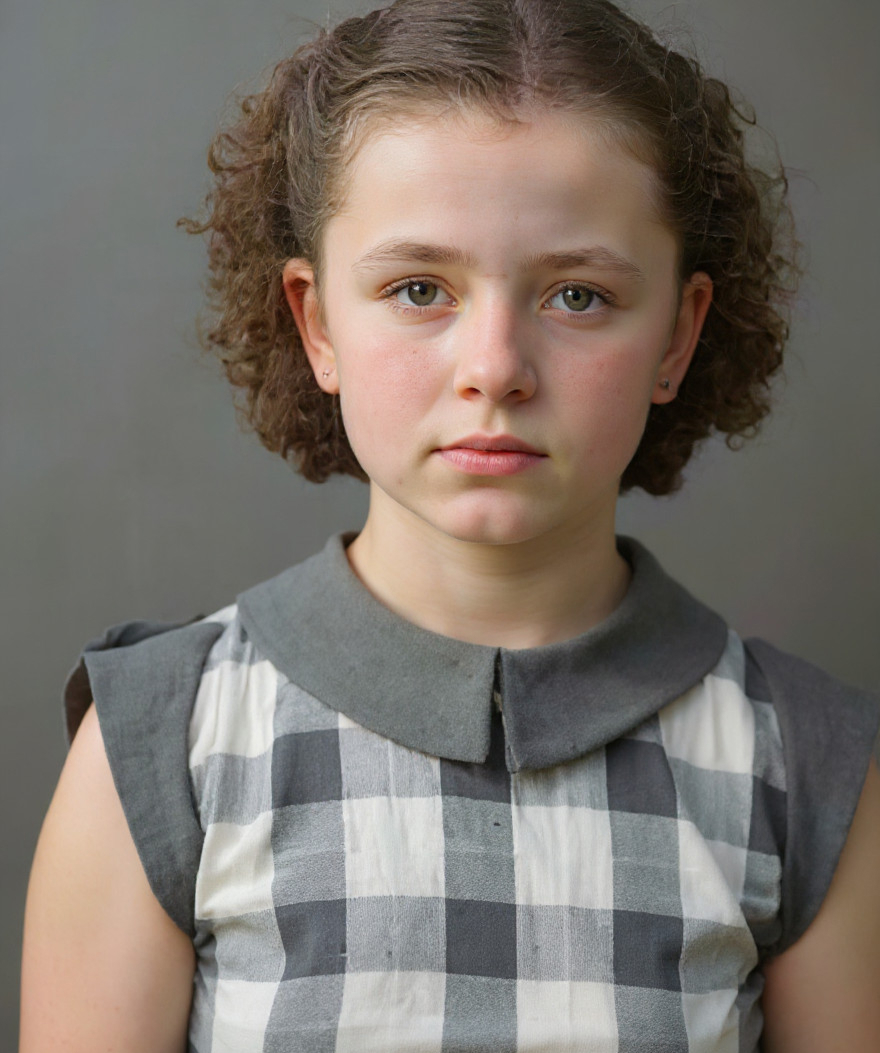
Photo Restoration Examples
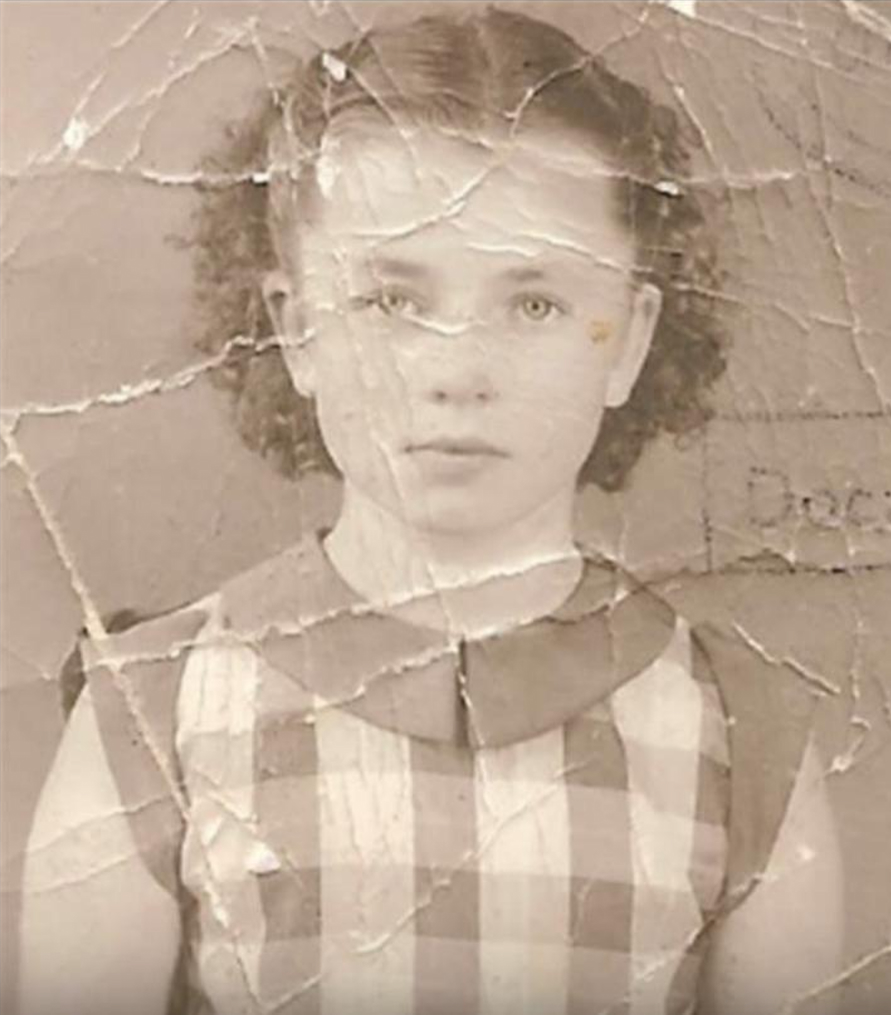
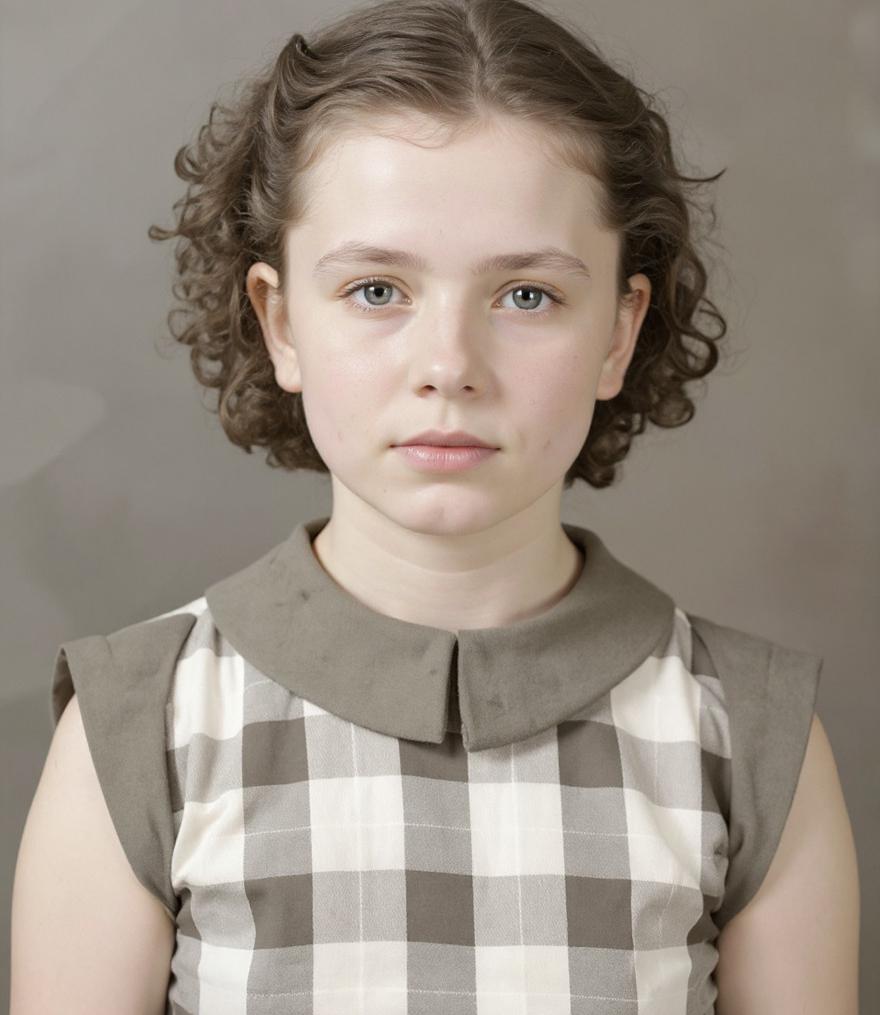
Restore this old photograph, remove all scratches and stains, keep the photo as it is
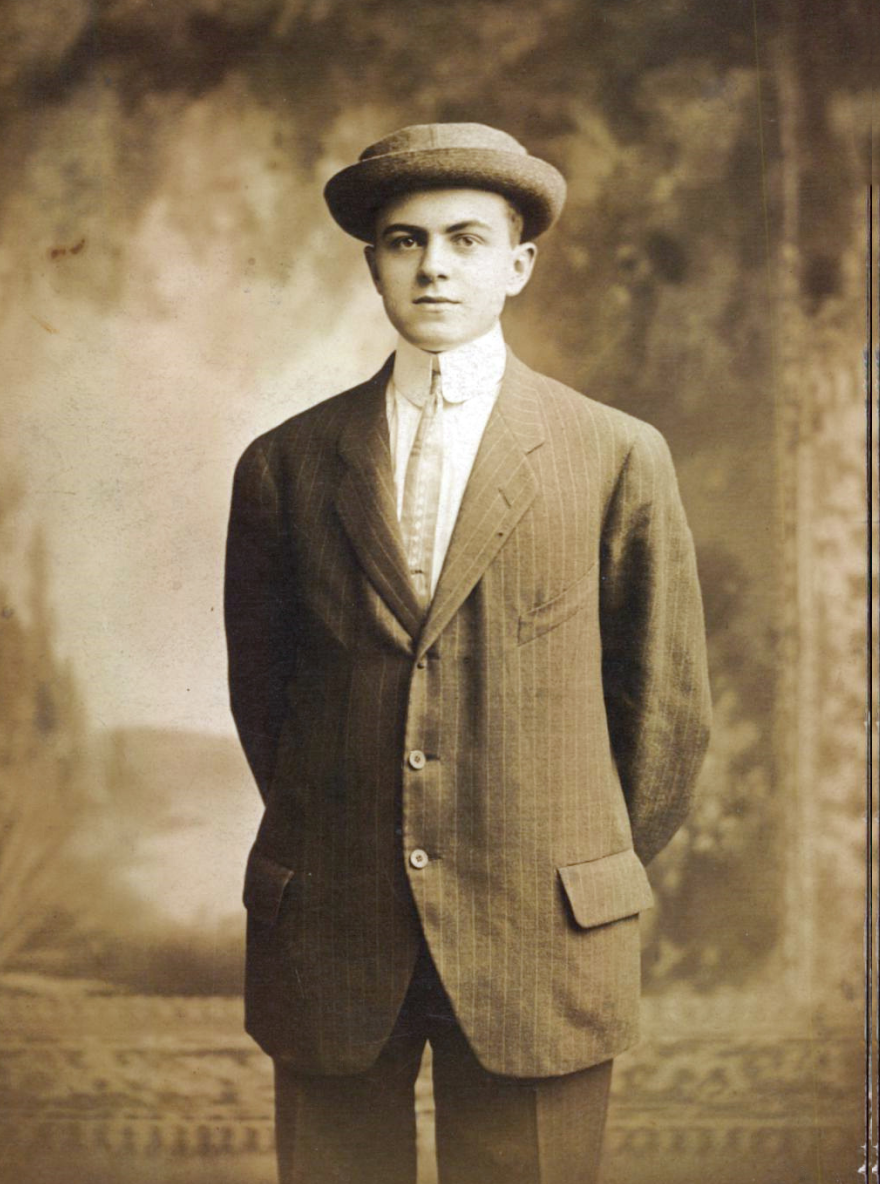
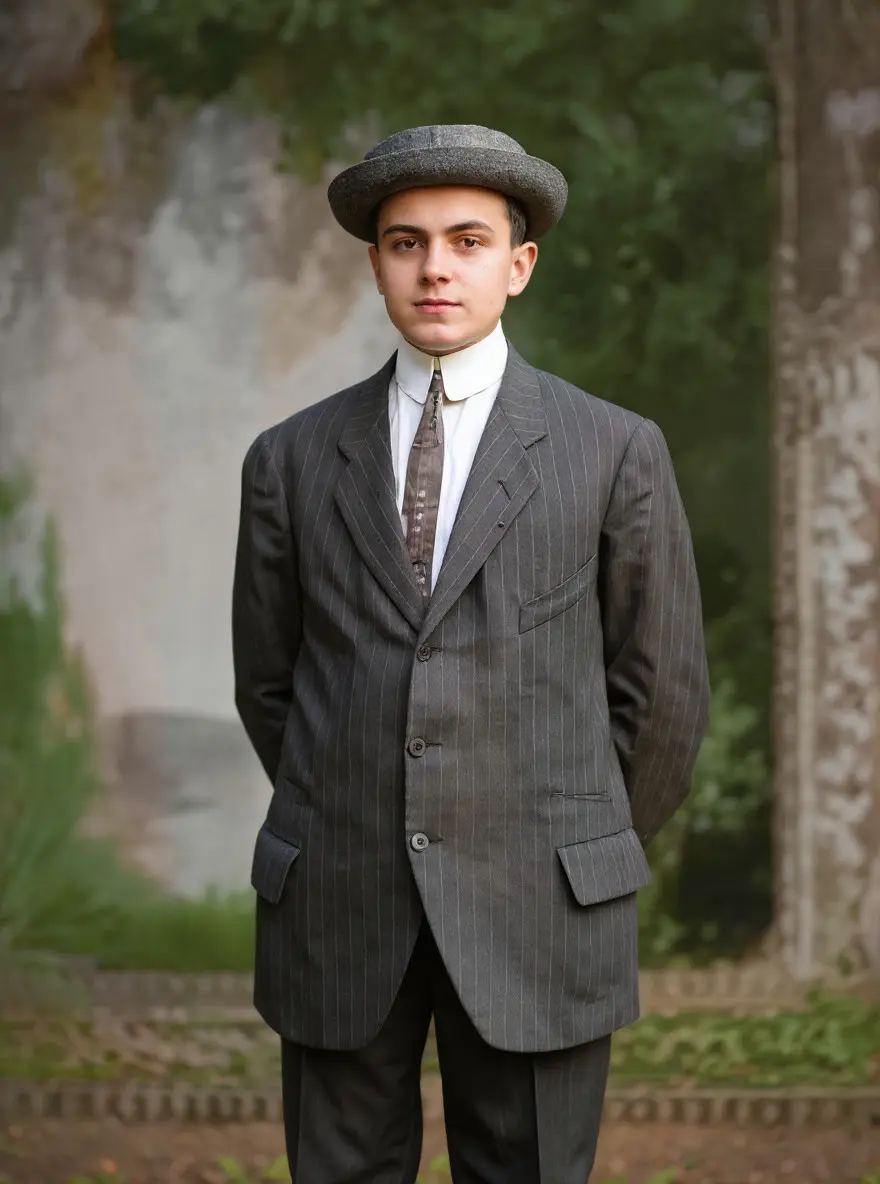
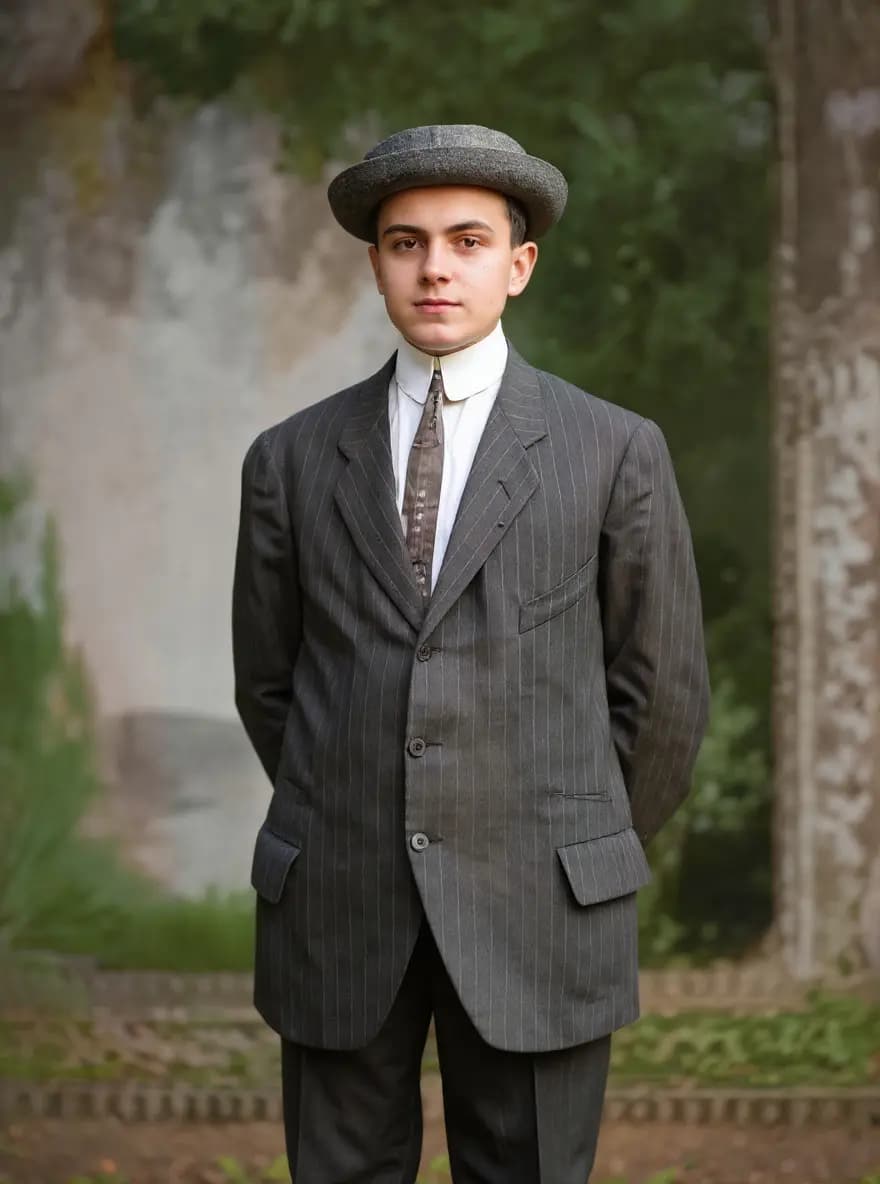
Restore and colorize this photograph with natural, accurate colors
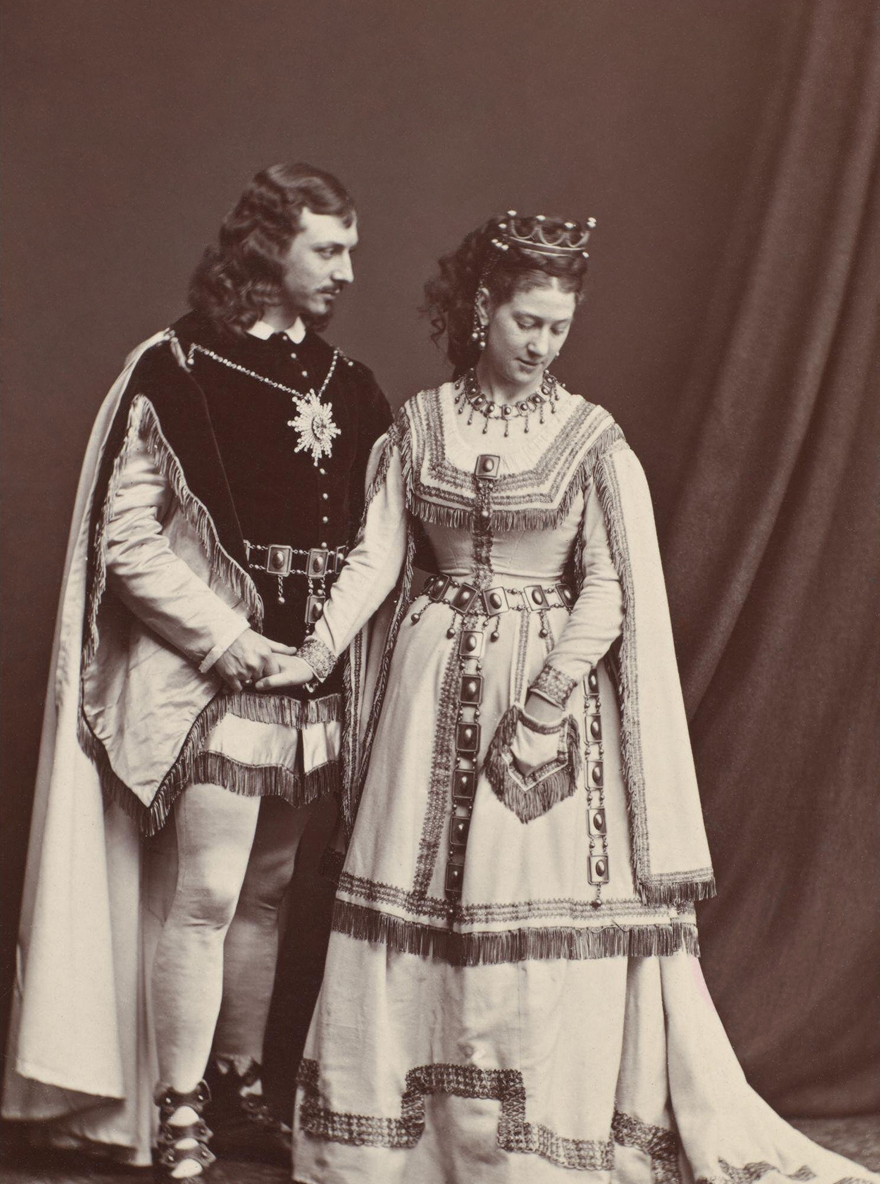
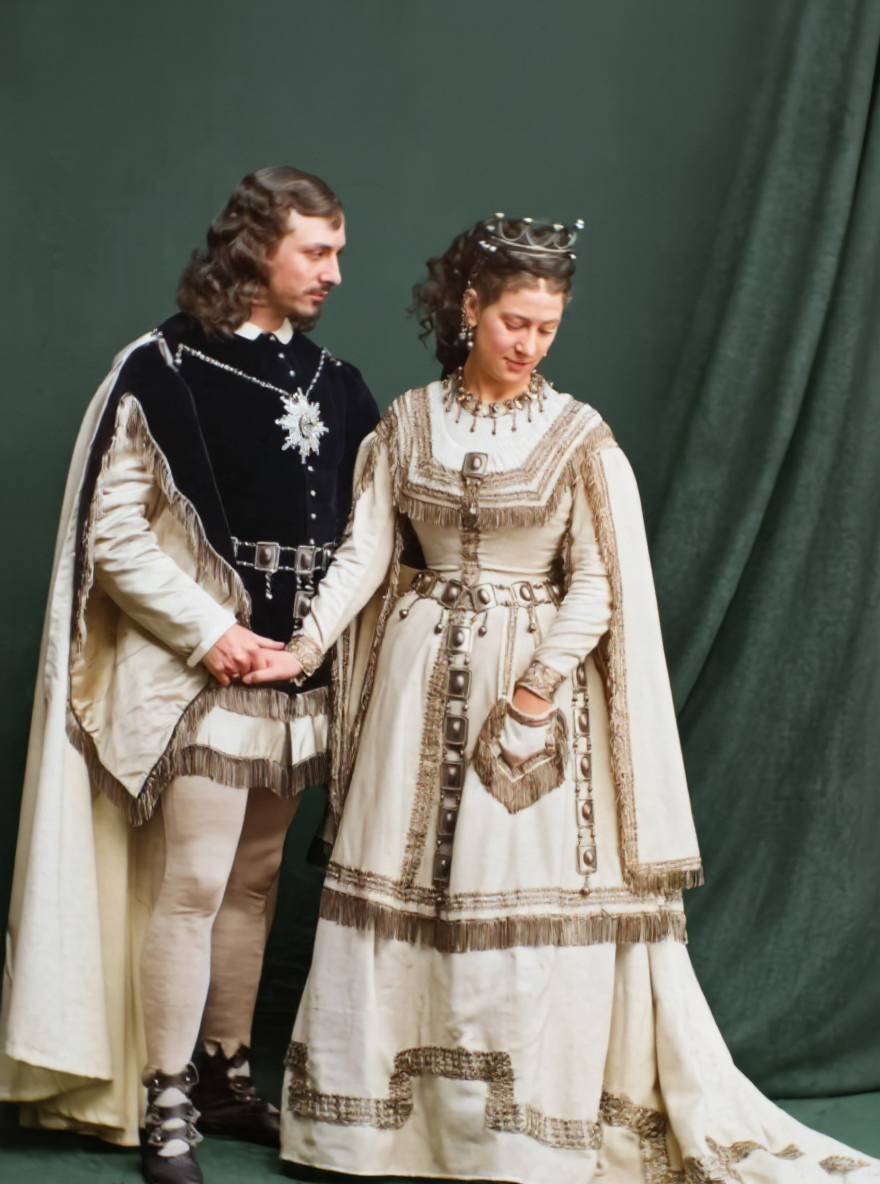
Restore this old photograph, remove scratches and stains
How to Restore Old Photos with AI
Upload Your Old Photo
Select the old or damaged photo you want to restore. Our AI works with scratched, faded, torn, or black & white photos. Higher resolution scans produce better results—but even phone photos of old prints work!

AI Analyzes & Restores
Our AI examines your photo, identifying scratches, tears, fading, and damage. It intelligently reconstructs missing details, enhances clarity, and can add natural colors to black & white images—all in seconds.
Download Your Restored Memory
Download your beautifully restored photo in high resolution. Perfect for printing, framing, sharing with family, or preserving digital copies of your precious memories for future generations.


Create full videos for YouTube & social
Turn scripts, audio, and ideas into complete videos with AI voices, visuals, and export.
Script to Video
Paste your script, choose a style, and let AI create a professional video with voice narration, music, and visuals in minutes.
Learn moreAudio to Video AI
Our audio to video AI generator is an audio to video converter built for creators: upload an audio file or paste a YouTube/TikTok link, and turn audio into video with auto captions, AI-matched visuals, and MP3-to-video export—no camera or B-roll hunt required.
Learn moreTikTok Video Generator
Generate scroll-stopping TikTok videos with AI. Trending hooks, viral formats, faceless content - everything optimized for TikTok's algorithm. No filming, no editing, just viral content.
Learn moreAI Movie Maker
The AI movie creator and movie maker AI built for cinematic shorts: write a video prompt, get an AI generated movie with scenes, professional voices, music, and export—text to movie AI without a studio or film crew.
Learn moreFrequently Asked Questions
Everything you need to know about AI photo restoration