Your Guide to an AI Story Creator
 Mahmudul Hasan
Think of an AI story creator as your personal, automated video production studio. You feed it a simple idea or a line of text, and it handles the rest—writing the script, recording the narration, finding the right visuals, and even adding background music. What used to take hours of manual work can now be done in just a few minutes.
The New Reality of AI Storytelling
We're in a completely different world of content creation now. The idea of taking a random thought and turning it into a shareable video isn't science fiction anymore; it’s what thousands of creators are doing every single day. This is way beyond just asking an AI to write a paragraph for you.
Scroll through TikTok, YouTube Shorts, or Instagram Reels, and you'll see countless stories that were brought to life with these tools. A good AI story creator manages the entire production line, from the first word of the script to the final video file. For anyone trying to stand out online, this is a massive advantage.
From Concept to Viral Video
This whole AI storytelling boom is built on the back of incredibly smart advanced AI writing tools that can do more than just write—they can build a narrative. This gives you the ability to pump out high-quality, emotionally resonant stories at a pace that was just impossible before.
The process is surprisingly straightforward, boiling down to a simple workflow that takes you from a basic concept to a finished video ready for posting.
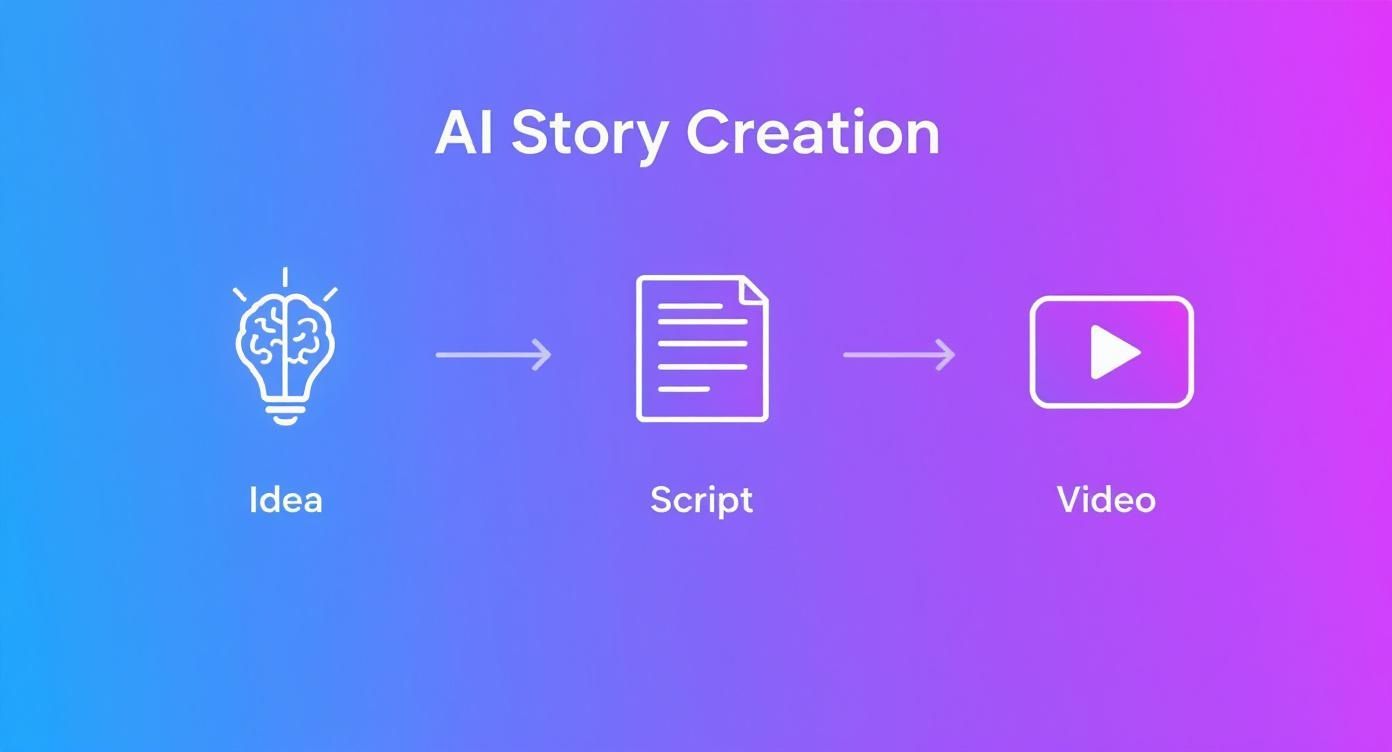
As you can see, the AI handles the heavy lifting, creating a direct line from your initial idea to actually connecting with your audience.
To really see how this works in practice, here's a quick breakdown of the workflow from start to finish.
AI Story Creation Workflow At a Glance
| Stage | AI's Role | Key Outcome |
|---|---|---|
| Ideation | Generates story concepts, themes, and hooks based on a user's prompt. | A compelling, high-potential story idea. |
| Scripting | Writes a full narrative script, complete with scene descriptions and dialogue. | A structured, engaging script ready for narration. |
| Voiceover | Synthesizes a human-like voiceover from the script in the chosen tone and style. | A clear, professional audio narration. |
| Visuals & Music | Selects or generates relevant images/videos and background music. | A fully produced video with synced audio and visuals. |
This table shows just how integrated AI is at every step, turning a traditionally complex creative process into a few simple clicks.
The Growing Demand for Automated Content
The numbers don't lie. The market for AI story generator tools was recently valued at around USD 1.2 billion and is expected to grow at an insane 28.5% each year. By 2033, industry analysts predict it will be a USD 11.46 billion market. That’s a tenfold jump in less than a decade.
This explosive growth points to one simple truth: everyone needs a faster, more scalable way to make good video content. This tech isn't just a fun toy; it's quickly becoming a fundamental piece of any serious content strategy.
Getting a handle on this new reality is crucial if you want to build a video presence that lasts. If you're looking to explore the different platforms out there, check out our guide on the top https://motionlaps.app/en/blog/ai-content-creation-tools available today.
Crafting Prompts That Inspire Great Stories
Here's a hard truth: the quality of your AI-generated story hinges entirely on the quality of your prompt. If you give it a vague, one-line instruction, you’ll get a generic, forgettable story back. It's just that simple. But a detailed, thoughtfully crafted prompt? That acts as a blueprint, guiding the AI toward a narrative that feels intentional, cohesive, and genuinely engaging.
You don't need to be a programming genius or a prompt engineer. The trick is to think like a director setting a scene, not just a writer with a blank page. You’re giving your AI story creator the essential building blocks it needs to bring a world to life.
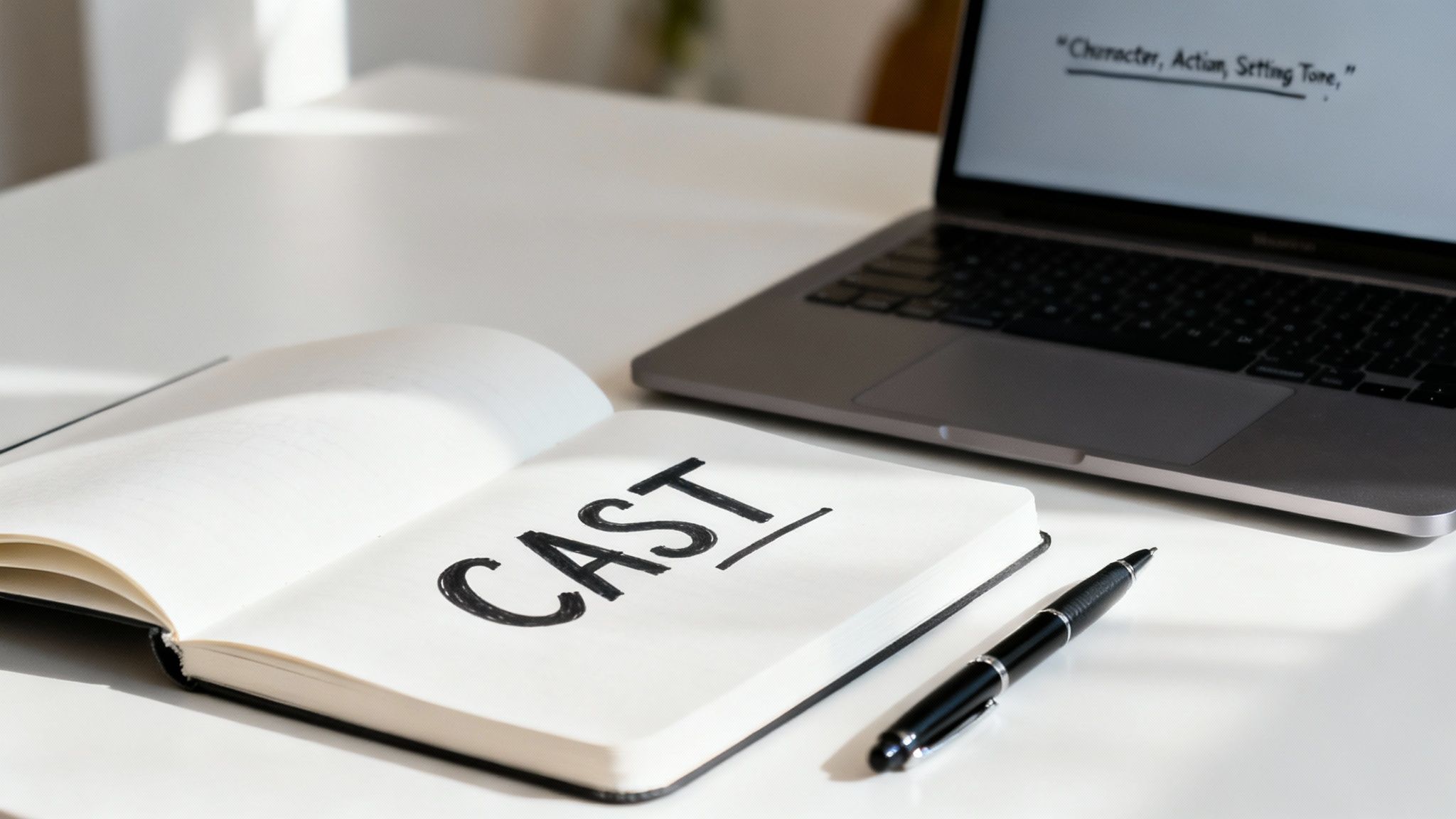
To make this dead simple, I came up with a little framework I call CAST. It’s a straightforward method I use to structure my prompts, and it consistently produces better, more nuanced stories. It forces you to cover the critical narrative components before the AI writes a single word.
The CAST Framework for Story Prompts
CAST is just an acronym for Character, Action, Setting, and Tone. By nailing down these four elements, you give the AI a rich foundation to build upon. This little checklist helps you move past fuzzy ideas and create prompts with real substance.
Let's break it down:
- Character: Who is this story about? Give them more than just a label. Give them a name, a motivation, a quirk. Instead of "a man," try "Elias, a retired clockmaker haunted by the feeling that his own time is running out."
- Action: What’s happening? This is your plot in a nutshell. Don't just say "finds something." Get specific: "discovers a strange, dusty map hidden inside a grandfather clock he’s repairing."
- Setting: Where and when are we? Descriptive details are your best friend here. "In a shop" is boring. How about, "in his dimly lit workshop, filled with the constant ticking of countless clocks and the faint smell of old wood and oil."
- Tone: What’s the vibe? Is this story mysterious, funny, suspenseful, or heartwarming? The tone dictates everything from the AI’s word choice to the story’s pacing.
See how this turns a bland idea into a powerful prompt?
The Vague Prompt: “A man finds a map and goes on an adventure.”
The CAST-Powered Prompt: “Elias, a retired clockmaker who believes time is running out, discovers an old, dusty map in a grandfather clock he’s repairing. The setting is his dimly lit workshop, filled with ticking clocks. The tone should be mysterious and filled with a sense of wonder and urgency.”
The difference is night and day. The second prompt gives the AI specific, tangible details to grab onto, leading to a much more compelling narrative right out of the gate.
Real-World Prompt Examples
Let's put this into practice with a couple of scenarios that are perfect for short-form video. A killer prompt is the first step to creating a video that actually stops the scroll. If you want to dive deeper, exploring collections of powerful text to image prompts is a great way to see just how much specificity can transform a creative output.
Scenario 1: Sci-Fi TikTok Story
- Character: Kael, a cynical data scavenger scraping by on a desolate Mars colony.
- Action: He accidentally intercepts a ghost signal—a distress call from a legendary Earth ship that vanished a century ago.
- Setting: His cluttered, claustrophobic workstation, lit only by the glow of holographic screens.
- Tone: Tense, suspenseful, and deeply eerie.
Scenario 2: Feel-Good Instagram Reel
- Character: Maya, a young urban gardener obsessed with growing a single, impossibly rare flower.
- Action: After weeks of constant failure and near-despair, she wakes up one rainy morning to see the first perfect bloom.
- Setting: A tiny, vibrant balcony garden that provides a splash of color against a grey, bustling cityscape.
- Tone: Hopeful, uplifting, and quietly heartwarming.
Getting this part right is everything. Your prompt shapes the script, and that script is the foundation for the entire video. This is the most crucial part of the workflow, especially when you're using the best https://motionlaps.app/en/blog/text-to-video-ai-tools to bring your stories to life.
From Raw Text to a Polished Video Script
Let's be real: an AI's first draft is more like a rough sketch than a masterpiece. Think of the text from an ai story creator as your raw material. It’s a fantastic starting point, loaded with potential, but it needs a human touch to truly shine and connect with an audience.
Your role here is to step in as the editor. The AI handles the heavy lifting of story generation, but it often misses the subtleties—the pacing, the emotional beats, and the unique voice that makes a story feel real. Your job is to inject that soul into the script.
Sharpening the Narrative and Dialogue
First things first, just read the script aloud. Does it make sense? Is there a clear beginning, middle, and end? Sometimes, AI can get sidetracked, creating scenes that feel out of place or introducing plot points that just fizzle out. Your initial pass is all about smoothing those connections and building a tight, cohesive narrative.
Next, zoom in on the dialogue. AI-generated speech can come across as wooden or overly proper. It's time to make it sound like something an actual person would say.
- Trim the Fat: Be ruthless. If a word or sentence doesn't push the story forward, cut it. In short-form video, every single second counts.
- Use Contractions: Simple trick, big impact. Swap "I am" for "I'm" and "they will" for "they'll." It instantly makes dialogue feel more casual and authentic.
- Inject Personality: Does every character sound the same? Give them a distinct voice. Maybe one is witty and sarcastic, while another is anxious and speaks in short, clipped sentences.
This is where the magic happens. You’re layering in the small details that transform a generic script into something that feels lived-in and memorable.
An AI script gives you the skeleton. Your edits provide the heart and soul, turning a sequence of events into an experience that grabs a viewer's emotions.
Structuring for the Small Screen
Editing a story for TikTok or YouTube Shorts is a totally different ballgame than writing a book. You're fighting for attention in a sea of content, so your story needs to be built for instant impact. This means breaking your script down into small, distinct scenes.
I’ve found the best approach is to create a new scene for every key moment or shift in the story. Each scene will become a new visual in the video, keeping the viewer hooked and preventing them from swiping away. You can find more practical tips on this in our guide on how to make AI videos.
Here’s a simple framework that works wonders for short-form video:
- The Hook (Scene 1): The first 3 seconds are everything. Start with a question, a shocking statement, or a visually compelling moment.
- Rising Action (Scenes 2-4): Quickly build the tension or lay out the core problem. No time for slow burns here.
- The Climax (Scene 5): This is the peak of your story—the big reveal, the emotional punch, the moment of truth.
- The Resolution (Scene 6): Wrap it up with a quick, satisfying ending that feels complete.
By breaking your story into this structure, you're essentially creating a blueprint. It guides the video creation AI, ensuring the final product is dynamic, visually engaging, and keeps people watching until the very last second.
Breathing Life Into Your Story with Voice and Music
Okay, you've hammered out a script you're proud of. Now for the fun part: giving it a voice and a soul. This is where your story stops being just words on a page and starts to feel like a living, breathing thing. Getting the AI voice and background music right is less of a technical task and more of an art form—it’s how you’ll make your audience feel something.
The AI voice is a huge deal. Seriously, it can make or break your entire video. If the voice doesn't fit the vibe, it's immediately jarring and pulls people right out of the world you’ve built. But when you nail it? It adds a layer of authenticity that makes the story stick. Don't just think in terms of "male" or "female." Is your narrator an old, wise sage? A frantic eyewitness? A curious child?
Most good ai story creator tools give you a ton of voices to play with, letting you get super specific with accents, ages, and even emotional tones.
Finding a Voice That Fits the Vibe
The whole game is matching the voice to the tone of your script. If you’ve written a dark, moody piece, you need a voice that can carry that weight. A deep, slow-paced voice can work wonders for a suspenseful thriller, while a warmer, more energetic tone is perfect for something uplifting.
Let's get practical. Imagine you’re creating:
- A tense sci-fi short: Try a calm, almost robotic voice. That slight lack of emotion can create an incredibly eerie and unsettling atmosphere.
- A heartwarming animal rescue story: You’ll want a gentle, friendly voice. Something that radiates compassion and makes the viewer feel safe and fuzzy inside.
- A snappy historical explainer: Go for a confident, clear, and authoritative voice. It’ll grab your audience's attention and make the facts land with more impact.
Don't be afraid to audition a few different voices. Play a couple of lines from your script through several options before you decide. I’ve often found that the voice I initially overlooked ends up being the most compelling choice for the story.
The right voice is the bridge between your words and your audience's heart. It's not just reading a script; it's performing the emotion behind it.
Using Music to Set the Scene
With the narration locked in, it's time to add music. A good soundtrack is your secret weapon; it works on a subconscious level, telling your audience how to feel without ever saying a word. Research on background music in media has shown over and over that it dramatically shapes how we interpret what we're watching.
Think about the emotional arc of your story. The music needs to follow that journey, swelling at the dramatic peaks and pulling back during quiet moments. It should support the narration, not fight it for attention.
Here are a few classic pairings to get you started:
| Story Genre | Music Style | What It Does |
|---|---|---|
| Suspense/Mystery | Low, ambient synth tracks with a slow tempo | Builds that creeping tension and sense of unease. |
| Comedy/Lighthearted | Upbeat ukulele or quirky, playful melodies | Instantly creates a fun, cheerful, and engaging vibe. |
| Emotional/Dramatic | Soft, minimalist piano or orchestral strings | Pulls at the heartstrings, evoking empathy or inspiration. |
| Action/Adventure | Epic, cinematic scores with driving percussion | Cranks up the excitement and gives your story a grand scale. |
The MotionLaps platform, or whatever tool you're using, will have a library of royalty-free tracks. Spend some real time digging through it. Look for a track that not only fits your genre but also has enough variation to match the highs and lows of your story. Get this right, and you’ll turn a simple story into something truly memorable.
Automating Video Production for Maximum Impact
You’ve got your polished script and the perfect audio ready to go. Now for the fun part. This is where the ai story creator really starts to shine, taking all your pieces and building a complete, visually compelling video without you having to wrestle with a single editing timeline.
Forget about spending hours digging through stock footage libraries. You just give the platform your script. The AI reads it, understands the context of each scene, and automatically pulls in relevant, high-quality video clips that actually match your narrative. This isn't just about finding random clips; it’s about intelligent matching that keeps the visuals in sync with your story's flow.
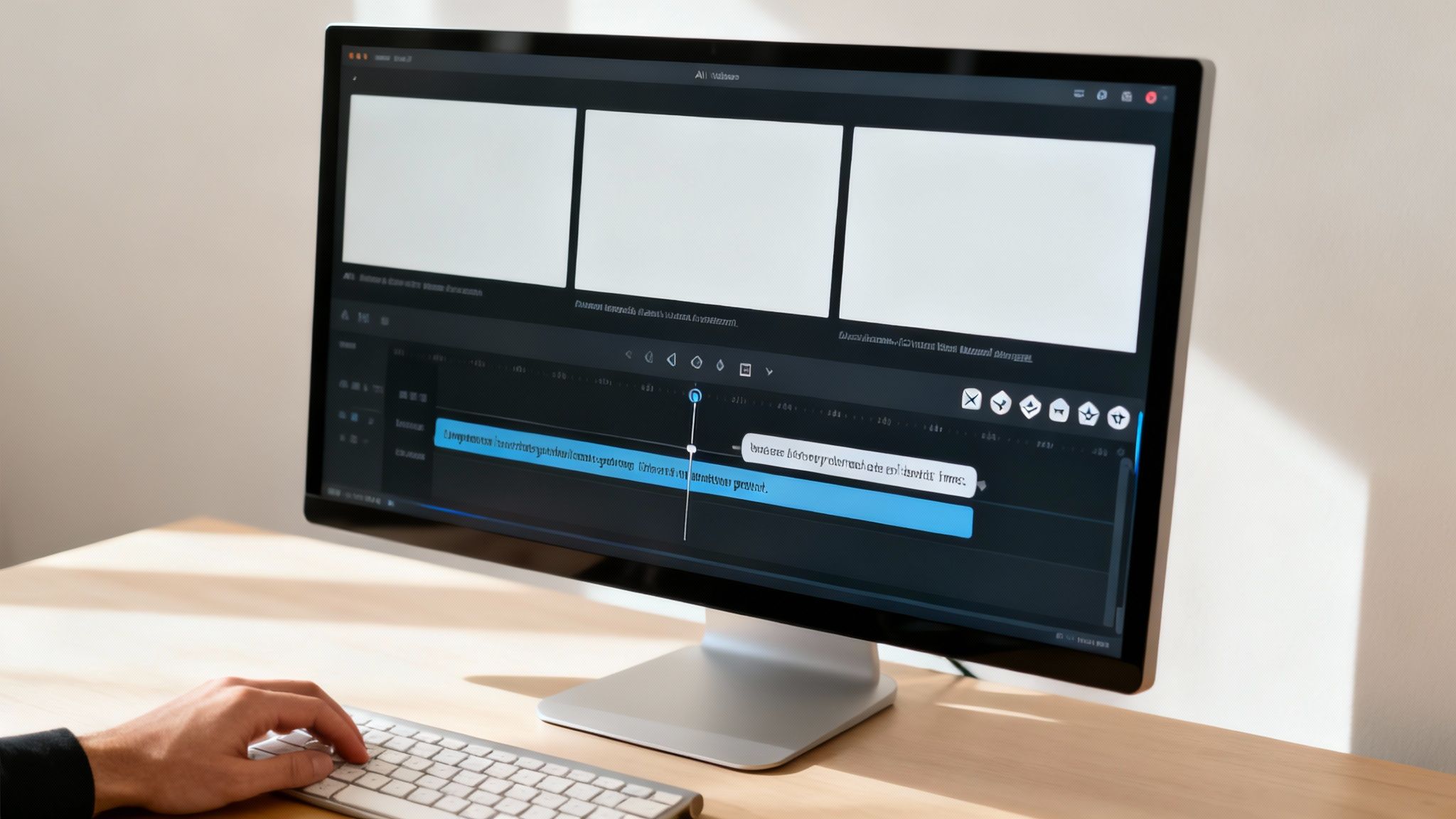
Platforms like MotionLaps make this whole process incredibly straightforward with a clean, intuitive interface. It takes what used to be a complicated task and makes it accessible to anyone. From there, the tool perfectly syncs your narration, adds dynamic, timed subtitles to keep viewers hooked, and layers in the background music you chose earlier.
The Human Touch in the Final Review
Once the video pops out—which usually only takes a few minutes—your role switches from editor to director. The AI gives you a fantastic starting point, but a quick human review is what turns a good video into a great one. This is your chance to add that final bit of polish.
Maybe you'll notice a specific clip just doesn't hit the right emotional note. On most platforms, swapping it is as easy as drag-and-drop. You can quickly browse for a better alternative that fits your vision, giving you creative control without the technical frustration.
Checking the subtitle timing is also a smart move. The AI is usually spot-on, but you might want to tweak the pacing to emphasize a key word or add a dramatic pause. It's these small adjustments that really elevate the final video and boost its chances of going viral. This kind of automation is part of a much bigger picture; the AI book writing market, for instance, is expected to jump from USD 2.8 billion to over USD 47.1 billion by 2034. This surge in demand for AI creative tools shows just how powerful this trend is. You can explore the full report on this parallel market growth to see where things are headed.
Unlocking Creativity and Consistency
The real game-changer here isn't just the time you save—though that’s a massive win. By automating the tedious, repetitive parts of making a video, you free up your brainpower to focus on what actually matters: your ideas and your overall strategy.
Instead of getting bogged down in editing software, you can spend your time brainstorming new stories, refining prompts, and engaging with your audience. This shift is what enables consistent output without creative burnout.
Here’s what that actually allows you to do:
- Batch Creation: Come up with five story ideas in the morning and have all five videos produced and scheduled before you break for lunch.
- Rapid A/B Testing: Curious if a story would do better with a different hook or visual style? You can generate multiple versions in minutes, not hours, to test and find out.
- Sustained Momentum: On platforms like TikTok and YouTube, consistency is king. Automation lets you keep up a regular posting schedule, keeping your channel active and your audience coming back for more.
At the end of the day, using an AI story creator isn't about replacing your creativity. It’s about amplifying it. It tears down the barriers that used to stand between a great idea and a finished video, letting you create more, create faster, and make a much bigger impact.
Got Questions About AI Story Creators? Let's Clear Things Up.
Jumping into AI-powered storytelling is a game-changer, but it’s natural to have questions. You might be thinking about the creative side of things, the legal stuff, or just how fast this process really is. Let's walk through the big questions I hear all the time.
My goal is to cut through the noise and give you straight answers. Think of this as a quick chat to make sure you feel confident and ready to make the most of this technology.
Can I Actually Create a Unique Story with an AI?
Yes, you absolutely can. It’s a common myth that AI just spits out generic, cookie-cutter content. The truth is, the AI is your co-pilot, not the driver. The story's soul comes from you.
Originality isn't baked into the AI; it's injected by your vision. It starts with the unique prompt you write, continues with the personal tweaks you make to the script, and is finalized by your choices in voice and music. When you use a framework like CAST to combine a specific character with an unusual problem, you're already steering the AI down a path no one else has taken. Your human touch is the secret ingredient.
What's the Deal with Copyright for AI-Generated Videos?
This is a hot topic, and the legal landscape is still taking shape. But here’s the current consensus: the more human creativity you put in, the stronger your claim to ownership.
Your creative input is what matters most. This includes:
- Your original prompt: This is the blueprint that sets the entire creative direction.
- Your script edits: Every change to dialogue, pacing, or structure is your contribution.
- Your curation: Selecting the perfect voice, music, and visual style is a creative act.
Plus, a solid platform like MotionLaps uses licensed, royalty-free stock footage, which means you’re generally in the clear for commercial use. That said, it's always smart to glance over the terms of service for any tool you use.
Your creative decisions and edits are your strongest asset in establishing ownership. The more you transform the AI's output, the more the final work becomes a product of your own creative expression.
Seriously, How Long Does This Whole Process Take?
This is where you'll really be impressed. Once you get into a rhythm, the speed is incredible. A polished, 60-second video can be done and dusted in as little as 15 to 30 minutes.
Here's what that looks like in practice:
- Ideation and Prompting (5-10 minutes): Nailing down your idea and crafting a strong prompt.
- Script and Audio Polish (10-15 minutes): Fine-tuning the script and picking out the perfect voice and music to match the vibe.
- Video Generation and Final Check (Under 5 minutes): The platform does the heavy lifting in moments, leaving you with a quick final review.
Compare that to the hours—or even days—it takes to shoot, edit, and produce a video the old-fashioned way. It's a massive shortcut.
Where Do These Videos Perform Best?
These AI stories are practically built for the fast-paced world of vertical, short-form video. Their structure is a perfect match for how people consume content on social media today.
The top spots to post are:
- TikTok: Its algorithm loves compelling narratives, and this workflow lets you feed it consistently.
- Instagram Reels: Visuals are king here, and stories with bold, clear subtitles always do well.
- YouTube Shorts: This is a huge opportunity for growth. Story-driven content is a fantastic way to attract new subscribers and build a community fast.
The quick cuts, animated subtitles, and hook-driven narratives are precisely what stop the scroll. Best of all, the speed of creation means you can post consistently—the single biggest factor for winning with these algorithms.
Ready to stop spending hours on video editing and start producing viral-ready content in minutes? MotionLaps gives you the power to turn any idea into a polished video with just a few clicks.
Start creating your first AI-powered story today at MotionLaps.app