
The 12 Best AI Video Generator Tools for Creators in 2026
 Mahmudul Hasan
Video is no longer optional for creators, marketers, and brands. Audiences on platforms like TikTok, YouTube Shorts, and Instagram Reels demand a constant stream of high-quality, engaging content. Traditional video production is often slow, expensive, and requires specialized skills. This is where AI video generators come in, transforming a complex process into a streamlined workflow that takes minutes instead of days.
These powerful tools automate everything from scripting and voiceovers to visual creation and editing, allowing you to scale your output without scaling your budget or team. Whether you're a solo creator building a faceless channel, a marketer testing ad creative, or an agency producing content for multiple clients, finding the best AI video generator for your specific needs is critical to staying competitive and efficient.
This guide cuts through the noise to provide a detailed, practical comparison of the top platforms available today. We'll dive deep into their core features, ideal use cases, pricing, and limitations. Beyond generating engaging visual content, AI also offers powerful capabilities for analyzing and optimizing your videos. For instance, you can leverage AI video summarizer tools to quickly distill key moments from long-form content for repurposing into short-form clips. Our goal is to equip you with the insights needed to choose the one that aligns perfectly with your goals.
Inside, you will find:
- A detailed analysis of each tool's strengths and weaknesses.
- Direct links and screenshots for a clear overview.
- Actionable recommendations for specific workflows, from text-to-video to AI avatars.
1. MotionLaps
Best For: End-to-End Automated Short-Form Video Production
MotionLaps distinguishes itself as a premier AI video generator by offering a complete, automated production pipeline designed for speed and scale. It excels at transforming a simple idea into a polished, viral-ready short-form video in minutes. This makes it an invaluable tool for creators, marketers, and agencies who need to produce high volumes of content for platforms like YouTube Shorts and TikTok without getting bogged down in complex editing software.
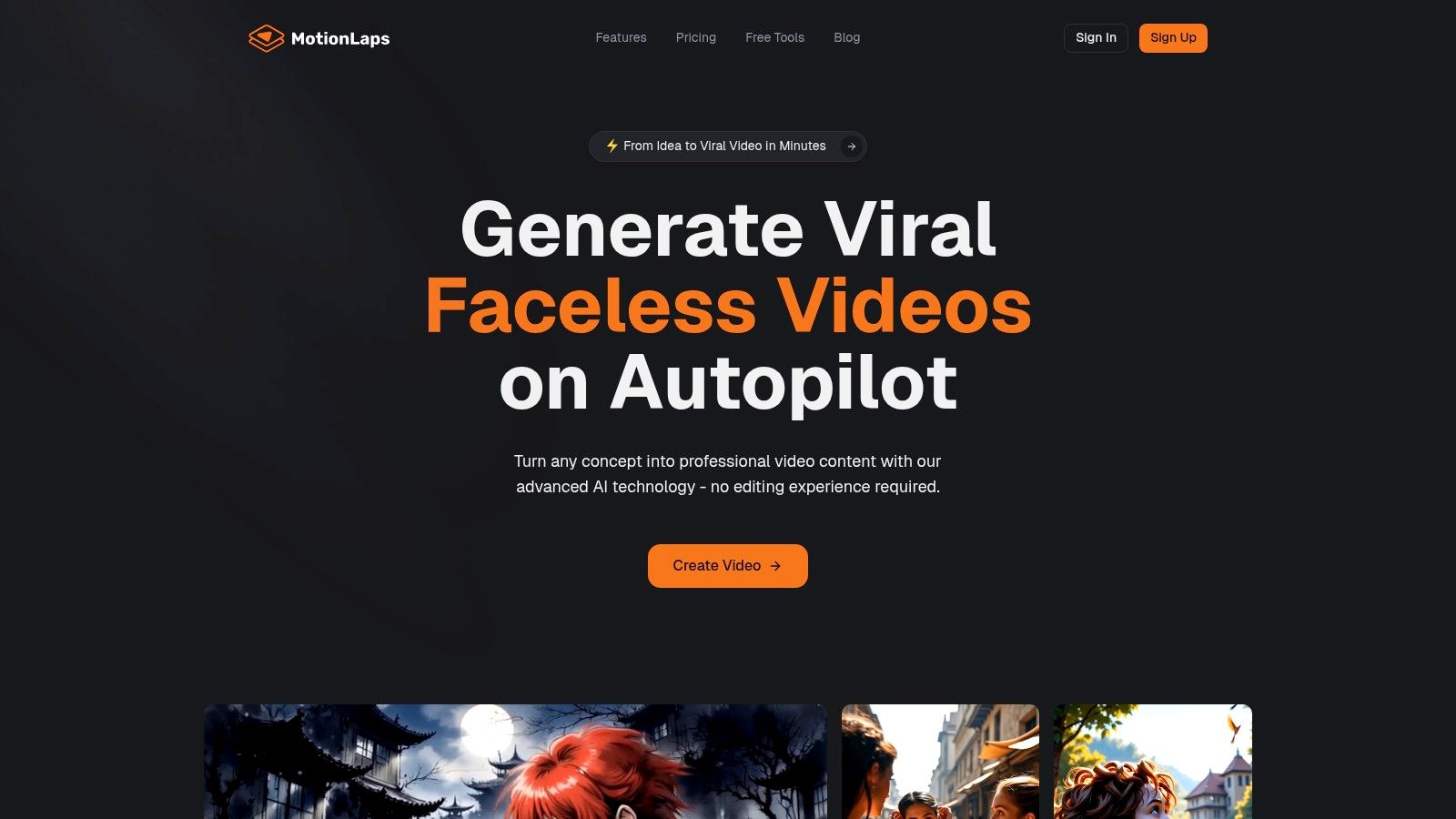
The platform's core strength lies in its streamlined three-step workflow: Script → Voice → Music. This process leverages a powerful combination of advanced AI models for scriptwriting, lifelike neural voice synthesis from top providers like OpenAI and Google, and synchronized royalty-free music. The result is professional, faceless narrated videos that are engaging and ready to publish.
Standout Features & Analysis
What truly sets MotionLaps apart is its synthesis of automation with creative control. Users can select from a diverse range of distinctive visual styles, including photorealistic, animation, Japanese ink wash, and dark fantasy, ensuring content aligns perfectly with brand identity. This versatility allows for rapid A/B testing of different creative approaches to see what resonates most with an audience.
Furthermore, its built-in scheduling and multi-platform distribution capabilities turn content creation into a hands-off, continuous engine for growth and monetization.
Practical Use Cases & Considerations
- Content Scaling: Ideal for creating dozens of faceless explainer videos or narrated shorts weekly without hiring a large team.
- Marketing Funnels: Build a video-first marketing strategy by quickly generating content for every stage of the customer journey.
- Creative Testing: Agencies can efficiently produce multiple video variations for ad campaigns to optimize performance.
While the platform is incredibly powerful, pricing information is not publicly listed on the main product pages. Prospective users will need to visit the dedicated Pricing page or contact sales for details on plans and feature limits. The AI-generated output is high-quality, but creators requiring meticulous, frame-by-frame manual control may find the automation restrictive.
Visit Website: https://motionlaps.ai
2. Runway
Runway positions itself as a comprehensive content creation suite, merging powerful generative AI models with a full-featured video editor. This integrated approach is its key differentiator, allowing creators to generate, edit, and finalize video projects without switching between applications. It is an ideal platform for users who need more than just a text-to-video tool, offering a complete workflow from initial concept to polished export.
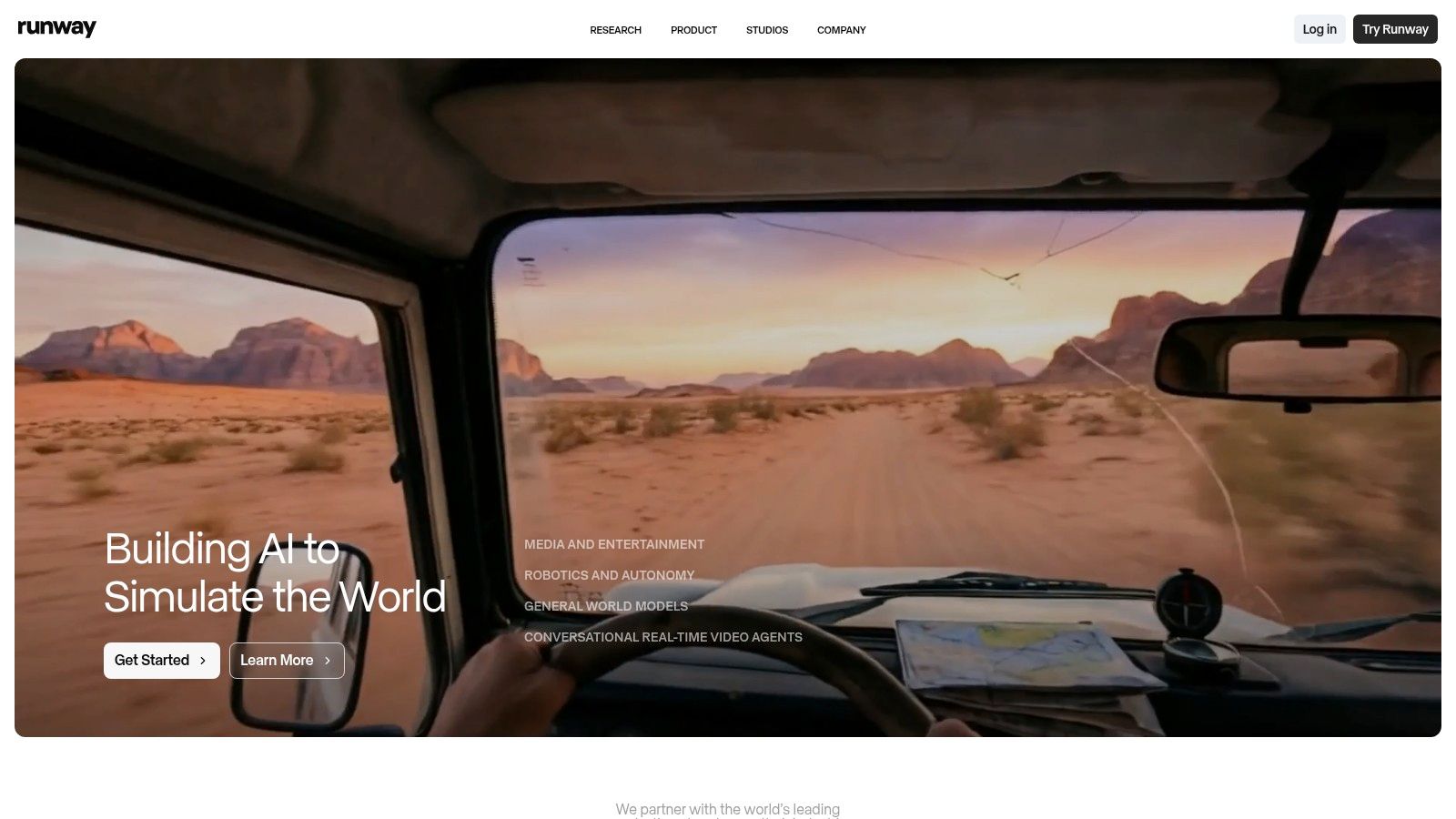
The platform is built around its Gen-4 and Gen-4.5 models, which enable text-to-video, image-to-video, and video-to-video generation. This makes it a strong contender for the title of best AI video generator for creatives who value granular control. The non-linear editor feels familiar to anyone with video editing experience, providing a space to stitch together multiple AI-generated clips, add sound, and apply effects. This all-in-one environment significantly speeds up production for short-form content.
Key Features & Use Cases
- Integrated Editor: Unlike most generators, Runway includes a timeline-based editor. This is perfect for assembling narrative shorts for TikTok or YouTube by combining multiple short AI clips.
- Multi-Modal Generation: Use text, images, or even existing videos as a starting point, giving you diverse creative pathways.
- Team Collaboration: Pro and Enterprise plans offer shared workspaces and assets, making it suitable for creative agencies managing multiple projects.
Pricing and Limitations
Runway operates on a credit-based system, which can initially seem confusing. Each generation consumes a specific number of credits, with paid plans offering monthly allotments and the option to buy more. While the free tier is useful for testing, consistent creators will need a paid plan (starting at $12/user/month) to remove watermarks and access advanced features like upscaling. For those looking to understand how this integrated system compares to other tools, you can explore more about AI video editing software to see the full landscape.
Website: https://www.runwayml.com
3. Luma AI (Dream Machine)
Luma AI's Dream Machine has rapidly gained attention for its ability to produce remarkably high-quality, cinematic video clips from simple text or image prompts. Its core strength lies in generating realistic physics and fluid camera motion, making it a powerful tool for creators aiming for a polished, professional look in their short-form content. The platform is designed for directness, focusing purely on generation rather than a full editing suite.
This focus on generation quality makes it a strong candidate for the best AI video generator for those who prioritize visual fidelity and dynamic movement above all else. Dream Machine is excellent for creating captivating establishing shots, dream-like sequences, or product visuals where smooth motion is key. Users can input text or a reference image and receive a short clip that often feels more like it was shot with a real camera than generated by an algorithm, complete with natural character movement and coherent environmental interactions.
Key Features & Use Cases
- High-Fidelity Motion: Generates video with realistic physics and cinematic camera movements, perfect for creating visually stunning clips for Instagram Reels or product showcases.
- Extend and Reframe Tools: Allows users to extend the duration of their generated clips or change the aspect ratio, providing more flexibility for different social media platforms.
- Transparent Credit System: Clearly displays the credit cost for different generation modes (Draft vs. HiFi) and resolutions, so users can manage their usage effectively.
Pricing and Limitations
Luma AI offers a free plan with a generous monthly allotment of generations, making it highly accessible for experimentation. However, these free clips come with a watermark and are limited to non-commercial use. Paid plans (starting at $29.99/month) provide more monthly generations, remove the watermark, grant commercial rights, and allow for a higher number of simultaneous generations. The primary limitation is the short clip length, which is currently capped at around 10 seconds per generation.
Website: https://lumalabs.ai/dream-machine
4. Pika
Pika has rapidly emerged as a creator-centric AI video generator, emphasizing speed, modular effects, and a social-first workflow. Its key differentiator is a highly iterative approach, providing users with multiple model tracks (like Turbo and Pro) and distinct effect modules. This allows creators to quickly generate a base video and then refine it with specific additions or swaps, making it ideal for the fast-paced demands of social media content.
The platform excels at text-to-video and image-to-video generation, but its strength lies in its specialized tools like Pikascenes for transforming landscapes and Pikaswaps for changing specific elements within a video. With a dedicated iOS app and an accessible API, Pika is built for creators who need to produce content on the go or integrate AI video generation into automated workflows, solidifying its position as a top contender for the best AI video generator for rapid iteration.
Key Features & Use Cases
- Modular Effects: Tools like Pikascenes and Pikadditions allow for targeted enhancements, perfect for creating dynamic TikTok or Instagram Reels content where specific visual gags or transformations are key.
- Multiple Model Tracks: Users can switch between models like Turbo (for speed) and Pro (for quality), offering flexibility based on project needs, from quick drafts to polished final clips.
- API Access: The per-second priced API is a powerful asset for developers or agencies looking to programmatically create video content at scale for marketing campaigns or personalized media.
Pricing and Limitations
Pika uses a credit-based model where different actions and models consume credits at varying rates. A free tier is available for experimentation, but consistent use requires a paid plan (starting at $8/month) to remove the watermark and access a larger credit pool. While the entry point is affordable, be mindful that generating at 1080p or using the Pro model can deplete credits quickly. The pricing structure can also change, so users often need to check in-app or on community pages for the most current rates.
Website: https://pika.art
5. Synthesia
Synthesia has established itself as a leader in AI-driven corporate video production, specializing in polished, avatar-led presentations. Its core strength lies in transforming scripts into professional-grade training modules, explainer videos, and internal communications with remarkable speed and scalability. This makes it an ideal choice for businesses looking to create consistent, high-quality video content without the logistical challenges of traditional filming, such as studio time or on-screen talent.
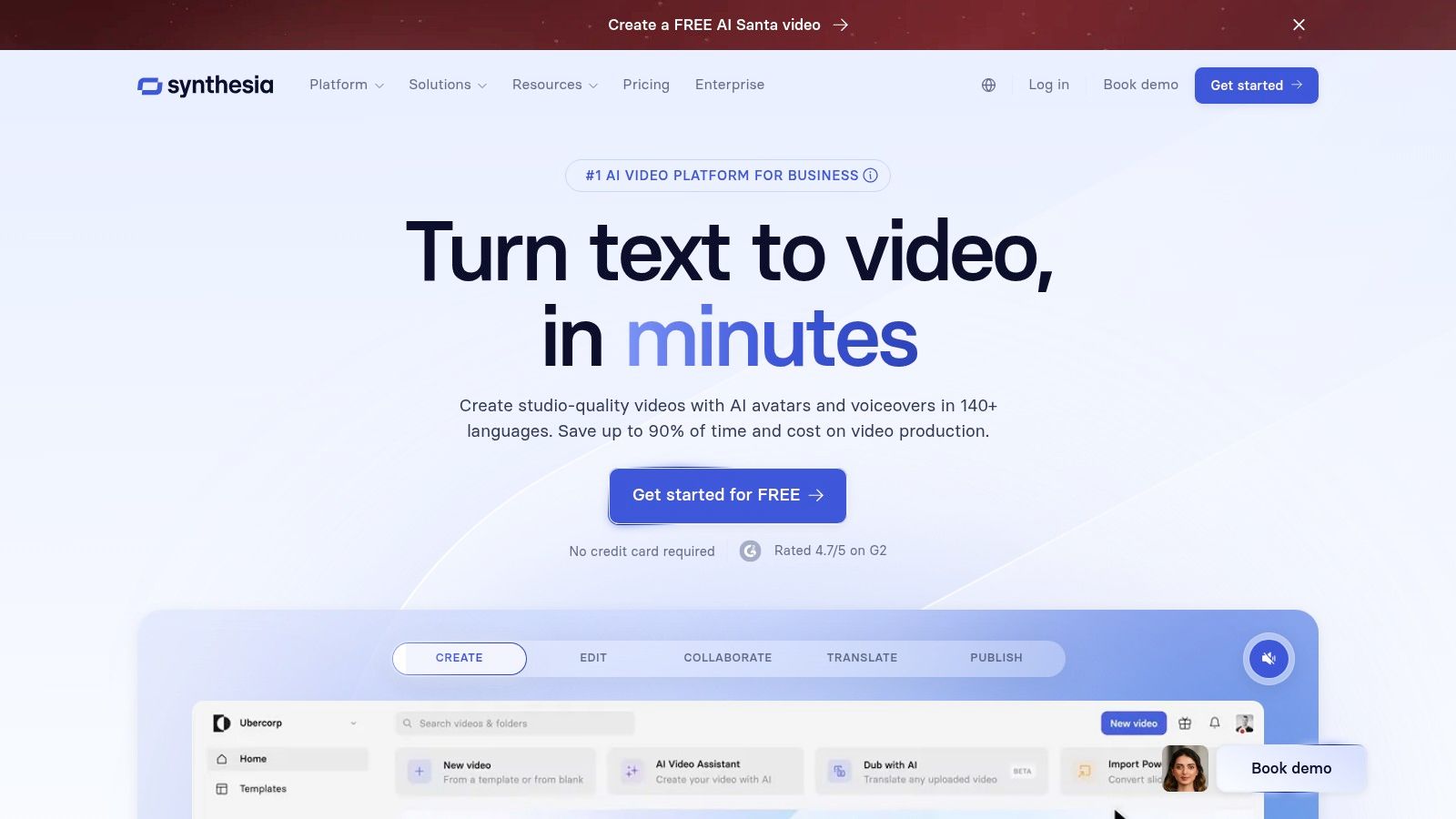
Unlike free-form cinematic generators, Synthesia excels in a structured, presenter-based format. Users select from over 125 diverse stock avatars or create custom ones, input their script, and the platform generates a video with realistic lip-syncing and voiceovers. This focus on avatar-based content makes it a powerful tool for enterprises that need to localize training materials or marketing messages efficiently, offering support for over 80 languages and dialects. It stands out as one of the best AI video generator platforms for corporate and educational applications.
Key Features & Use Cases
- AI Avatars & Voices: Choose from a vast library of stock avatars or create a custom digital twin for a consistent brand presence in training videos.
- Multi-Language Support: Localize a single video into dozens of languages with automated dubbing, perfect for global companies creating onboarding materials.
- Enterprise-Ready Features: Higher-tier plans include crucial business tools like SCORM export for LMS integration, SAML/SSO for security, and team collaboration workflows.
Pricing and Limitations
Synthesia’s pricing is based on a subscription model, with plans providing a set number of video "minutes" per year. The personal plan is suitable for individuals, while the corporate plans are designed for teams and offer advanced features like brand asset management and custom avatars. A key limitation is its focus; it is not designed for creative, scene-based video generation but excels at presenter-led content. This makes it less suitable for social media storytelling but invaluable for corporate needs. For those wanting a broader understanding of how these different tools function, you can learn more about how to make AI videos to compare approaches.
Website: https://www.synthesia.io
6. HeyGen
HeyGen has carved out a niche as the go-to platform for creating professional, avatar-driven videos with remarkable ease. Instead of focusing on cinematic or abstract scene generation, HeyGen excels at producing polished corporate communications, educational content, and marketing materials. Its core strength lies in its extensive library of realistic AI avatars and high-quality voice cloning, making it ideal for businesses needing to scale video production without the costs of filming.
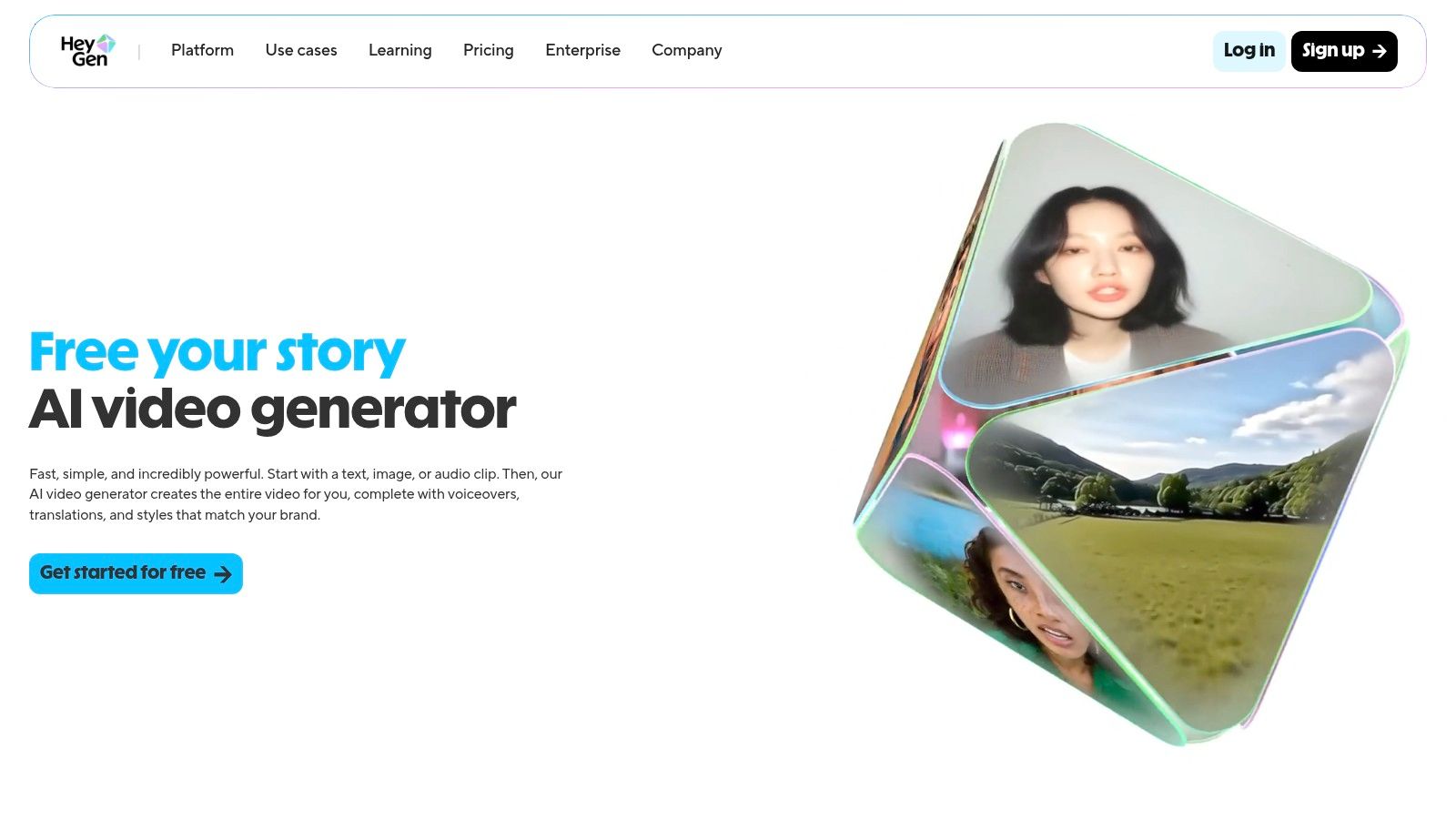
The platform is designed for speed and efficiency, appealing to users who are not video editing professionals. You can generate a video simply by typing a script, choosing an avatar, and selecting a voice. The multilingual translation and dubbing feature is a powerful tool for global teams, allowing a single video to be quickly adapted for different regions. This focus on practical business applications makes it a strong contender for the best AI video generator for corporate use.
Key Features & Use Cases
- AI Avatars: Choose from a library of 500+ stock avatars or create a custom one for a consistent brand presence in training videos or customer onboarding.
- Video Translation: Automatically translate and dub your video into over 30 languages, maintaining your own voice and lip movements for authentic global messaging.
- Team Collaboration: Business plans offer shared workspaces, asset management, and security features like MFA, making it suitable for HR and marketing departments.
Pricing and Limitations
HeyGen uses a credit-based subscription model. A limited free plan lets you experiment with the features, but you'll need a paid plan (starting at $24/month) to remove the watermark and access more credits and premium avatars. While its user-friendly interface is a major advantage for quick turnarounds, its primary focus on avatar-led presentations means it lacks the open-ended, creative scene-generation capabilities of tools like Runway or Sora.
Website: https://www.heygen.com
7. D-ID (Creative Reality Studio)
D-ID's Creative Reality Studio specializes in generating talking-head videos from text or audio, making it a go-to tool for corporate training, explainer videos, and digital assistants. Rather than creating full cinematic scenes, its strength lies in producing photorealistic avatars that speak with highly accurate lip-syncing. This focus makes it a powerful asset for creators who need to quickly produce presenter-style content without hiring actors or filming.
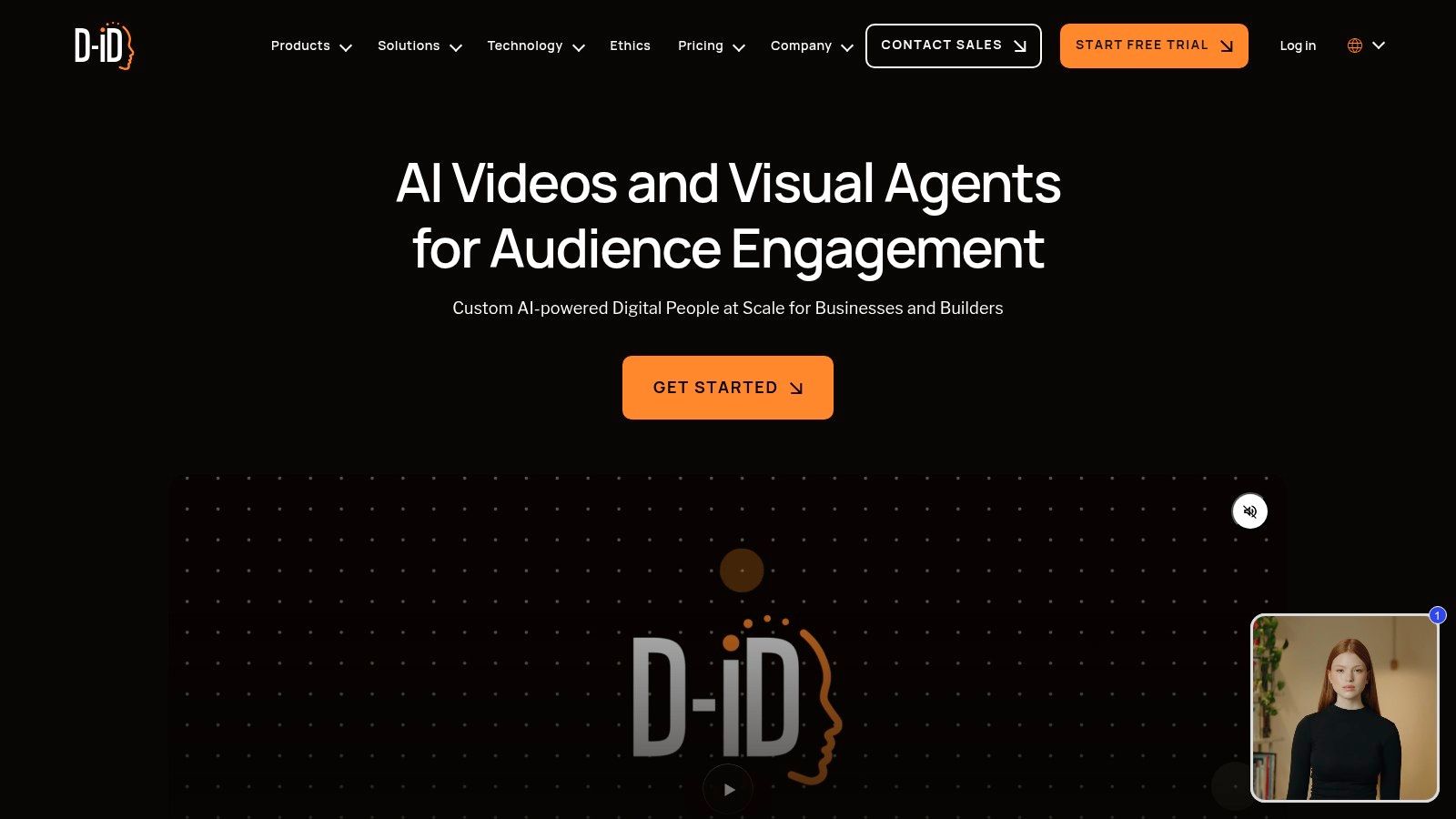
The platform is engineered for efficiency, allowing users to select a pre-made avatar or upload their own image, input a script, and generate a video in minutes. With support for over 120 languages and a robust API, D-ID is built for scalable and automated video production. While it may not be the best AI video generator for artistic or narrative projects, it excels in its niche of creating professional, avatar-led communications for business and educational purposes.
Key Features & Use Cases
- High-Quality Lip-Sync: Its core technology ensures avatars' mouth movements match the audio track with impressive realism, ideal for creating training modules or customer support videos.
- Extensive Language Support: With over 120 languages and a variety of voices, it's perfect for global brands creating localized marketing or HR content.
- API Integration: Developers can integrate D-ID's capabilities into their own applications, enabling real-time video generation for chatbots or personalized sales outreach.
Pricing and Limitations
D-ID uses a credit-based system, where credits are consumed based on video length (typically in 15-second increments). A free trial is available to test the platform but includes a prominent watermark. Paid plans start at $4.70/month for the Lite plan, which provides 10 minutes of video generation. To get commercial rights and access to premium avatars and the API, users will need the Pro plan or higher. The primary limitation is its focus; it's designed for talking avatars and lacks broader scene generation capabilities.
Website: https://www.d-id.com
8. Kaiber
Kaiber carves out its niche as a creator-focused AI video generator, specializing in stylized, music-reactive visuals. It excels at transforming static images or text prompts into vibrant, rhythmic animations, making it a favorite among musicians, artists, and social media creators looking for a distinct aesthetic rather than photorealistic output. Its strength lies in producing unique, eye-catching clips that sync well with audio for music videos or promotional content.
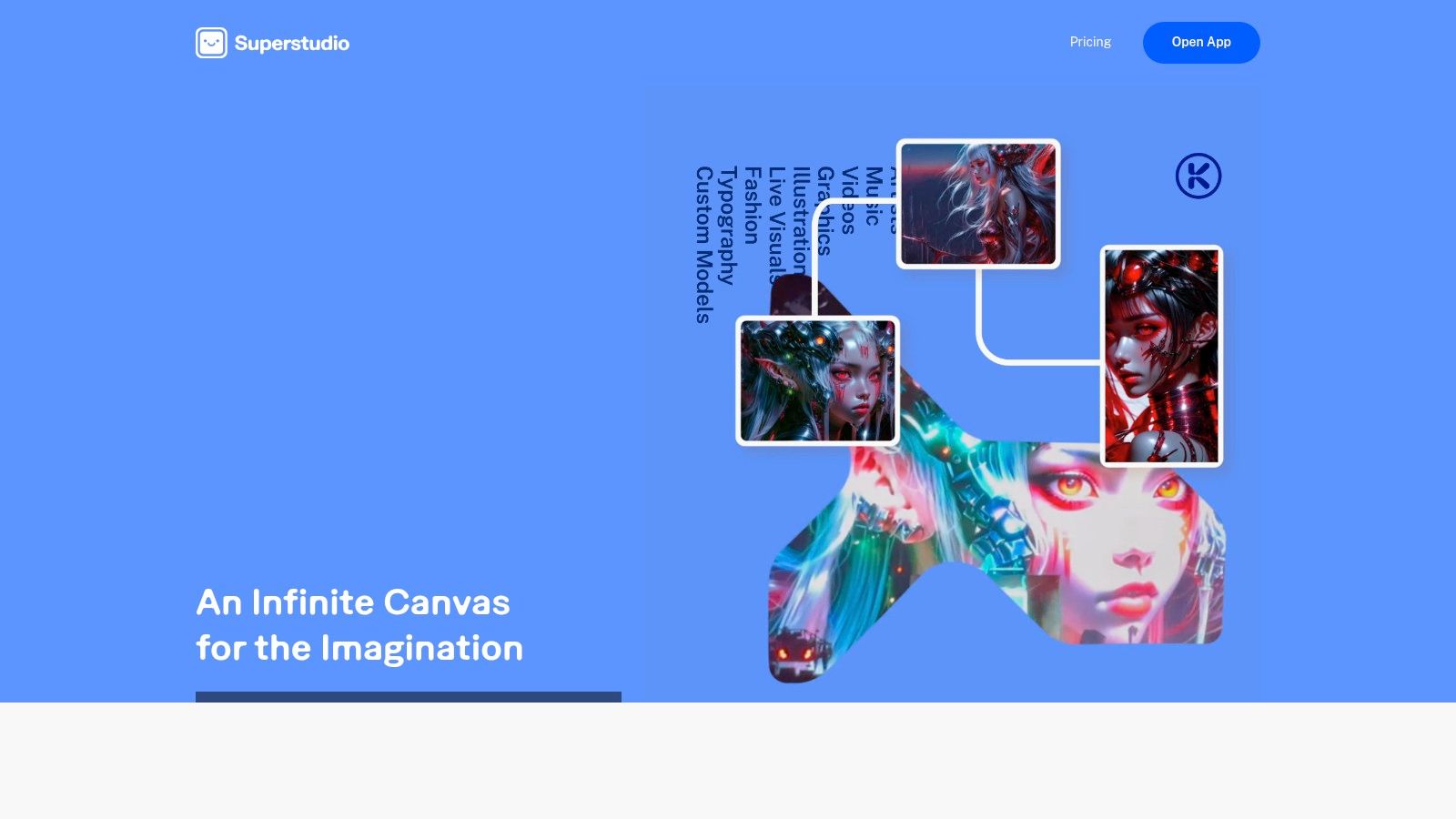
The platform is designed for users who want to create visually compelling, artistic motion graphics without a steep learning curve. Its image-to-video animation features bring still art to life with customizable motion controls, offering a different creative avenue compared to more cinematic tools. This focus on artistic transformation makes it a strong candidate for the best AI video generator for projects demanding a specific, stylized look.
Key Features & Use Cases
- Music Reactivity: Automatically animates visuals in sync with an uploaded audio track, perfect for creating music visualizers for Spotify Canvas or YouTube.
- Stylized Animation: Transform your photos or prompts into various artistic styles, ideal for creating unique looping visuals for social media posts or digital art projects.
- Flexible Credit System: Pay-as-you-go credit packs and mobile app options make it accessible for one-off projects or creators who don't need a monthly subscription.
Pricing and Limitations
Kaiber uses a flexible credit-based system with both subscription plans (starting at $5/month) and one-time credit packs. This model offers an affordable entry point for experimentation. However, users should confirm pricing directly in the app, as promotional offers can sometimes differ from the information on help pages. Its primary limitation is its focus; it produces less realistic and cinematic output compared to competitors like Runway or Luma, focusing instead on artistic and abstract animation.
Website: https://kaiber.ai
9. InVideo AI
InVideo AI is a workflow-centric platform designed for speed, positioning itself as a powerful script-to-video tool for marketers and social media creators. Its primary advantage is its ability to transform a simple prompt into a fully-fledged short-form video, complete with a script, stock footage, voiceover, and captions. This makes it an excellent choice for users who need to produce user-generated content (UGC) style ads or informational social clips with maximum efficiency.
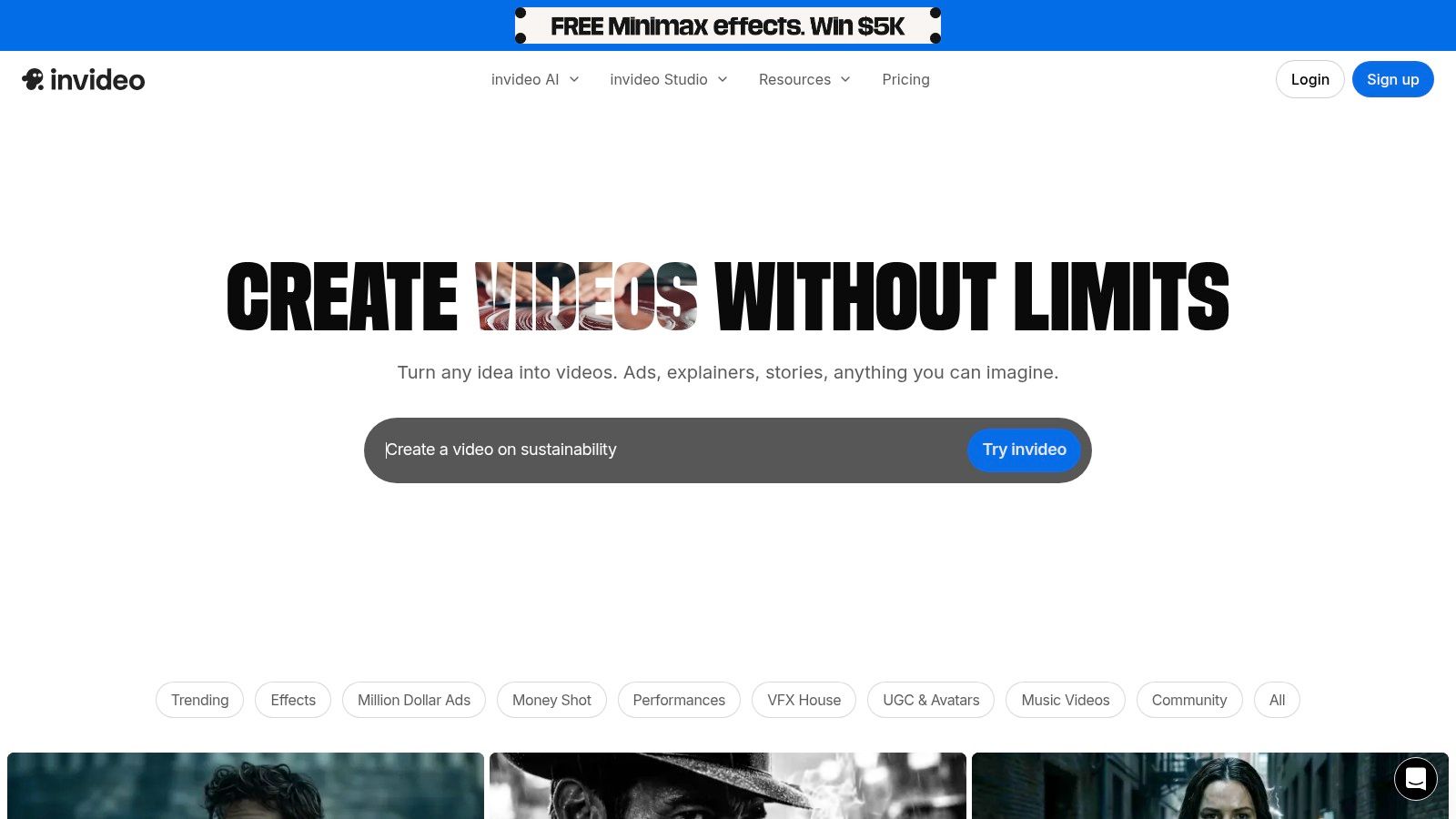
Unlike tools focused purely on cinematic generation, InVideo AI excels at structured, template-driven video creation. Users provide an idea, and the platform builds the entire sequence, leveraging an extensive library of stock assets to match the generated script. This automated approach significantly reduces the time from concept to publication, making it one of the best AI video generator options for rapid content deployment on platforms like TikTok and YouTube Shorts. The inclusion of mobile apps further enhances its value for on-the-go creation.
Key Features & Use Cases
- AI Script-to-Video: Automatically generates a complete script, sources relevant stock media, and adds a voiceover from a single text prompt. This is ideal for marketers creating product explainer videos or social media ads.
- Template-Driven Workflows: Its large library of templates provides a solid foundation, ensuring brand consistency and saving time on formatting for recurring content like listicles or weekly updates.
- Mobile Apps: Offers dedicated iOS and Android apps, allowing creators to produce and publish content directly from their phones, a key feature for UGC and influencer-style videos.
Pricing and Limitations
InVideo AI offers a free plan that provides a great way to test the workflow, but it comes with watermarks and limited export minutes per week. To unlock the platform’s full potential, paid plans start at $20/month (billed annually), which removes watermarks, increases export limits, and provides access to a larger stock media library. While it is incredibly efficient for social content, its generative video quality does not match the realism of dedicated models like Runway or Luma, making it less suitable for cinematic or artistic projects.
Website: https://www.invideo.io
10. Canva (Magic Media: Text-to-Video + Video tools)
Canva has evolved from a simple graphic design tool into a comprehensive creative suite, integrating its "Magic Media" text-to-video capabilities directly into its popular platform. This makes it an exceptionally accessible option for users who are already familiar with Canva's ecosystem. Its main advantage is not in producing cinematic AI footage, but in its ability to quickly generate short, branded video clips that can be immediately incorporated into templates, social media posts, and marketing materials.
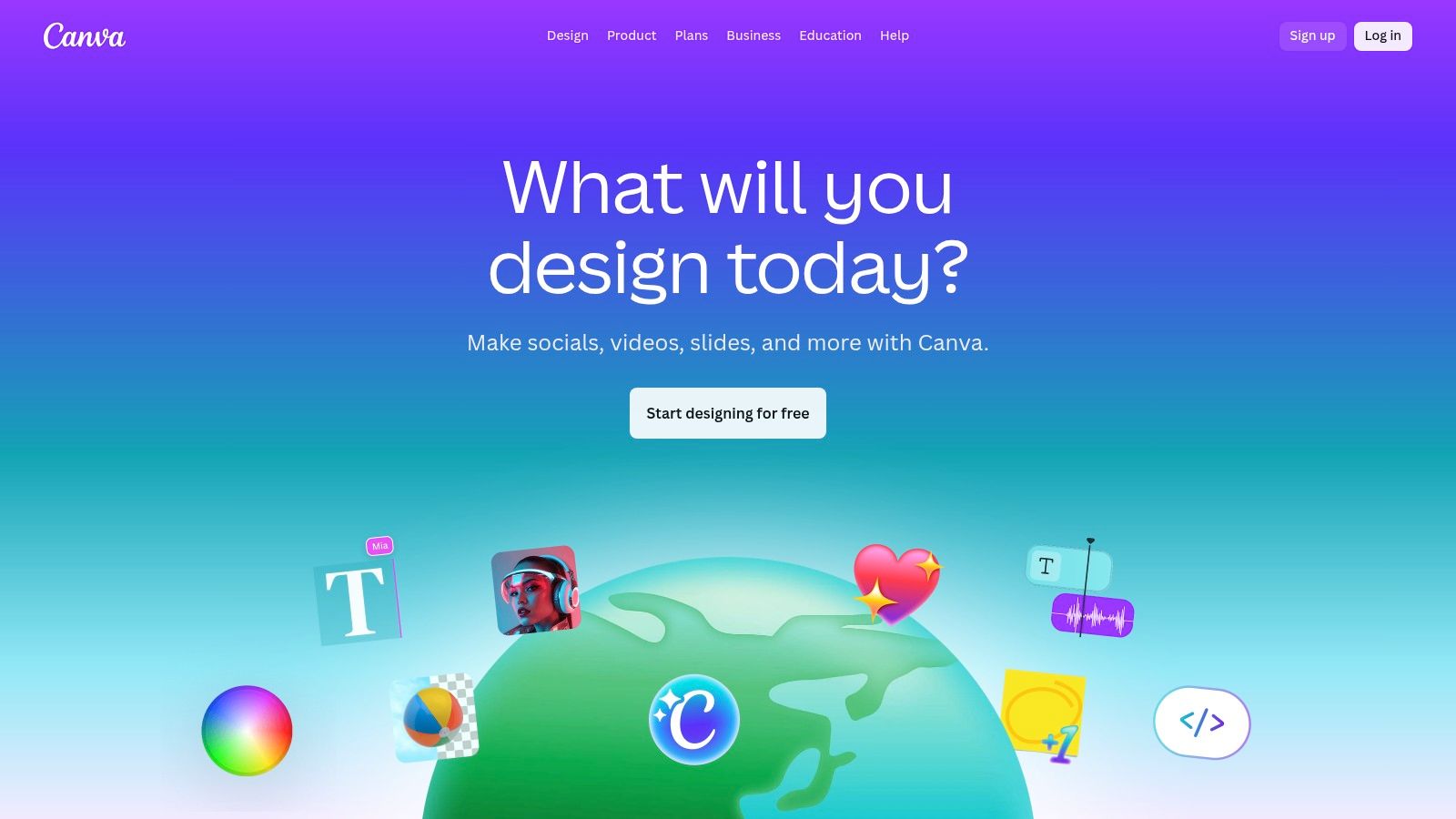
The workflow is designed for efficiency rather than intricate customization. Users can describe a scene, generate a brief video, and then leverage Canva's full editing tools to add text overlays, logos, and music. This integrated approach is ideal for social media managers and small businesses needing to produce a high volume of on-brand content without the learning curve of a dedicated video generator. The platform is less a standalone AI video generator and more a design powerhouse with AI video as a key feature.
Key Features & Use Cases
- All-in-One Workflow: Generate a video clip and seamlessly add it to a presentation, social media template, or advertisement without leaving the Canva editor.
- Brand Kit Integration: AI-generated videos can instantly be aligned with your brand's colors, fonts, and logos, ensuring consistency across all marketing assets.
- Social Media Scheduler: Create and schedule video content directly to platforms like Instagram, TikTok, and Facebook, streamlining the entire content creation and distribution process.
Pricing and Limitations
Access to Magic Media's AI video tools is included with Canva's paid subscriptions, such as Pro and Teams plans. This provides excellent value for users already paying for Canva's broader design features. However, the AI generation capabilities are best suited for short assets and supplementary clips rather than long-form, narrative-driven video. While convenient, those seeking advanced video generation will find the controls limited compared to specialized tools. You can discover other text-to-video AI tools to compare its functionality against more focused platforms.
Website: https://www.canva.com
11. Colossyan
Colossyan is an AI video platform purpose-built for workplace learning and corporate communications. Its primary focus is on creating professional-grade training videos efficiently, using realistic AI avatars to deliver scripted content. This specialization in Learning and Development (L&D) sets it apart from more cinematic or creative-focused generators, making it the best AI video generator for companies aiming to scale their internal training and onboarding processes.
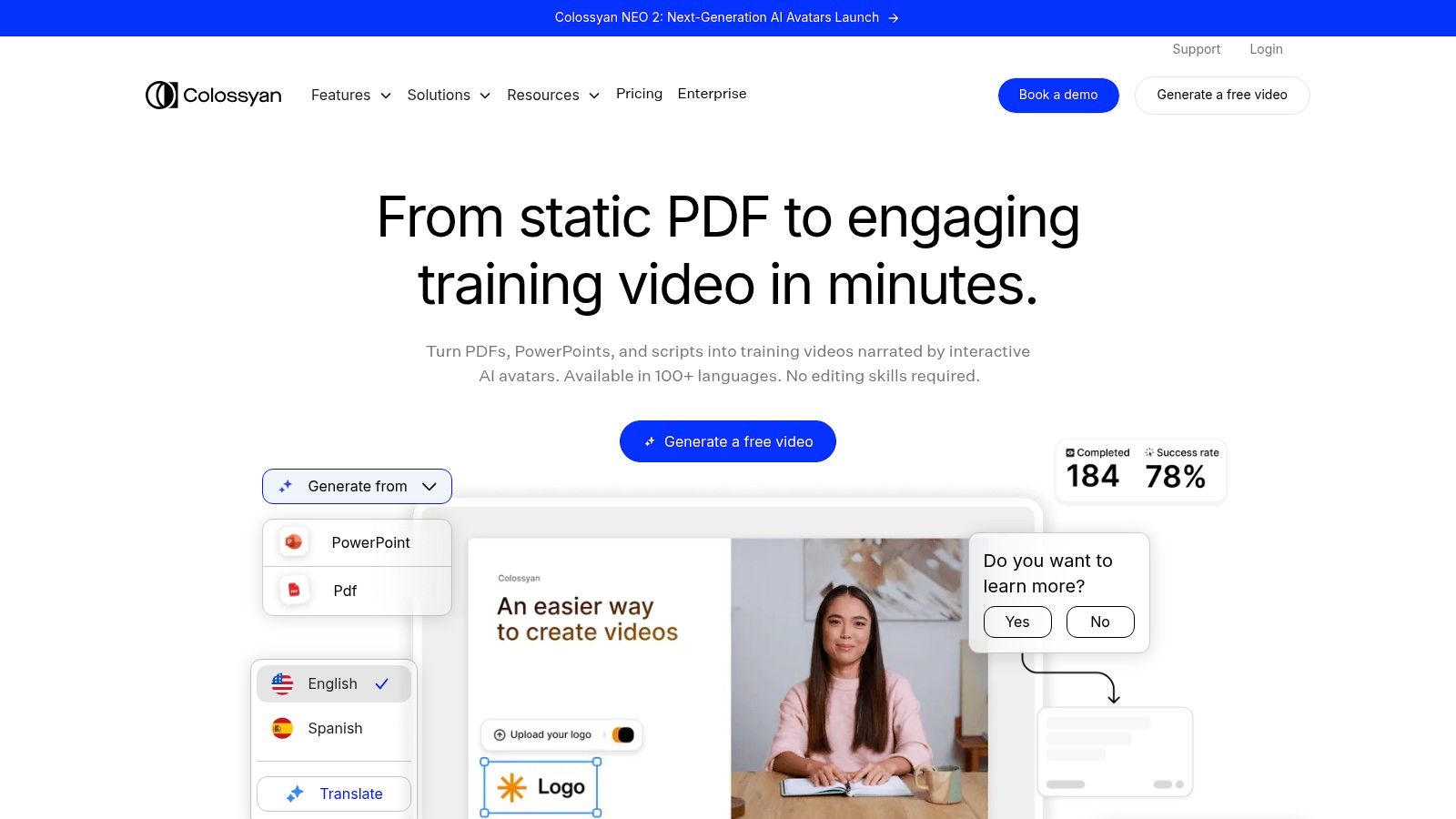
The platform excels at turning scripts or presentations into presenter-led videos in minutes. Users can choose from a large library of diverse avatars, translate content into dozens of languages automatically, and even add interactive elements like quizzes. This functionality allows teams to create engaging, localized training modules without the logistical overhead of filming live actors, significantly reducing production time and costs for instructional designers and HR departments.
Key Features & Use Cases
- L&D Focus: Designed for creating training materials, with features like SCORM export for seamless integration into existing Learning Management Systems (LMS).
- Interactive Elements: Add in-video quizzes and conversation branches to make learning content more engaging and effective.
- Auto-Translation: Instantly translate video scripts and generate new voiceovers, making it ideal for global companies that need to localize corporate communications.
- AI Avatars: A library of over 70 stock avatars, with options to create a custom digital twin for a consistent brand presence.
Pricing and Limitations
Colossyan offers a clear, tiered pricing model based on video minutes and user seats. The Starter plan begins at $28 per user/month, offering 10 minutes of video generation. For more demanding needs, the Business plan provides unlimited minutes and advanced features like custom avatars. The platform's main limitation is its focus on presenter-style formats, which is less suitable for users seeking to generate dynamic, cinematic scenes or creative short-form social media content.
Website: https://www.colossyan.com
12. G2 (AI Video Generators category hub)
Unlike a standalone tool, G2 serves as an independent software marketplace and comparison hub for the AI video generator category. It aggregates over 100 different platforms, providing a comprehensive B2B perspective. This makes it an invaluable resource for businesses, agencies, and procurement teams looking to conduct due diligence, benchmark options, and gather unbiased user feedback before committing to a specific tool.
The platform’s strength lies in its filterable listings and user-generated reviews. You can sort potential AI video generators by company size, specific features, user satisfaction scores, and pricing models. Its dynamic Leader grids and buyer guides offer a quick way to see which tools are currently trending and most highly rated by actual users. This aggregated data is perfect for creating shortlists and building a business case for stakeholder buy-in, moving beyond marketing claims to see real-world performance.
Key Features & Use Cases
- User Reviews: Access authentic feedback from a wide range of users, from solo creators to enterprise teams, to understand the real pros and cons of each platform.
- Comparison Grids: Directly compare features and satisfaction ratings of multiple tools side-by-side to make an informed decision.
- Filterable Search: Narrow down the vast market by specific needs, such as "text-to-video," "API access," or "suitable for small business," to find the best AI video generator for your workflow.
Pricing and Limitations
G2 is free to use for research and comparison. However, the platform's value is in discovery, not creation. The leader grids and "best" badges can shift quarterly, and some data may be gated or presented differently based on user profiles. The primary purpose of G2 is to help you navigate the market and link out to official vendor pages for trials and purchases, not to generate video itself.
Website: https://www.g2.com/categories/ai-video-generators
Top 12 AI Video Generators Comparison
| Platform | Core focus / Use case | Key features ✨ | Quality (★) | Pricing / Value ? | Target audience ? |
|---|---|---|---|---|---|
| ? MotionLaps | End-to-end short-form video automation (script→voice→music→publish) | ✨ GPT-5 scripts, neural voices, multiple visual styles, scheduling & auto-publish | ★★★★★ | Contact/plan-based; free trial tools available ? | Creators, marketers, agencies ? |
| Runway | Gen‑4/4.5 text→video + integrated NLE | ✨ Text→video, editor, upscaling, team workflows | ★★★★ | Credit-based + team subscriptions ? | Creators, editors, teams ? |
| Luma AI (Dream Machine) | Cinematic short clips with realistic motion | ✨ Multiple Ray models, HDR/up-res, reference tools | ★★★★ | Transparent credit table by model/resolution ? | Filmmakers, VFX creators ? |
| Pika | Fast social-first generation + API | ✨ Modular effects (Pikascenes), API, mobile support | ★★★★ | Credit/per-second pricing; low-cost entry ? | Social creators, developers ? |
| Synthesia | Corporate avatar videos & localization | ✨ 125+ avatars, 80+ languages, SCORM & SSO for enterprise | ★★★★ | Per-minute/enterprise plans (higher cost for larger pools) ? | Enterprises, L&D, marketing teams ? |
| HeyGen | Lifelike avatars + fast multilingual dubbing | ✨ 500+ avatars, 30+ languages, team seats & MFA | ★★★ | Tiered subscriptions; watermark removal on paid plans ? | Business creators, teams ? |
| D-ID (Creative Reality Studio) | Talking‑head / lip‑sync + scene/slide builder | ✨ 120+ languages/voices, API, PowerPoint/Canva plugins | ★★★ | Minute/credit plans; trial watermarks on lite tiers ? | Explainers, training, app integration ? |
| Kaiber | Stylized, music-reactive visuals & image→video | ✨ Music-reactive animation, upscaling, pay-as-you-go credits | ★★★ | Credit packs / pay-as-you-go; affordable entry ? | Artists, musicians, stylized creators ? |
| InVideo AI | Script-to-ad & short-form templated clips | ✨ AI script gen, templates, stock assets, mobile apps | ★★★ | Free tier + paid subscriptions; generative features may cost extra ? | Marketers, UGC creators ? |
| Canva (Magic Media) | All-in-one design suite with AI video snippets | ✨ Magic Media text→video, brand kits, scheduler & collab | ★★★ | Included on Pro/Business subscriptions ? | Non-experts, teams, social managers ? |
| Colossyan | Training & interactive video (L&D focus) | ✨ Avatars, quizzes/branching, localization, SCORM export | ★★★★ | Seat/minute plans; Business tier offers unlimited minutes ? | L&D teams, internal comms ? |
| G2 (category hub) | Marketplace & review hub for AI video tools | ✨ Filterable listings, leader grids, user reviews & buyer guides | ★★★ | Free access; links to vendor trials/pricing ? | Buyers, procurement, researchers ? |
Choosing Your Go-To AI Video Generator
The world of AI-powered video creation is no longer a futuristic concept; it's a dynamic and accessible reality for creators and brands. As we've explored, the market is filled with powerful tools, each designed to solve specific problems. From the cinematic, artistic capabilities of Runway and Luma AI's Dream Machine to the polished, enterprise-level avatar presentations from Synthesia and HeyGen, the options are vast.
The key takeaway is that there isn't a single "best ai video generator" for everyone. The right choice is deeply personal and strategic, hinging entirely on your goals, workflow, and target audience. A solo entrepreneur creating YouTube Shorts has fundamentally different needs than a large corporation developing internal training modules.
How to Make Your Final Decision
To navigate this landscape and select the tool that will truly accelerate your growth, consider a structured approach. Don't get distracted by the flashiest new text-to-video feature; focus on the end-to-end process and how it fits into your daily operations.
Here are the critical factors to evaluate:
- Primary Use Case: Are you creating viral short-form content, cinematic B-roll, educational explainers, or corporate announcements? Be specific. A tool like MotionLaps is purpose-built for scaling short-form content, while a platform like Kaiber excels at artistic, music-driven visuals.
- Workflow Efficiency: How much time and effort do you want to save? Some tools are components in a larger workflow (like Pika for generating clips), while others aim to be all-in-one solutions. If your goal is maximum output with minimum friction, look for platforms that automate scripting, asset sourcing, voiceover, and editing.
- Quality and Consistency: Evaluate the output quality. Does the visual style align with your brand? For avatar-based tools, are the lip-syncing and expressions natural enough for your audience? For clip generators, is the motion coherent and free of distracting artifacts?
- Scalability and Cost: Consider your future needs. Will your chosen pricing plan support your desired video volume? Some platforms are ideal for occasional projects, while others offer plans built for agencies and high-volume creators. Your budget should align with the value and time savings the tool provides. For a deeper dive into the market and a comprehensive comparison, explore the 12 best AI video generators for creative teams in 2025.
Your Next Steps
- Shortlist Your Top 3: Based on the reviews and your needs analysis, pick three top contenders from this list.
- Sign Up for Free Trials: Nearly every tool offers a free trial or freemium plan. Use this opportunity to test the user interface and create a sample video for a real project.
- Evaluate the Real-World Output: Judge the final product, not just the demo reels. How long did it take? Were you happy with the result? Could you publish it as-is or would it require significant external editing?
By moving from broad exploration to focused, hands-on testing, you can confidently choose the best AI video generator to integrate into your creative arsenal. The right platform won't just be a tool; it will become a strategic partner in achieving your content goals, helping you create more, engage deeper, and grow faster in an increasingly video-first world.
Ready to put your short-form video creation on autopilot? MotionLaps is designed to take you from a simple idea to a fully produced, high-quality video in just three steps. Experience the power of a true end-to-end AI video generator and start scaling your content today by visiting MotionLaps.