How to Create Viral Videos That Get Noticed
 Mahmudul Hasan
Going viral isn't just about luck. It's a calculated blend of human psychology and platform-savvy strategy. The magic formula really boils down to three things: a killer hook, a genuine emotional connection, and a flood of early engagement that tells the algorithm, "Hey, this is worth showing to more people."
Understanding What Makes a Video Go Viral
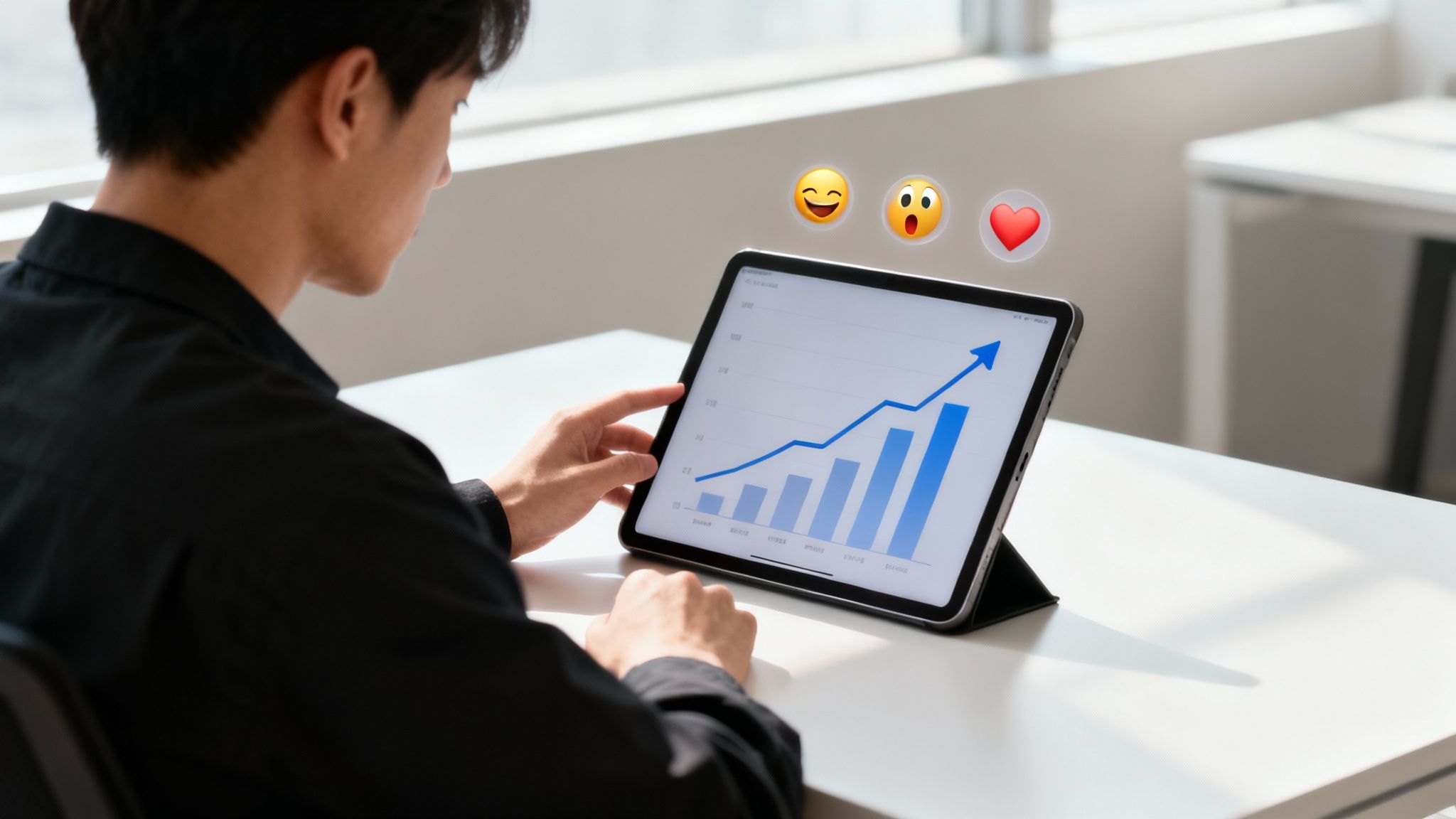
Before you even think about jumping on the latest trend, you need to get inside the mechanics of virality. A video doesn't just stumble into millions of views; it earns that reach by hitting the right psychological notes and giving the platform exactly what it wants to see. The real goal isn't just to make a video, but to engineer an experience so compelling that people have to share it.
At its core, virality is all about emotion. People share content because it makes them feel something—whether that's amusement, awe, shock, or a powerful sense of "that's so me." Your video is simply the vehicle for an emotion that a viewer wants to pass along to their friends.
The Psychology of Sharing
So, what actually makes someone tap that share button? It’s rarely a random impulse. People share for specific reasons: to build social connection, to signal their identity, or to add value to their own social circles. A video that truly takes off almost always taps into one of these core triggers.
These deep-seated emotional drivers are the key to unlocking shares. Here's a quick look at the most powerful ones.
Key Viral Triggers and Content Examples
| Emotional Trigger | Description | Example Video Concept |
|---|---|---|
| Humor | Content that makes people laugh is a guaranteed way to get them to share. It's a simple gift of joy. | A dog "working from home" on a tiny laptop, getting frustrated with a conference call. |
| Surprise | Anything that shatters expectations or reveals a shocking twist creates a "you won't believe this" moment. | A seemingly simple cooking tutorial that ends with an unbelievable, mind-bending cake design. |
| Relatability | Videos capturing universal experiences make people feel seen and understood. | A short clip showing the five stages of trying to get out of bed on a Monday morning. |
| Inspiration | Showcasing incredible talent, overcoming adversity, or acts of kindness motivates people to share that positive feeling. | A time-lapse of an artist creating a hyper-realistic portrait from start to finish. |
These triggers work because they are fundamentally human. And these principles aren't just for video; if you want a deeper dive into making any piece of content spread like wildfire, you can find a ton of great advice on how to create viral content.
The First-Hour Engagement Rule
Beyond hitting the right emotional notes, you have to play the algorithm's game. Platforms like TikTok and YouTube Shorts are obsessed with early performance, a concept I call the First-Hour Engagement Rule. The first 60 minutes after you post are absolutely crucial.
Why? Because a storm of likes, comments, shares, and, most importantly, high watch time in that first hour sends a massive signal to the algorithm that you've got a winner. This initial burst of activity can determine as much as 80% of your video's total reach. A slow start almost guarantees your video will fizzle out.
A viral video is less about a single idea and more about an emotional transaction. You provide a feeling—laughter, shock, warmth—and in return, the viewer shares it with their network. This exchange is the engine of virality.
This initial velocity is what separates a video that tops out at a few hundred views from one that hits millions. Every part of your strategy needs to be laser-focused on creating an immediate impact that satisfies both your audience's emotional needs and the algorithm's hunger for data.
Crafting a Hook That Stops the Scroll
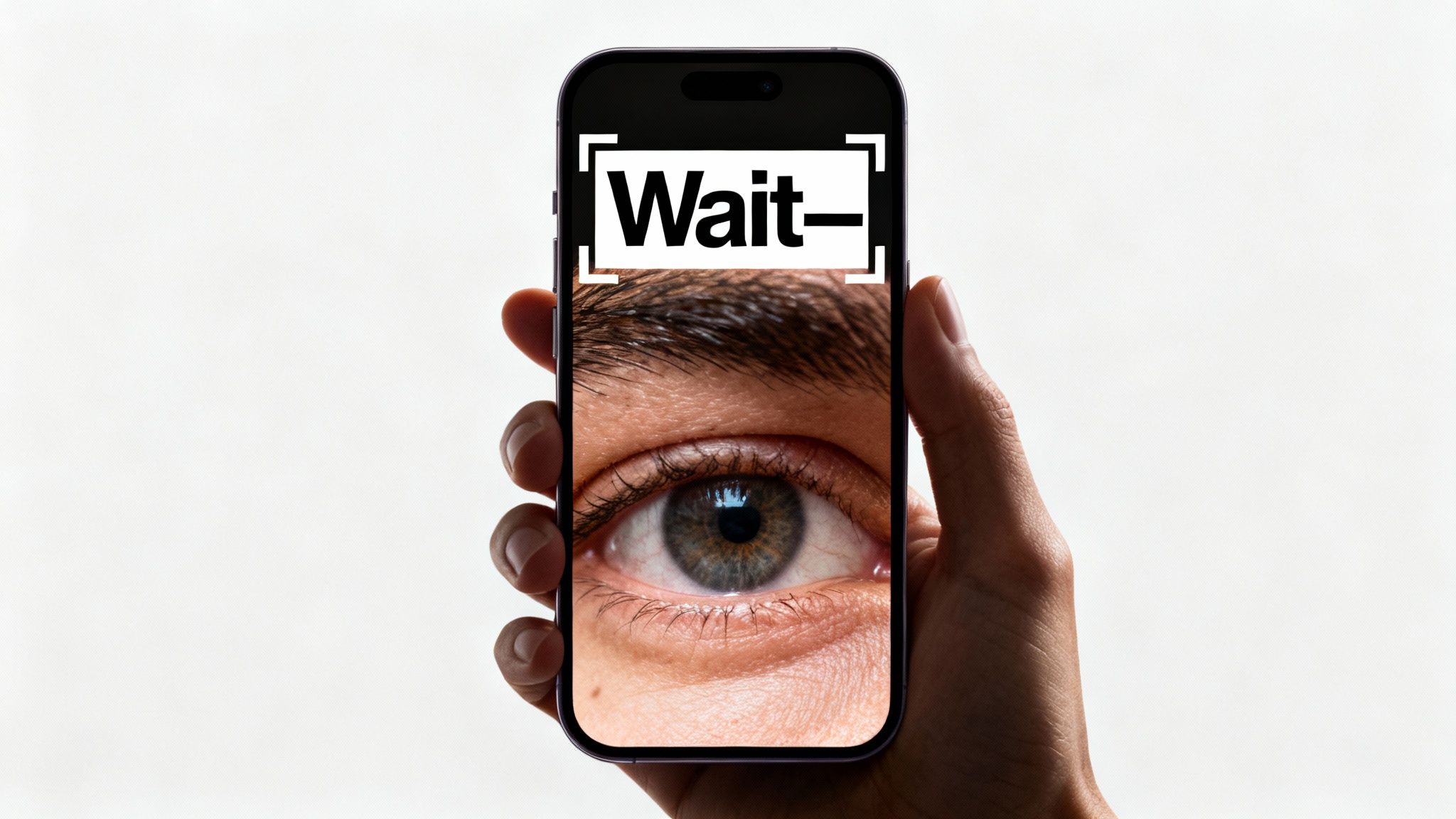
You don’t have minutes to grab someone's attention on TikTok or Reels. You have three seconds. Tops. If your opening doesn't immediately land, they're gone. Just a mindless flick of the thumb, and your video disappears into the void.
This is why the hook—your first move—is everything. It's a promise you make to the viewer: "Hold on, what you're about to see is worth your time." Whether that promise is about learning something, laughing out loud, or seeing something shocking, you have to make it instantly.
Anatomy of an Irresistible Hook
A great hook isn't just a line of text; it's a multi-sensory stop sign. You have to break the viewer’s scrolling pattern with something that feels urgent, intriguing, or just plain relatable. It's a blend of visual cues, audio triggers, and a killer opening line.
Here are the hook strategies I've seen work time and time again.
- The Problem/Solution Hook: Kick things off by calling out a common pain point. This gets your target audience nodding along, desperate to see the solution you’re about to reveal.
- The Unexpected Outcome Hook: Start with the end result. Show the incredible "after," the hilarious fail, or the beautiful final product. This creates an immediate "how did they do that?" curiosity gap that viewers need to fill.
- The Controversial Statement Hook: Open with a bold, polarizing opinion. This is a surefire way to get people to stop and listen, either because they agree with you or they're ready to argue in the comments.
Your hook is the gatekeeper to your watch time. If you can't win the first three seconds, you've already lost the battle for virality. The rest of your brilliant video simply won't get seen.
Knowing these strategies is one thing, but scripting them so they sound natural and punchy is where the real skill comes in.
Scripting Hooks That Actually Work
Let's make this practical. Say you're creating a video about a productivity hack. A weak, forgettable hook would be, "Today, I'm going to show you a great productivity tip." It’s a snooze-fest.
Now, let's inject some life into it using our proven formulas:
- Problem/Solution Script: "You're not lazy, you just have too many browser tabs open. Here’s how to fix your focus in 30 seconds." This is gold. It identifies a universal problem and promises a fast, valuable solution.
- Unexpected Outcome Script: (The video opens on a completely clean, minimalist desktop screen.) "This is what my workspace looks like after using one simple app. Let me show you how I did it." The visual itself is the hook, making people want that same result.
- Controversial Statement Script: "Multitasking is a lie, and it's destroying your productivity. Here's the proof." You're challenging a common belief, immediately daring the viewer to watch and see if you can back it up.
See the difference? A simple rephrase turns a boring statement into a magnetic opener. The goal is to plant a question or an emotion in the viewer's mind that they can only satisfy by keeping their eyes on the screen.
Beyond Words: Visual and Auditory Hooks
Remember, this is a visual medium. What people see and hear in those first few moments can be even more powerful than your words.
Visual Hooks
- Dramatic Opening Shot: Start with a visually arresting image. Think a dramatic close-up, fast-paced action, or a strange object that makes no sense out of context.
- On-Screen Text: A big, bold text overlay can do the heavy lifting for you. A simple line like, "You've been making coffee wrong your whole life," is almost impossible to scroll past.
Auditory Hooks
- Trending Sounds: Using a popular sound on TikTok or Reels is a shortcut to relevance. It tells viewers—and the algorithm—that your content is timely.
- Intriguing Sound Effects: A sudden, unexpected sound can literally jolt someone out of their scrolling trance. A record scratch, a gasp, a ding—they all work.
When you start layering these elements—a killer script, a captivating visual, and the right sound—you create a hook that’s nearly impossible to ignore. This is the foundation for creating videos that don't just get views, but get shared.
Crafting the Sights and Sounds of a Viral Video
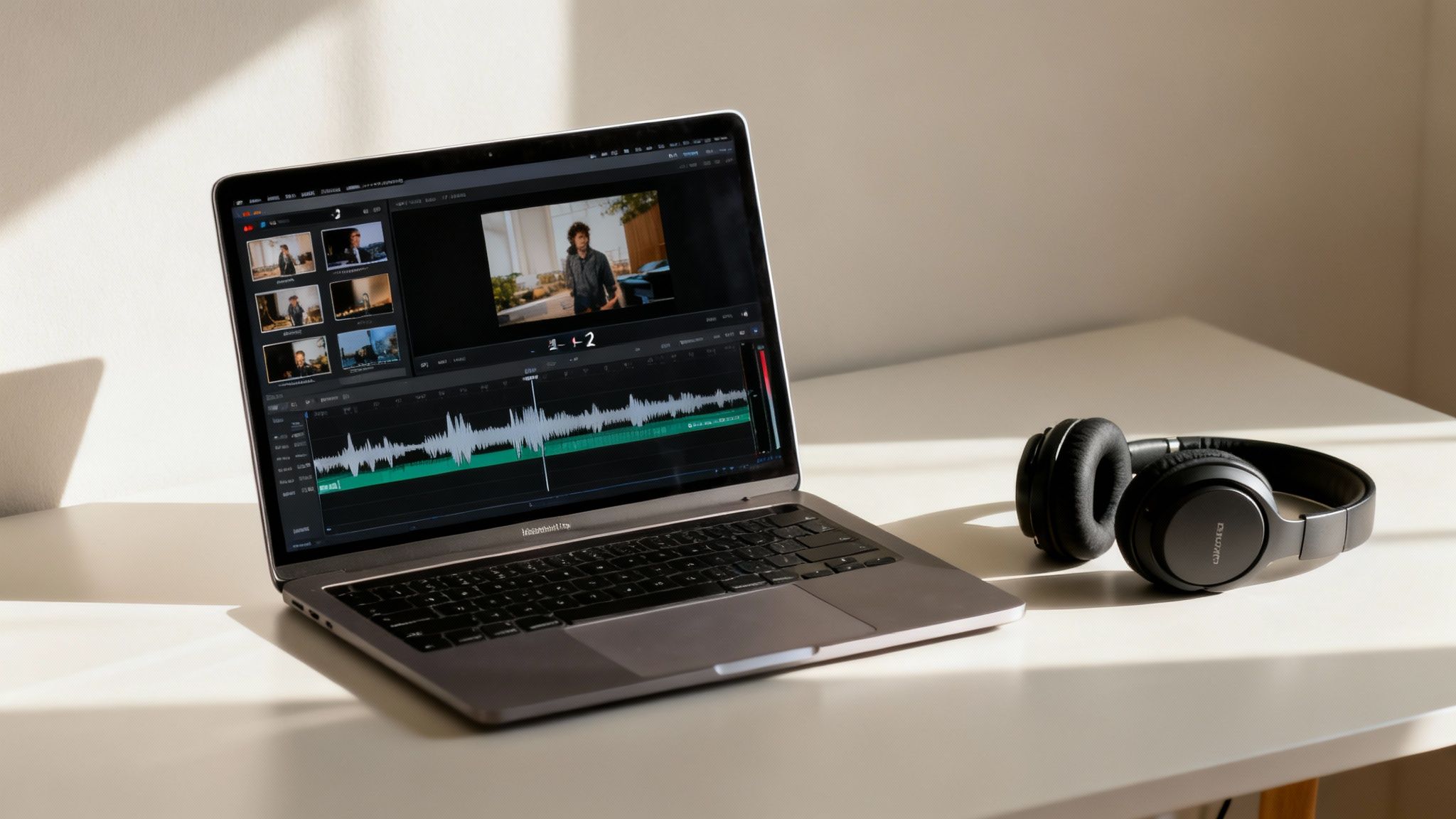
A great idea gets you in the door, but it's the execution that makes a video go viral. Once you've hooked your viewer, the real challenge begins: holding their notoriously fragile attention. This is where the magic of editing comes in, blending pacing, visuals, and sound into a rhythm that's almost impossible to scroll past.
In the world of short-form video, your editing style is your content. You’re not just telling a story; you’re managing the viewer's energy second by second, and every choice matters.
The Unforgiving Rhythm of Quick Cuts
There's one golden rule for pacing on platforms like TikTok and YouTube Shorts: never let it get boring. Even a few seconds of a static shot can feel like an eternity to a viewer conditioned for constant stimulus. To keep things moving, you have to embrace the art of the quick cut.
The sweet spot is changing something on screen every one to two seconds. This doesn't necessarily mean you need a dozen different camera angles. A "cut" can be almost anything that provides fresh visual information:
- A simple jump cut that slightly alters your position.
- A text overlay that pops up to emphasize a word.
- A subtle zoom-in or zoom-out to add drama.
- A piece of B-roll or a graphic that illustrates what you’re talking about.
This rapid-fire approach creates a subconscious feeling of momentum. It keeps the viewer's brain engaged and guessing, constantly rewarding them for sticking around.
Making Your Story Pop with Strong Visuals
Visuals do more than just add flair; they provide clarity and keep your audience locked in. Think of them as signposts that guide the viewer’s eye and reinforce your message. Dynamic text overlays, for example, are a non-negotiable part of the modern viral video toolkit.
These overlays serve several key functions. They highlight your main points, add crucial context, and—most importantly—make your video understandable even with the sound off. A huge chunk of people watch videos on mute, so effective captions are no longer just an accessibility feature; they're a fundamental part of the experience.
Think of your video's soundscape as its emotional engine. The right audio can transform a flat clip into a compelling story, telling the viewer exactly how to feel without saying a word.
Don't be afraid to mix up your camera angles, either. Instead of a static talking-head shot, try filming from a lower angle to create a sense of authority or a higher angle for a different perspective. These small shifts break up the visual monotony and make your content feel far more polished. For creators looking to automate parts of this process, there are plenty of tools available. You can learn more about how to streamline your editing workflow in our guide to AI video editing software.
Choosing the Perfect Soundtrack
Sound design is the final, essential layer. The choice between using a trending song or original audio is a strategic one, and the right answer depends on your goal.
Trending sounds are a powerful shortcut. They instantly tap into an ongoing cultural conversation and can give your video a significant boost from the platform's algorithm. On the other hand, original audio—like a unique voiceover or a custom sound effect—helps you carve out a distinct identity and build a recognizable brand.
Whatever you choose, the key is to match the audio's tempo and vibe to your video's message. A high-energy workout clip needs a fast-paced, motivational track. A heartfelt story demands something more subtle and emotional.
This synergy between what we see and what we hear is everything. Consider this: by 2025, social media users in the United States are projected to spend 61.1% of their time watching videos, a massive leap from 33.3% in 2019. Dive into more stats on video's dominance, and it becomes clear that mastering these production details isn't just a nice-to-have—it’s the price of admission.
Building a Smarter Video Production Workflow
Ever wonder how top creators pump out viral videos day after day? It’s not magic. Behind that seemingly effortless flow of content is almost always a well-oiled production machine. They aren't working harder; they're working smarter.
Chasing virality one video at a time is a surefire recipe for burnout. The constant pressure of "what do I post today?" is exhausting. The real trick is to shift from being reactive to proactive by building a system that lets you work ahead.
Embrace Batch Creation
Batching is the cornerstone of any sustainable content strategy. Instead of creating a single video from start to finish, you group similar tasks together and knock them out in dedicated blocks of time.
A typical batching schedule might look something like this:
- Monday: Brainstorm and script 10 video ideas to cover the next two weeks.
- Wednesday: Film the footage for all 10 videos in one go.
- Friday: Edit everything, add captions, and schedule the posts.
This approach is incredibly efficient. It keeps you in a specific creative zone—writing, filming, or editing—which minimizes the mental drag of switching between different types of work. Content creation suddenly feels less like a daily chore and more like a focused, manageable project.
Create Reusable Templates
Why start from scratch every single time? Building templates for your editing style is a game-changer that saves a massive amount of time. Plus, a solid template gives your content a consistent look and feel, which is key for building brand recognition with your audience.
Your template should lock in key elements like:
- Text Styles: The specific fonts, colors, and animations you use for on-screen text and captions.
- Pacing: Your signature cut frequency and go-to transition styles.
- Branding: A designated spot for your logo or a consistent call-to-action at the end.
With a template in place, you can just drop in new footage and text. This can shrink your editing time from hours down to minutes, freeing you up to focus on the actual content, not the repetitive technical setup.
Your workflow is just as important as your content. A streamlined process allows you to maintain the high publishing cadence that platform algorithms favor, without sacrificing your creativity or well-being.
Automate the Repetitive Work
This is where things get really powerful. AI has completely changed the video creation game, and using these tools is no longer a "nice to have"—it's essential for anyone serious about producing viral videos at scale.
A recent analysis revealed that 75% of video marketers are now using AI for video creation and editing. They're automating the tasks that used to eat up most of their time, and the demand for these efficient tools is skyrocketing. It's clear that data-driven, automated workflows are the new standard. Want to see the data for yourself? Discover more insights into these viral video trends.
AI-powered platforms can handle the most tedious parts of video production. For instance, some tools can generate entire video scripts and storyboards from a simple text prompt. If you want to dive deeper, check out our guide on using an AI story creator to kickstart your ideas.
Other tools can automatically generate accurate captions, pick the perfect royalty-free music to match your video's mood, and even resize one video into the ideal format for TikTok, YouTube Shorts, and Instagram Reels.
The difference between a manual and an automated workflow is night and day. Let's break it down.
Manual vs Automated Video Production Workflow
This table shows just how much time and effort you can save by integrating automation tools into your video creation process.
| Task | Manual Approach (Time per Video) | Automated Approach (Time per Video) |
|---|---|---|
| Scriptwriting | 1-2 hours | 10-15 minutes |
| Voiceover Recording | 30-45 minutes | 5 minutes (AI voice generation) |
| Media Sourcing | 1-2 hours | 10 minutes (AI-powered search) |
| Editing & Pacing | 2-4 hours | 30 minutes (template-based) |
| Captioning | 30-60 minutes | 5 minutes (auto-transcription) |
| Formatting for Platforms | 30 minutes | 2 minutes (auto-resizing) |
| Total Time | ~6 to 10 hours | ~1 hour |
By setting up an automated content pipeline—from batch ideation all the way to scheduled publishing—you free yourself to focus on what really matters: strategy, creativity, and engaging with your community. That's how you drive real growth.
Optimizing Your Content for Each Platform
Ever had a video take off on TikTok only to completely flop on YouTube Shorts? It happens all the time. The reason is simple: each platform is its own world, with a unique algorithm, different audience expectations, and unwritten rules for what works. Just dumping the same video everywhere is a fast track to mediocre results. To really go viral, you have to adapt your content to play to each platform's strengths.
Think of it like this: you wouldn't wear the same outfit to a beach party that you'd wear to a business meeting. Your video needs to be "dressed" for the platform it's on. That means tweaking everything from your captions and hashtags to the actual structure of the video to fit the environment.
This workflow gives you a smart way to think about adapting your core ideas across different channels—from ideation through creation and, finally, automation.
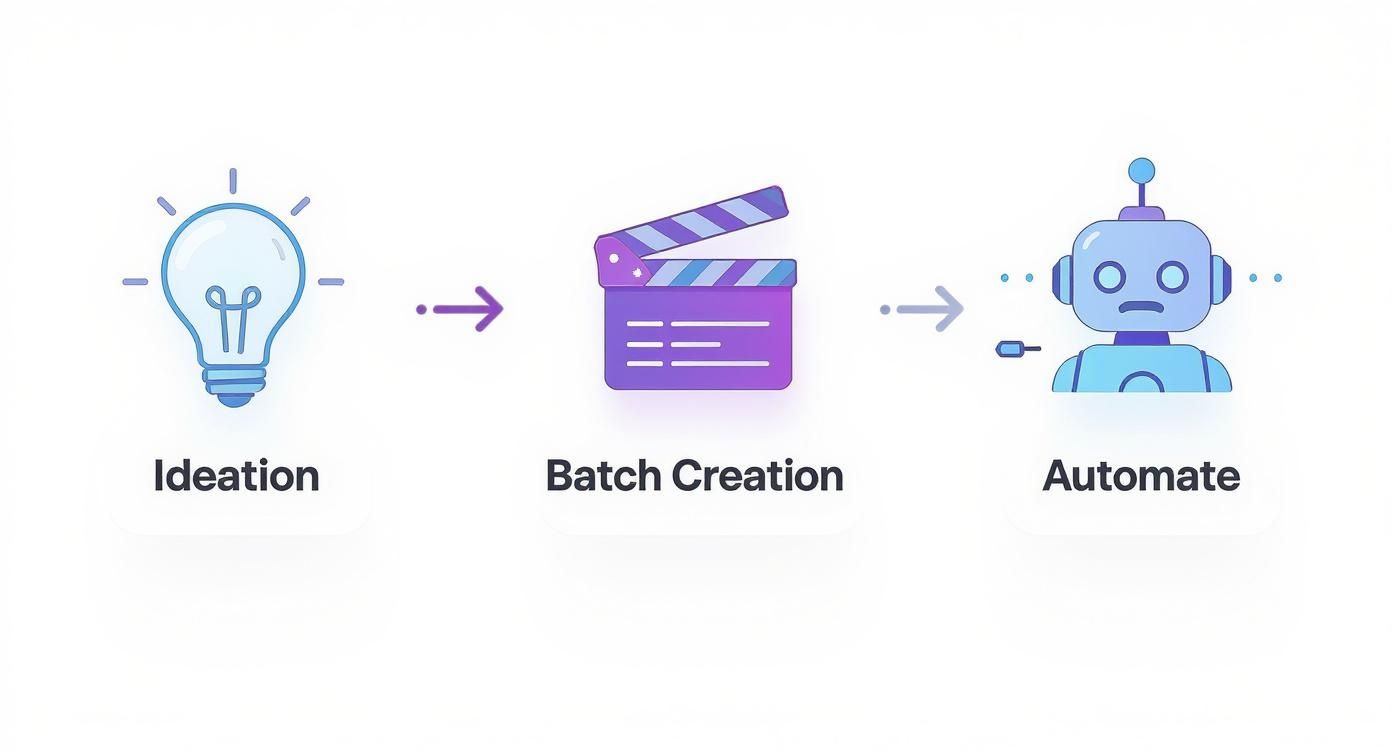
It’s all about working smarter, not harder. You can take a single great idea, batch produce the core content, and then use automation to handle the little tweaks each platform demands.
Decoding the TikTok Algorithm
The TikTok algorithm is a beast. It's incredibly fast-paced and cares about one thing more than anything else: viewer retention. It’s a simple, brutal metric. The algorithm’s job is to keep people glued to the app, so it heavily rewards content that people watch all the way through—or even better, watch on a loop.
Here’s what the TikTok algorithm is really looking for:
- Completion Rate: Did the viewer finish your video? Hitting a 100% completion rate on a short video is like striking gold.
- Shares and Saves: These are huge signals. They tell the algorithm your content is so valuable that someone wanted to send it to a friend or come back to it later. A share is worth way more than a like.
- Comments: When people are talking in your comments, it shows your video sparked a real conversation. That’s another powerful way to keep users on the app.
On TikTok, this means your hooks have to be lightning-fast and the pacing has to be relentless. There's zero room for dead air or slow moments. Many creators are now using tools to make this process faster; you can see how this works by checking out a guide on using an AI TikTok video maker.
Winning on YouTube Shorts
YouTube Shorts plays a slightly different game. Watch time is still important, but YouTube is also obsessed with long-term viewer satisfaction. It’s not just about whether someone watched your 60-second clip; it's about whether that clip contributed to a positive overall session on YouTube.
This is why you constantly see Shorts creators pushing viewers to subscribe or check out their longer videos. YouTube's algorithm is looking for signs that a viewer liked your short enough to invest more time in your channel or the platform itself.
Your goal on YouTube Shorts isn't just to get a view; it's to earn a viewer. The platform rewards creators who can turn a fleeting moment of attention into a lasting connection.
To win here, focus on delivering clear, tangible value. "How-to" clips, quick-fire tips, and satisfying loops do incredibly well because they leave the viewer feeling like they've actually learned or gained something.
Cracking the Instagram Reels Code
Instagram Reels lands somewhere in the middle of TikTok and YouTube. It definitely rewards high engagement—we're talking likes, comments, shares, and saves—but it also gives a massive boost to videos that use its native features. If Instagram rolls out a new tool, the algorithm wants you to use it.
To get the most out of Reels, you absolutely should be:
- Using trending audio directly from Instagram’s own library.
- Playing with new stickers, polls, and any other interactive elements they add.
- Teaming up with other creators using the "Collabs" feature.
Reels also has a strong visual focus. Polished, high-quality videos tend to outperform raw, off-the-cuff clips. Your caption is also prime real estate here—use it to tell a story or ask a question that gets people talking in the comments. And of course, making your content accessible is a must for all platforms. Learning how to add captions to videos is a non-negotiable step for maximizing your reach.
Using Analytics to Refine Your Strategy
Going viral isn't just a lucky break; it's a science. The creators who consistently hit it big aren't just guessing. They're locked into a cycle: create, measure, and refine. Think of your analytics dashboard as your secret playbook, revealing exactly what makes your audience tick. It’s how you move from hoping for a hit to building a data-driven content machine.
First thing's first: stop obsessing over the view count. Sure, a massive number feels good, but it's a vanity metric. It doesn't tell you anything about why a video worked. The real story is in the engagement data—the numbers that show you not just how many people watched, but how they watched and what made them stick around.
Key Metrics That Actually Matter
If you want to create videos that consistently perform, you have to track the right numbers. On platforms like TikTok and YouTube, I always zero in on these three core metrics.
- Average View Duration: This is the average amount of time someone spends watching your video. A high number is a clear signal that you’re holding people’s attention. Simple, but powerful.
- Audience Retention Chart: This graph is your most honest friend. It shows the exact percentage of your audience that's still watching at any given second, pointing out the precise moments they get bored and scroll away.
- Traffic Sources: Where did your viewers come from? Was it the "For You" page, a search, or a share? This tells you how the algorithm is categorizing and pushing your content.
These metrics are your road map. If your retention chart shows a huge nosedive in the first three seconds, you know your hook is the problem. If the average view duration on a 60-second video is only 20%, the middle part is probably dragging.
Your data isn't just a report card; it's a treasure map. Every drop-off point on your retention graph is a clue showing you exactly what to fix in your next video.
A Simple Framework for A/B Testing
Once you start reading the data, you can start experimenting with a clear purpose. A/B testing is the perfect tool for this, allowing you to make small, calculated changes to see what moves the needle. Instead of throwing everything at the wall, you isolate one variable at a time.
Here's a real-world example: post two videos with nearly identical content but change only the hook.
- Video A: Kicks off with a hook that asks a question.
- Video B: Starts with a shocking or controversial statement.
Give them a day to run, then pull up the audience retention graphs side-by-side. Did one hook consistently hold viewers for an extra two or three seconds? That's your winner. Take that insight and apply it to your next round of videos.
You can test anything this way—different calls-to-action, background music, editing pace, you name it. This constant loop of testing, analyzing, and adapting is what separates the one-hit wonders from the viral powerhouses.
Got Questions About Going Viral? We've Got Answers
Stepping into the world of viral video creation can feel like navigating a maze. Everyone seems to have an opinion, but solid answers are hard to find. Let's clear up some of the most common questions creators have so you can move forward with a clear game plan.
How Long Should My Videos Actually Be?
When you're dealing with platforms like TikTok and YouTube Shorts, think short. The sweet spot is usually between 15 and 45 seconds. Why? Because the name of the game is completion rate.
Getting someone to watch your entire video is a massive signal to the algorithm that you've got something good. Shorter videos make this much easier to achieve.
That said, don't be afraid to experiment. A slightly longer video that keeps people glued to the screen can rack up more total watch time, which is another metric the platforms love. My advice? Start short, then obsess over your audience retention data. See exactly where people are dropping off and let that feedback guide your timing.
Do I Really Need a Fancy Camera and Gear?
Nope. Not at all. The vast majority of videos that blow up are shot on a regular smartphone. Authenticity and a killer idea will always beat slick production value. On these platforms, raw, unfiltered content feels more real and connects better with viewers.
Forget the expensive camera for now. Instead, pour your energy into two things that make a huge difference:
- Good lighting: Seriously, just face a window. Natural light is your best friend, and it's completely free.
- Clear audio: People will forgive shaky video, but they won't tolerate bad sound. A cheap lavalier mic can make your audio sound crisp and professional, ensuring your message lands.
How Often Should I Be Posting?
This is a big one. While consistency trumps raw frequency, the algorithms definitely favor creators who are active. For platforms like TikTok and YouTube Shorts, many of the top players are pushing out 1-3 quality videos every single day. Over on Instagram Reels, aiming for 4-7 posts a week is a great starting point.
But here’s the most important rule: Never sacrifice quality for quantity. One incredible video will do more for your account than three rushed, mediocre ones ever could. Find a rhythm you can stick with and make every post a banger.
Ready to stop guessing and start creating? MotionLaps uses AI to turn your ideas into viral-ready videos in minutes, automating everything from scripting to editing. Build your video empire without the burnout. Create your first video with MotionLaps today.