12 Best YouTube Shorts Template Resources for 2026
 Mahmudul Hasan
YouTube Shorts have become an undeniable powerhouse for channel growth, but creating consistently engaging vertical content is a huge time commitment. A high-quality youtube shorts template is your secret weapon, providing a professional foundation that you can customize in minutes, not hours. Whether you need an AI-powered solution that generates videos from a script, a professional MOGRT for Premiere Pro, or a simple drag-and-drop editor, the right template can transform your workflow. This guide breaks down the 12 best resources for every type of creator, from seasoned editors to busy entrepreneurs who need to scale their content production efficiently.
This listicle cuts straight to the chase, helping you find the perfect platform for your specific needs without the fluff. We’ve curated the top sources, focusing on the quality of templates, ease of use, and overall value for creators and marketers. Each entry includes quick preview screenshots, direct links, and an honest assessment of its strengths and limitations. You’ll discover which tools are best for quick social media updates, which offer cinematic-quality assets for brand campaigns, and which provide the best all-in-one editing experience.
Beyond just a template, a successful Short requires a smart strategy. To maximize your impact, it’s crucial to understand the strategies behind creating engaging content. Learn more about how to make YouTube Shorts that go viral before diving into the resources below. Our goal is to equip you not only with the best tools but also with the knowledge to use them effectively. We’ll analyze each platform’s ideal use cases to help you find the perfect fit for your content strategy and unlock viral growth.
1. MotionLaps
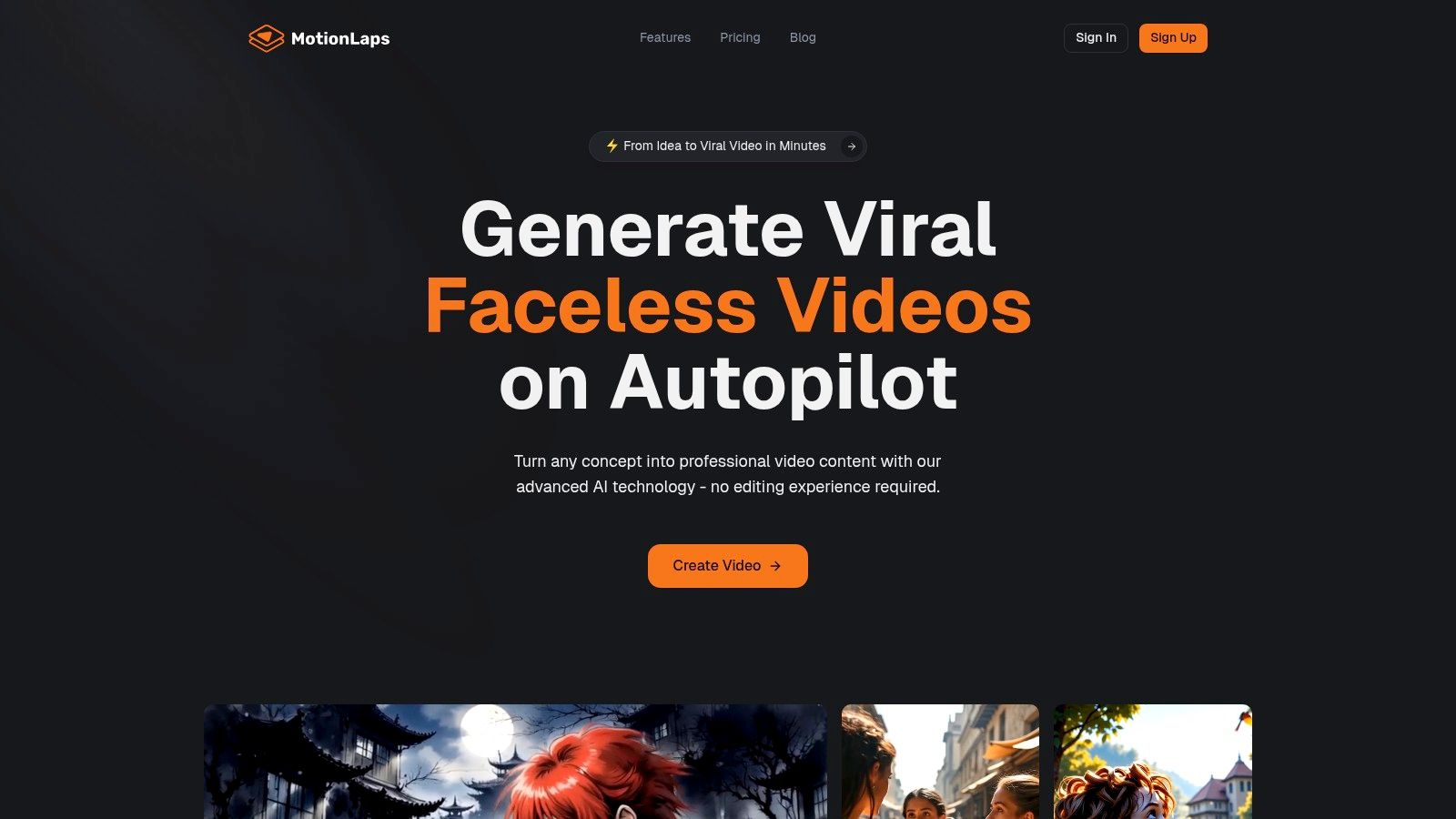
MotionLaps distinguishes itself not as a source for a static YouTube Shorts template, but as a comprehensive, AI-powered creation engine designed to automate the entire short-form video production pipeline. It’s an exceptional choice for creators and marketers who need to produce high volumes of content without getting bogged down in manual editing. The platform handles everything from ideation and scriptwriting to voiceover generation, visual creation, and music synchronization, making it a true end-to-end solution.
This platform excels at transforming a simple idea into a polished, viral-ready Short in minutes. Its core strength lies in its streamlined three-step workflow: input a script (or have its AI generate one), select a lifelike AI voice, and let the system automatically generate visuals and add synchronized royalty-free music. This process drastically reduces production friction, enabling solo creators and large teams alike to scale their content output exponentially.
Key Features & Use Cases
The platform is built on cutting-edge generative AI models, offering a diverse range of distinctive visual styles. This allows users to maintain a consistent brand aesthetic across all their videos, whether they need a photorealistic look, an animated feel, or a niche style like Japanese ink wash or dark fantasy.
- Use Case: Niche Content Automation: A history-focused YouTube channel can use the “sci-fi vintage” or “photorealistic” style to rapidly produce dozens of Shorts about historical events, each with a unique script and professional narration, all generated automatically.
- Use Case: Brand Marketing Campaigns: A marketing agency can select the “comic book” style to create a cohesive and eye-catching campaign for a client, scheduling the automated distribution of videos across YouTube Shorts and TikTok to maximize reach.
How to Get Started with MotionLaps
- Sign Up: Visit the MotionLaps website and create an account. Pricing details are not public, so you will need to sign up or contact their team to explore subscription tiers.
- Generate Script: Input your own script or use the integrated AI to generate one based on your topic.
- Select Voice & Style: Choose from a library of high-quality AI voices and pick a visual style that aligns with your content’s theme.
- Render & Publish: The platform will generate the full HD video, complete with visuals, voice, and music. You can then use its built-in scheduler to publish directly to your channels.
| Feature Highlights | Best For |
|---|---|
| End-to-End AI Automation | Creators and agencies needing to scale video production quickly. |
| Diverse Visual Styles | Brands seeking a consistent and unique aesthetic for their short-form content. |
| Integrated Scripting & Voiceover | Users without professional scriptwriting or voiceover resources. |
| Automated Scheduling & Distribution | Marketers aiming for consistent, hands-off content delivery across multiple platforms. |
MotionLaps is a powerful ally for anyone serious about leveraging short-form video, replacing the traditional, time-consuming editing process with an intelligent, automated system.
Website: https://motionlaps.ai
2. Envato Elements
Envato Elements is an all-in-one creative subscription service offering an enormous library of digital assets, making it an essential resource for professional video editors and content creators. Its true power lies in the sheer volume and quality of its professionally designed YouTube Shorts template collection. Instead of offering a single tool, it provides thousands of project files compatible with industry-standard software like Adobe After Effects, Premiere Pro, Final Cut Pro, and Apple Motion.
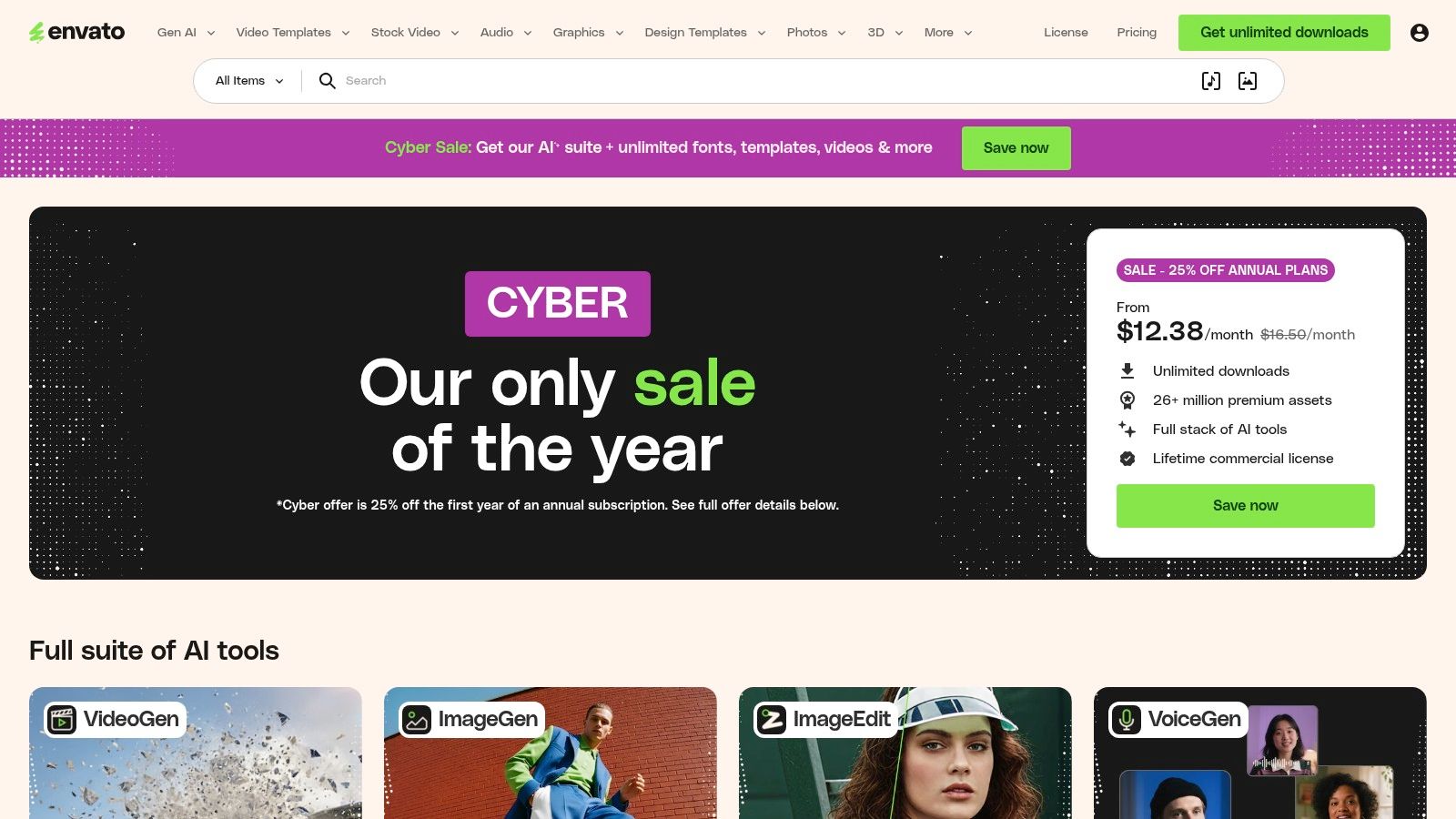
This platform is ideal for creators who already possess editing software skills and require a constant stream of high-quality, diverse templates without per-item costs. The unlimited download model provides incredible value for agencies or channels producing a high volume of content.
Key Features & Use Cases
- Software Compatibility: Templates are available for After Effects, Premiere Pro, Final Cut Pro, and Apple Motion, integrating directly into professional workflows.
- Vast Template Library: You can find everything from dynamic title sequences and logo reveals to complex infographic templates and trendy transition packs, all pre-formatted for a 9:16 vertical aspect ratio.
- Unlimited Downloads: A single subscription provides unlimited access to the entire library of video templates, stock footage, music, and sound effects, making it a comprehensive content creation hub.
Best for: Video editors, creative agencies, and YouTubers who need a diverse range of professional-grade templates for various projects and are comfortable working within NLEs (Non-Linear Editing software).
Website: https://elements.envato.com
| Pros | Cons |
|---|---|
| Huge variety of high-quality, professional templates. | Requires a paid subscription; no single purchases. |
| Excellent value for high-volume content creators. | Steep learning curve if you are not familiar with editing software. |
| Unlimited access to millions of other creative assets. | Can be overwhelming to navigate without specific keywords. |
3. Motion Array
Motion Array is a comprehensive creative marketplace that stands out with its clear focus on social media creators. It offers a subscription service providing a vast selection of digital assets, including a robust catalog of YouTube Shorts template files designed for professional editing software. The platform is particularly noted for its well-organized vertical templates and its explicit licensing guidance, which gives creators peace of mind when monetizing their content on YouTube.
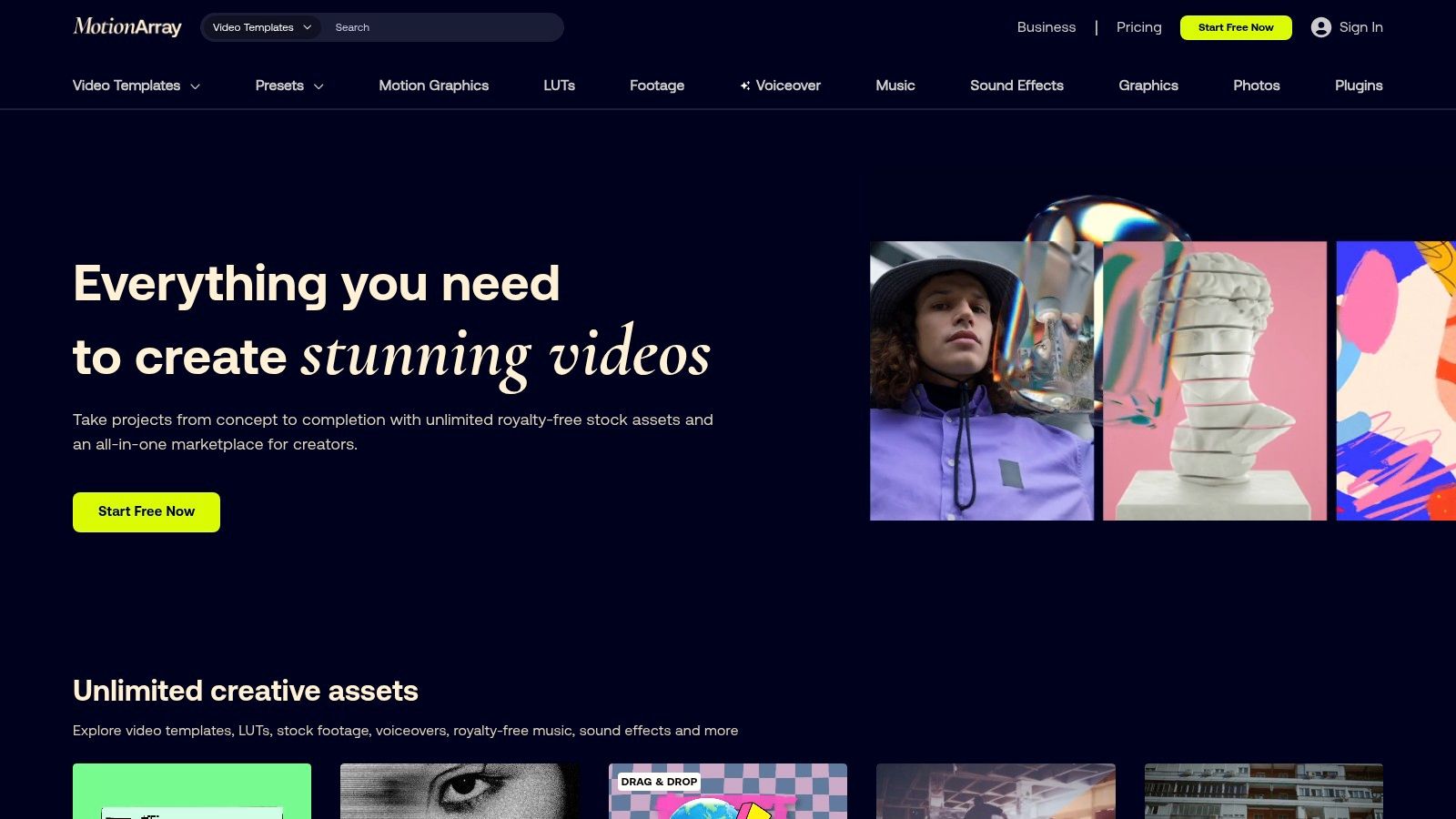
This platform is a powerful asset for editors and creators who want more than just templates. The inclusion of plugins, an extensive library of music and SFX, stock video, and even an AI voiceover tool makes it a one-stop-shop for producing polished, engaging short-form content from start to finish.
Key Features & Use Cases
- Dedicated Vertical Templates: Motion Array features a large collection of templates specifically labeled for Shorts, Reels, and TikTok, pre-formatted in a 1080×1920 vertical aspect ratio.
- Multi-Platform Support: It provides project files and MOGRTs for major software like Adobe After Effects and Premiere Pro, ensuring seamless integration into existing workflows.
- All-Inclusive Asset Library: A single subscription includes unlimited downloads of video templates, plugins, stock footage, sound effects, and royalty-free music, plus access to an AI voiceover generator.
- Clear Monetization Licensing: The platform offers straightforward terms that explicitly cover usage in monetized YouTube content, removing ambiguity for professional creators.
Best for: Content creators and video editors who need a wide variety of templates along with a full suite of other creative assets (music, SFX, stock video) and clear licensing for YouTube monetization.
Website: https://motionarray.com
| Pros | Cons |
|---|---|
| Robust catalog with helpful tutorials and plugins. | No single-item purchase option; subscription required. |
| Clear usage and monetization terms for YouTube. | Pricing pages and promotions can vary; verify before checkout. |
| Multiple plan types, including video templates-only. | Requires familiarity with professional NLEs like Premiere Pro. |
4. Storyblocks
Storyblocks is a robust stock media subscription service that brilliantly combines a vast library of templates with a massive collection of stock video, audio, and images. It stands out by offering both downloadable project files for professional software and an integrated, web-based editor called Maker for rapid content creation. This dual approach makes it a flexible choice for creators who need a high-quality YouTube Shorts template and the stock assets to complete their vision, all under one simple license.
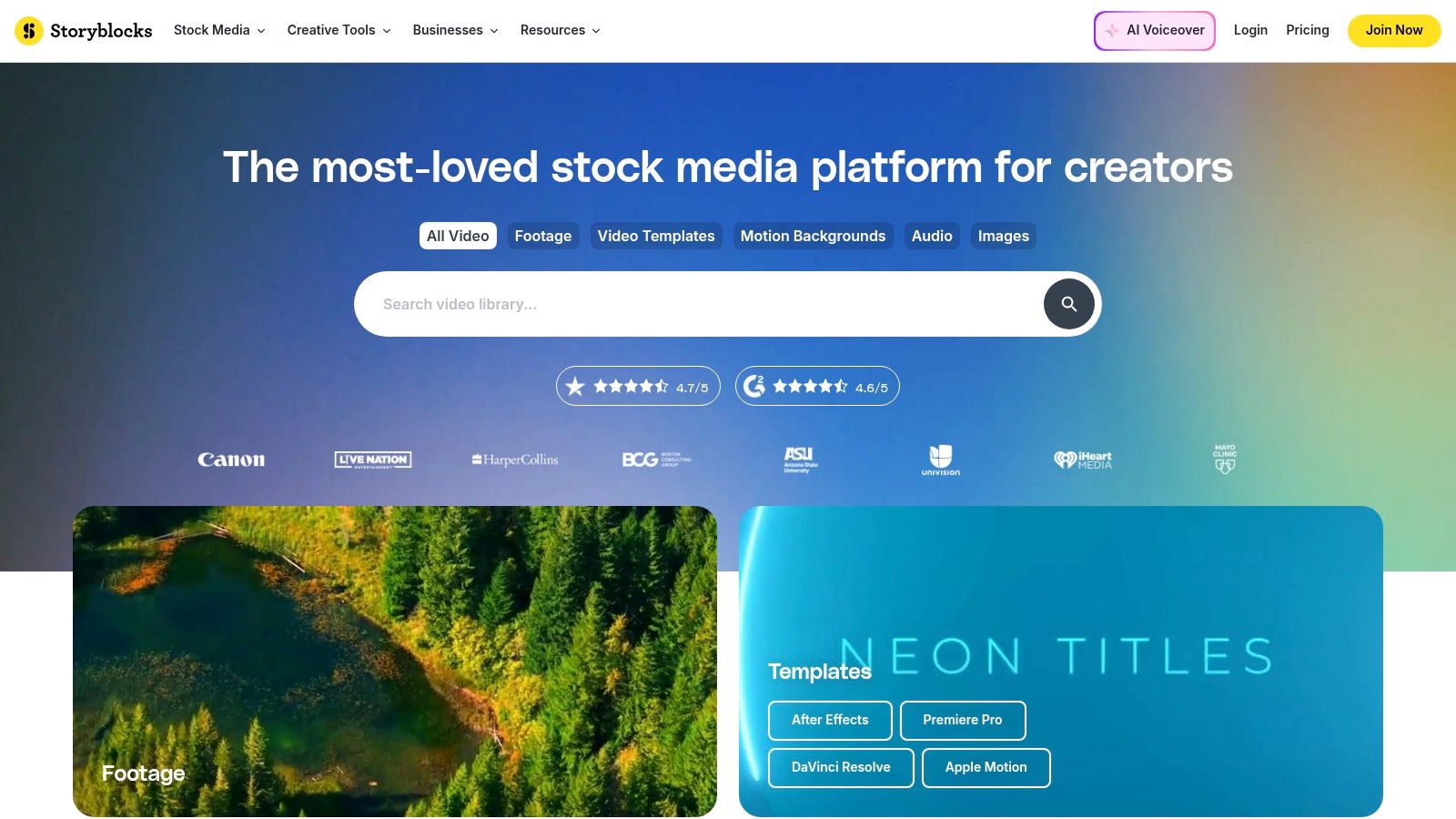
The platform is designed for efficiency, with unlimited download plans that empower creators to experiment without worrying about individual asset costs. Whether you are a professional editor integrating templates into Premiere Pro or a social media manager using the Maker tool to quickly assemble a Short, Storyblocks provides the necessary resources in a streamlined workflow.
Key Features & Use Cases
- Hybrid Workflow: Offers downloadable templates for After Effects, Premiere Pro, and DaVinci Resolve, plus a user-friendly web-based video editor (Maker) for quick, template-based Shorts production.
- All-in-One Library: A single subscription provides access to templates, 4K stock footage, music, sound effects, and photos, simplifying the content creation process.
- Unlimited Downloads: Upper-tier plans offer unlimited downloads, making it a cost-effective solution for agencies and prolific creators who need a constant supply of diverse media.
- Simple Licensing: The royalty-free license covers both commercial and personal projects, reducing the complexity of media usage rights for creators.
Best for: Content creators and marketers who need a balanced mix of professional templates and a deep library of stock assets, as well as those who appreciate the option of a quick, browser-based editor.
Website: https://www.storyblocks.com
| Pros | Cons |
|---|---|
| Simple licensing and generous download allowances. | Starter subscription tier has download limits. |
| Good balance of stock assets and templates. | Use for broadcast or merchandise requires higher-tier plans. |
| Web Maker editor for quick Shorts production. | Template variety may be less specialized than dedicated template sites. |
5. Adobe Stock
Adobe Stock is a premium marketplace for high-quality, curated digital assets, offering a seamless experience for creators already invested in the Adobe ecosystem. It provides an extensive collection of Motion Graphics Templates (MOGRTs), stock footage, and project files perfectly suited for creating polished shorts. Unlike unlimited subscription services, Adobe Stock offers a more curated selection, focusing on professional-grade assets that integrate directly into Premiere Pro and After Effects.
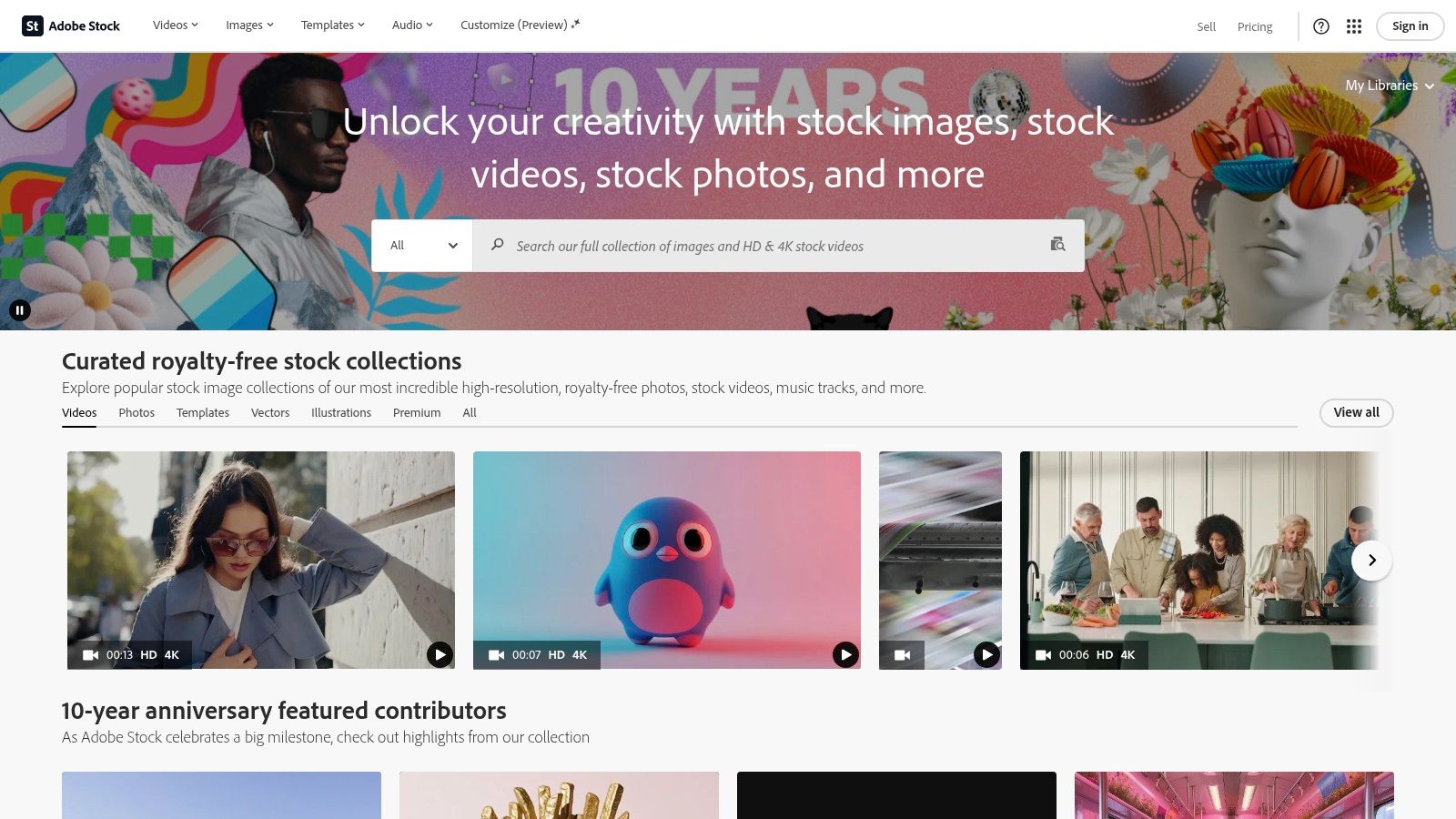
The platform operates on a flexible credit-based system, allowing users to purchase assets via subscription plans or one-time credit packs. This model is perfect for creators who need a specific YouTube Shorts template or a few high-impact assets without committing to a broad, unlimited library. The direct integration with Creative Cloud apps streamlines the workflow, letting you search for and license templates directly within your editing software.
Key Features & Use Cases
- Direct Creative Cloud Integration: Browse, preview, and license MOGRTs and stock assets directly from within Premiere Pro or After Effects, saving significant time.
- Premium Curated Library: Access a vast collection of professionally designed templates, vertical stock videos, and audio tracks that meet high-quality standards.
- Flexible Purchasing Options: Choose between monthly/annual subscription plans that provide a set number of credits or purchase credit packs for on-demand needs, offering control over spending.
Best for: Adobe Creative Cloud users, professional editors, and agencies who prioritize quality and seamless workflow integration over sheer quantity and prefer to pay per asset.
Website: https://stock.adobe.com
| Pros | Cons |
|---|---|
| Unmatched integration with Adobe Creative Cloud apps. | Per-asset cost can be higher than unlimited libraries. |
| High-quality, professionally curated asset catalog. | Can be expensive for creators needing many assets monthly. |
| Flexible credit packs or subscription models. | Smaller selection of templates compared to specialized platforms. |
6. Adobe Express
Adobe Express is an intuitive, all-in-one design tool available on both web and mobile, making it incredibly accessible for creators of all skill levels. It specializes in simplifying the creative process, offering a dedicated library of professionally designed YouTube Shorts template options that can be customized in minutes. Unlike complex NLEs, Express focuses on speed and ease of use, allowing users to quickly add text, animations, and music without any prior video editing experience.
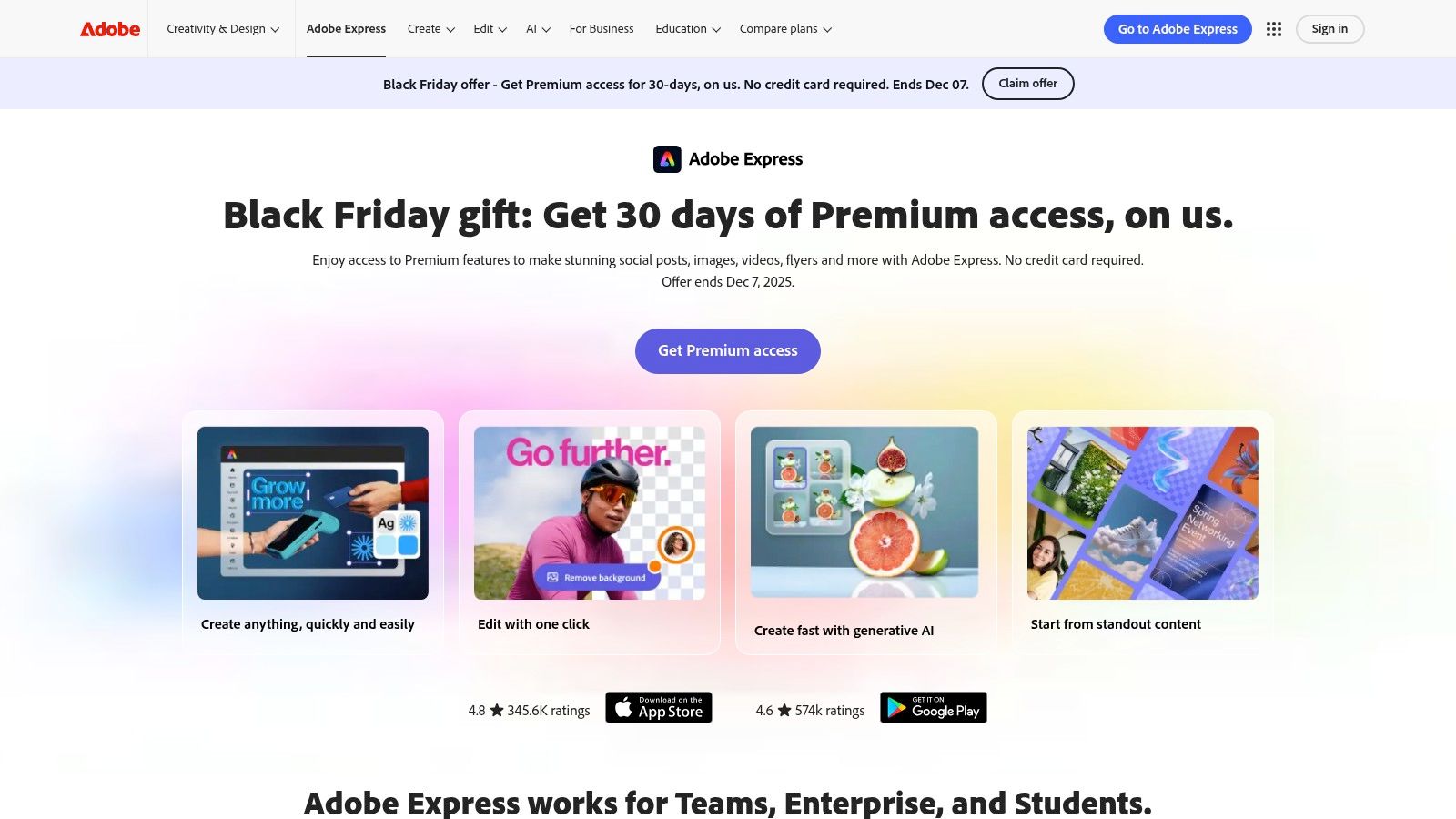
This platform is perfect for social media managers, small business owners, and creators who need to produce on-brand, eye-catching content on the go. Its brand kit feature is a standout, enabling you to apply your logos, fonts, and color palettes to any template with a single click, ensuring brand consistency across all your Shorts.
Key Features & Use Cases
- Ready-Made Templates: A vast collection of templates designed specifically for the 9:16 vertical format, covering everything from promotions and tutorials to announcements and behind-the-scenes content.
- Simple Customization: Easily change text, swap in your own video clips or photos, apply simple animations, and choose from a library of royalty-free music directly within the app.
- Brand Kit Integration: Upload your brand assets (logos, colors, fonts) to create a “Brand Kit,” which can then be instantly applied to any template for consistent, professional-looking Shorts.
- Cross-Platform Sync: Start a project on your phone and finish it on your desktop, with seamless syncing across devices through your Creative Cloud account.
Best for: Beginners, social media marketers, and solo entrepreneurs who need a fast, user-friendly tool to create branded Shorts without a steep learning curve or professional editing software.
Website: https://www.adobe.com/express
| Pros | Cons |
|---|---|
| Very low learning curve; accessible on desktop and mobile. | Lacks advanced editing features like complex timing or keyframing. |
| Brand kit feature makes brand consistency effortless. | Premium templates and Adobe Stock assets require a paid subscription. |
| A generous free plan is available to get started. | Video rendering can be slower than dedicated desktop software. |
7. Canva
Canva has solidified its position as the go-to design platform for non-editors, and its capabilities for vertical video are no exception. It offers a massive, ever-growing library of professionally designed YouTube Shorts template options that are incredibly easy to customize through its drag-and-drop interface. The platform excels at empowering users without technical video editing skills to produce visually appealing, branded content in minutes.
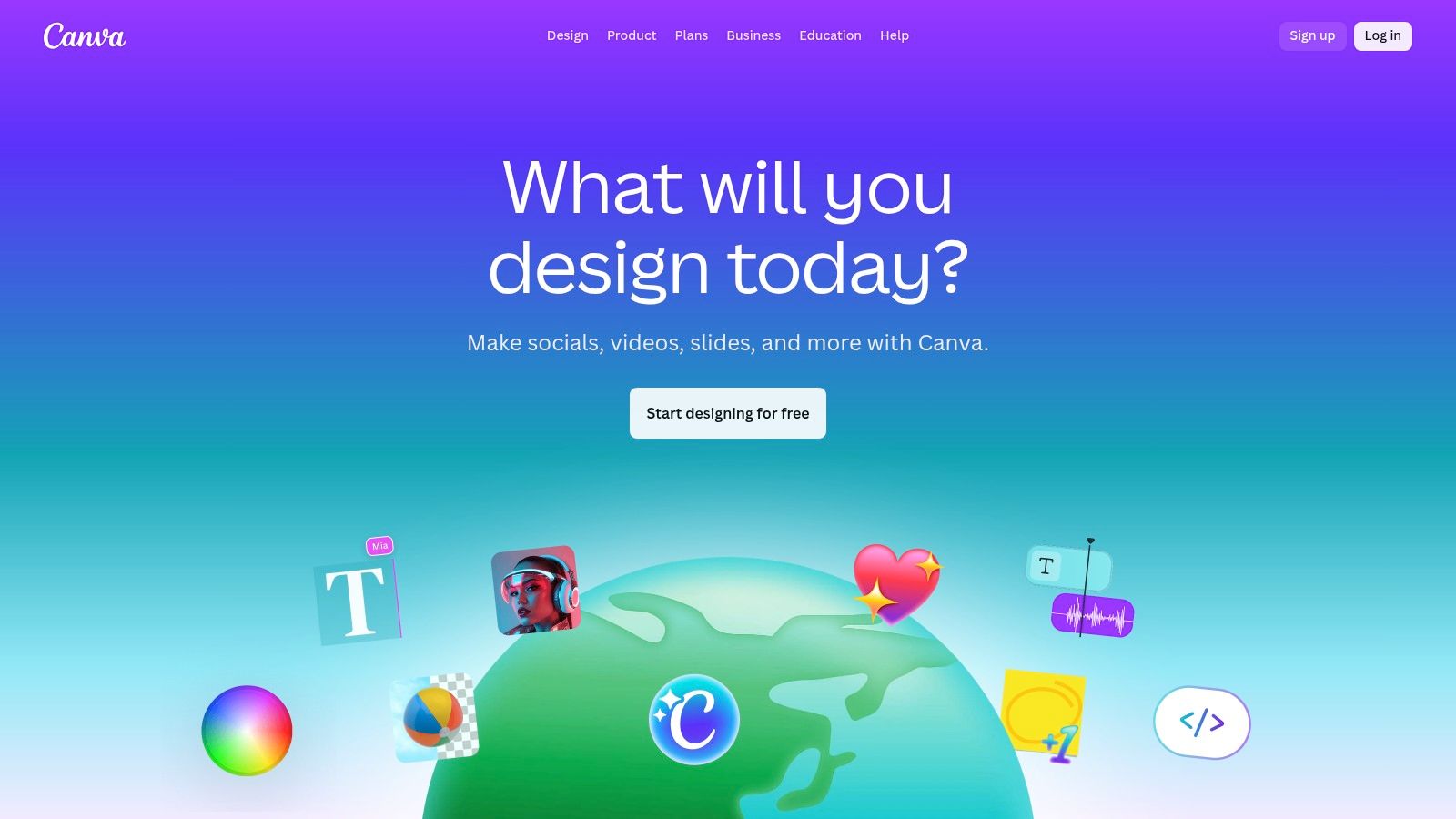
Its cloud-based nature and collaborative features make it ideal for teams, while integrated brand kits ensure consistency across all Shorts. With a vast library of stock video, audio, and graphics, Canva serves as an all-in-one solution for creators who prioritize speed and ease of use over complex editing functionalities. It’s the perfect tool for turning simple YouTube Shorts ideas into engaging videos quickly.
Key Features & Use Cases
- Massive Template Library: Access thousands of templates specifically designed for the 9:16 vertical format, covering everything from tutorials and listicles to promotional announcements and Q&A sessions.
- Drag-and-Drop Editor: An intuitive interface allows you to easily change text, colors, videos, and music without any prior editing experience.
- Brand Kits & Collaboration: Store your brand’s logos, colors, and fonts to apply them to any template with one click. Invite team members to edit and comment on designs in real time.
- Integrated Asset Library: Utilize a vast collection of stock videos, photos, animations, and audio tracks directly within the editor to enhance your Shorts.
Best for: Social media managers, small business owners, and solo creators who need to produce branded, high-quality Shorts quickly without using professional video editing software.
Website: https://www.canva.com
| Pros | Cons |
|---|---|
| Extremely intuitive and easy for beginners to use. | Lacks advanced editing features like keyframing or complex effects. |
| All-in-one platform with templates, assets, and editor. | The best templates and assets often require a Canva Pro subscription. |
| Excellent for team collaboration and maintaining brand consistency. | Video export options and quality controls are less robust than NLEs. |
8. CapCut (Web)
CapCut has rapidly evolved from a mobile editing app into a powerful, free web-based video editor, establishing itself as a go-to for creators who need to produce content quickly. Its strength lies in a massive library of trend-aware templates and its impressive AI-driven features. This platform is perfect for anyone looking to create engaging Shorts with minimal effort, offering tools that automate much of the creative process, from scripting to final export.
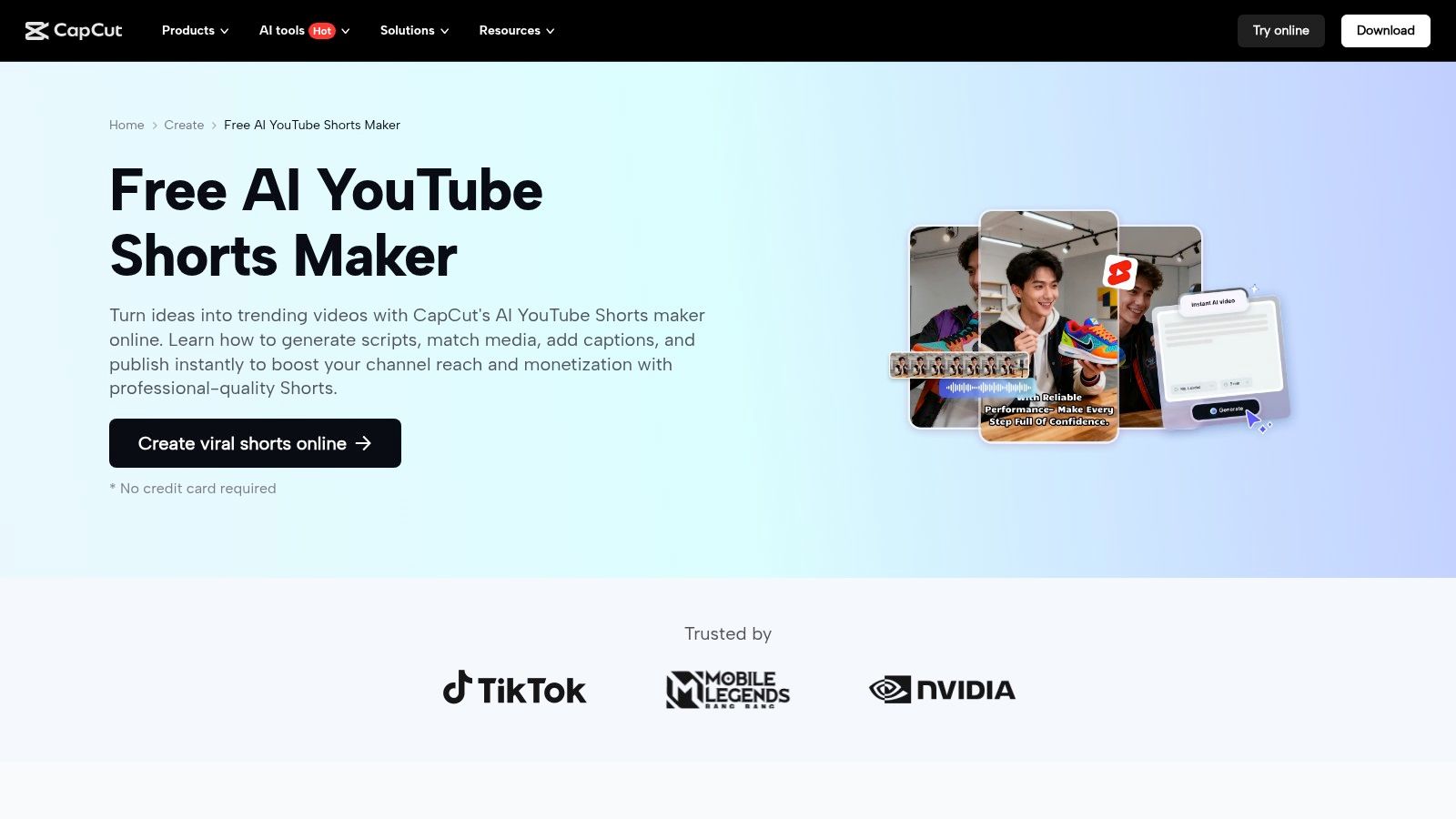
The web version of CapCut is incredibly beginner-friendly, providing a clean interface that simplifies video creation. It allows you to transform long-form videos into Shorts, generate videos from a simple text script, and apply stylish effects and captions in just a few clicks. The direct integration with YouTube for publishing streamlines the entire workflow from idea to upload.
Key Features & Use Cases
- AI-Powered Conversion: Features like “long video to short” and “script to video” automatically create a compelling YouTube Shorts template by analyzing your input and adding relevant stock footage, music, and auto-captions.
- Thousands of Templates: The platform offers a huge, constantly updated library of ready-to-use templates for various niches, from memes and tutorials to product showcases, all formatted for vertical video.
- One-Click Publishing: A streamlined workflow allows for one-click exporting and direct publishing to YouTube, saving significant time for creators managing multiple channels or posting frequently.
Best for: Beginners, social media marketers, and any creator looking for an all-in-one, free tool that automates the creation of trendy, high-quality Shorts with minimal manual editing.
Website: https://www.capcut.com/create/youtube-shorts-maker
| Pros | Cons |
|---|---|
| Strong free toolset and tons of ready templates. | Pro pricing and tier availability can fluctuate by region/platform. |
| Beginner-friendly and fast results with AI features. | Some advanced features require a paid plan. |
| Direct YouTube publishing simplifies workflow. | Can feel less professional than dedicated NLE software. |
9. Kapwing
Kapwing is a powerful, browser-based video editor that excels in collaborative workflows and quick content repurposing. It offers a massive gallery of over 3,000 free templates, making it an excellent starting point for creators who need a ready-made YouTube Shorts template without installing complex software. The platform is particularly strong for its integrated AI tools, which streamline tasks like generating subtitles and translating content for a global audience.
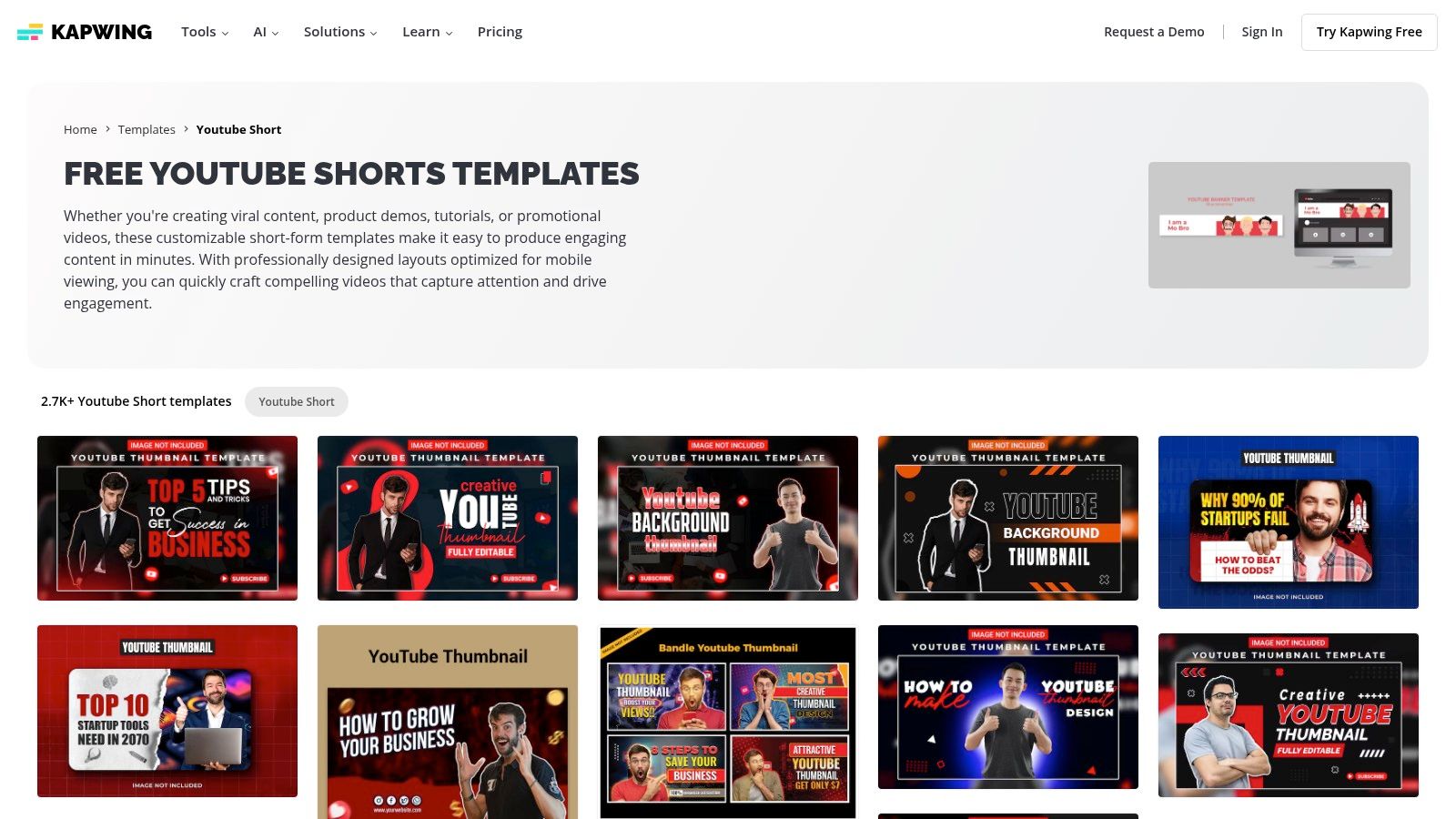
This online tool is designed for speed and accessibility, making it ideal for social media managers, teams, and solo creators who prioritize a fast production cycle. Its intuitive interface and collaborative features allow multiple users to work on a project simultaneously, which is a significant advantage for agencies and brand teams. For those looking to get started, you can learn more about how to make YouTube Shorts with tools like Kapwing.
Key Features & Use Cases
- Extensive Free Template Library: Access over 3,000 free Shorts templates that are easily customizable with simple drag-and-drop controls, perfect for quick content creation.
- AI-Powered Tools: Leverage features like auto-subtitling, automatic translation, and text-to-speech to enhance accessibility and engagement with minimal effort.
- Collaborative Workspaces: Team members can comment, edit, and share projects in a shared workspace, streamlining the review and approval process for social media content.
- Advanced Export Options: Paid plans offer up to 4K export quality and the removal of the watermark, catering to creators who require a more professional final product.
Best for: Social media teams, marketers, and creators who need a fast, collaborative online editor with powerful AI features for captioning and repurposing content.
Website: https://www.kapwing.com/templates/youtube-short
| Pros | Cons |
|---|---|
| Fast learning curve and great for team workflows. | Free exports include a Kapwing watermark. |
| Transparent pricing and a generous free tier. | AI tool usage is tied to a monthly credit system on paid plans. |
| Excellent selection of free templates to get started. | Can be less powerful than desktop NLEs for complex edits. |
10. InVideo
InVideo is a powerful, AI-driven video creation platform that uniquely blends a traditional template-based editor with advanced AI generation capabilities. It offers specific workflows for creating engaging Shorts, making it a strong contender for creators who want both guided design and AI-assisted production. Its extensive library of stock media, including premium iStock footage on paid plans, provides a solid foundation for any YouTube Shorts template project.
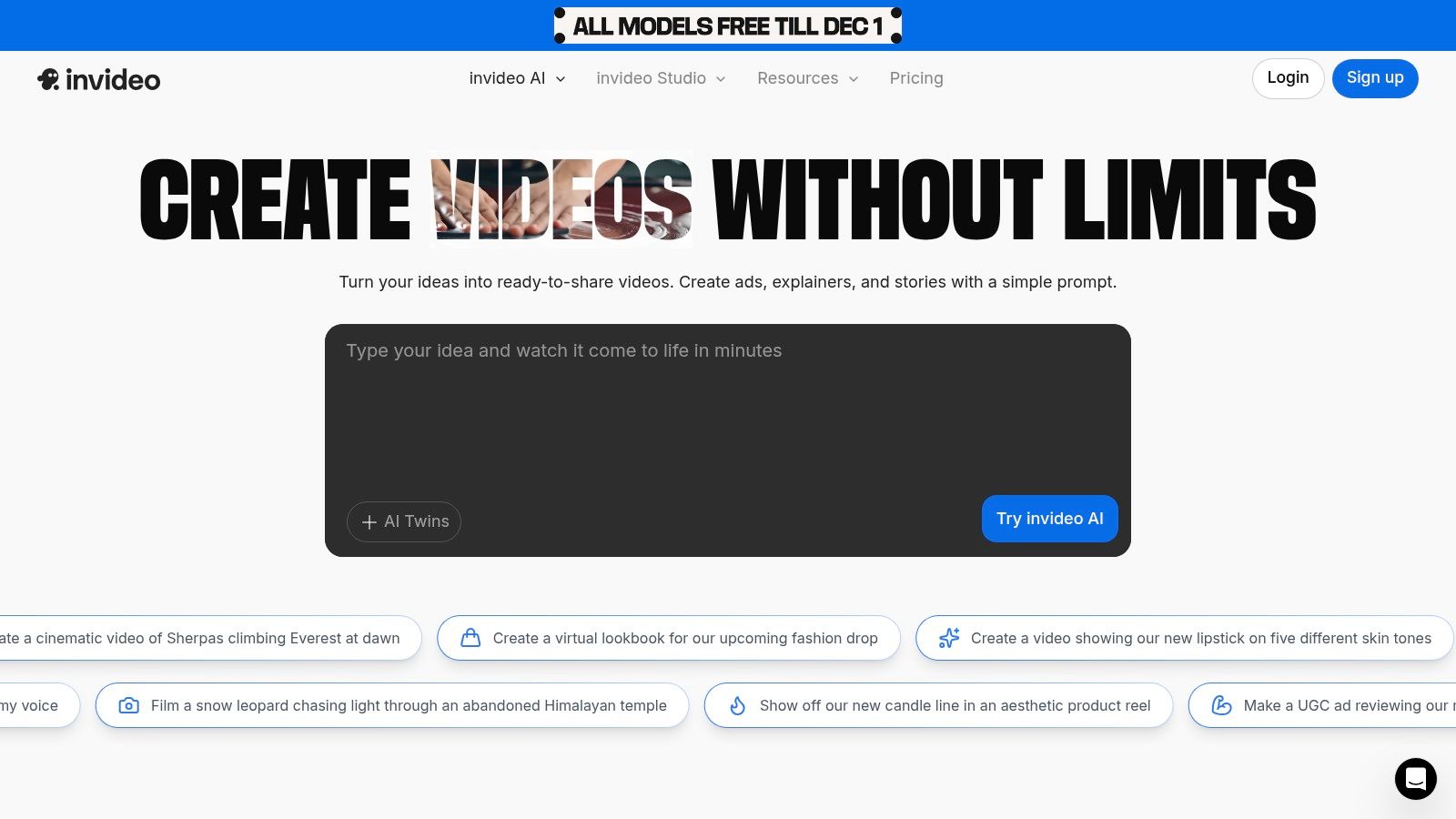
The platform is designed for efficiency, allowing users to start with a customizable template or generate an entire video from a simple text prompt using InVideo AI. This dual approach caters to a wide range of needs, from quick edits to fully automated content creation. The AI co-pilot can help with scripting, scene selection, and voiceovers, significantly speeding up the production process. For a deeper dive into how tools like this operate, you can explore more about the functionality of an AI short video generator.
Key Features & Use Cases
- Dual Workflow: Users can choose between the classic template editor (InVideo Studio) for manual customization or the generative InVideo AI for automated video creation from text prompts.
- Extensive Stock Libraries: Access to a vast collection of stock video, images, and music, with paid plans including a generous allowance of premium iStock media.
- AI Co-pilot: The AI assistant helps with scriptwriting, media selection, and editing, streamlining the creation of compelling narratives for Shorts.
- Flexible Plan Tiers: InVideo offers various plans tailored to different usage levels, often with promotions that provide excellent value for new users.
Best for: Social media marketers, entrepreneurs, and content creators who want an all-in-one solution that combines the control of template editing with the speed of AI-powered video generation.
Website: https://invideo.io
| Pros | Cons |
|---|---|
| All-in-one AI and template workflow for Shorts. | Credit/minute consumption model can lead to variable costs. |
| Excellent stock library integration, including iStock. | Users must monitor AI minute usage to avoid unexpected charges. |
| Flexible plan options to match different needs. | The AI’s creative output may still require manual fine-tuning. |
11. Placeit by Envato
Placeit by Envato is a browser-based design powerhouse, offering an intuitive solution for creators who need professional-looking assets without complex software. It excels in providing a vast library of YouTube Shorts template options that can be customized and rendered entirely online. This platform is perfect for users who want to create animated videos, mockups, and other branding materials with a simple drag-and-drop interface, making it a complete toolkit for social media branding.
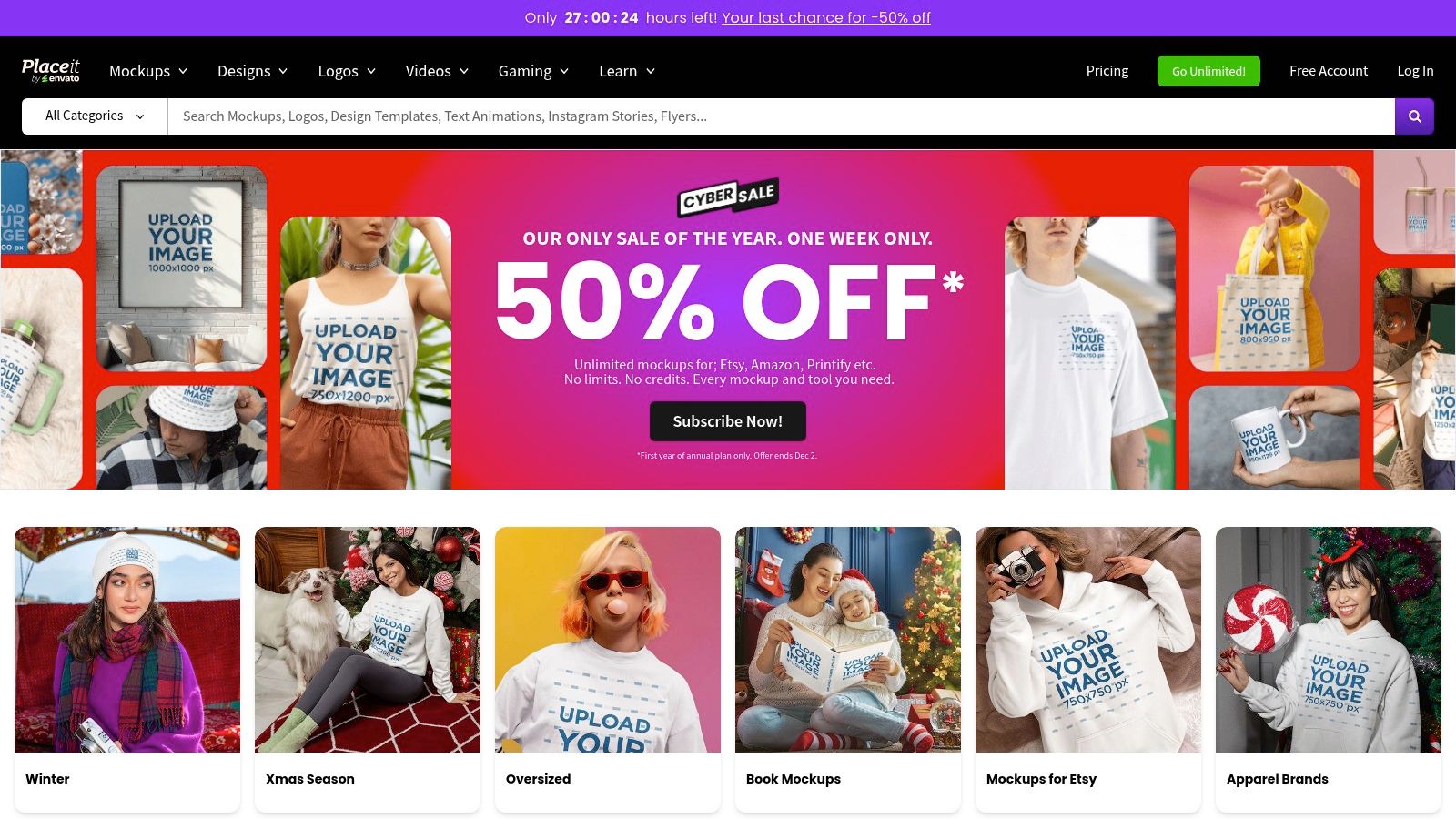
Unlike traditional editing software, Placeit simplifies the creation process, allowing you to produce high-quality, animated Shorts in minutes. Its value extends beyond video, as a single subscription can cover everything from your YouTube thumbnails and channel banners to merchandise mockups, providing a cohesive brand identity from a single source.
Key Features & Use Cases
- Browser-Based Editor: No software installation is required. Customize video templates directly in your web browser with simple controls for text, color, music, and images.
- All-in-One Design Assets: Placeit offers a massive library of video templates alongside designs for logos, thumbnails, banners, and product mockups, ideal for comprehensive channel branding.
- Unlimited Subscription Model: A subscription provides unlimited downloads of both video and static designs, which is highly cost-effective for creators who consistently publish content across multiple platforms.
- Simple Customization: The platform is built for non-editors, featuring pre-set animations and layouts that ensure a professional result without any technical editing skills.
Best for: Social media managers, small business owners, and YouTubers who need a quick and easy way to create a wide range of branded content, from Shorts to thumbnails, without learning professional editing software.
Website: https://placeit.net
| Pros | Cons |
|---|---|
| Extremely easy-to-use web editor and done-for-you animations. | Less creative control for advanced edits compared to NLEs. |
| Broad library covering video and all other static brand assets. | Subscription billing terms can be confusing; verify before purchase. |
| Unlimited subscription is a great value for frequent social creators. | Video rendering times can sometimes be slow during peak usage. |
12. Filmstock (Wondershare)
Filmstock is the official effects and asset store for the popular Wondershare Filmora video editor, serving as a dynamic marketplace for creators invested in that ecosystem. It offers a rich library of video effects, stock media, and importantly, a growing collection of templates optimized for vertical video. Its primary advantage is the seamless integration with Filmora, allowing for a drag-and-drop workflow that significantly speeds up the production of engaging Shorts.
This platform is particularly suited for Filmora users who want to enhance their content without leaving their editing environment. By providing pre-made title packs, transitions, and effects specifically designed for social media, Filmstock helps creators maintain a consistent, polished look across their channel with minimal effort. The subscription model offers an affordable entry point for accessing a wide range of creative assets.
Key Features & Use Cases
- Tight Filmora Integration: Assets can be downloaded and used directly within the Filmora editor, streamlining the creation process from start to finish.
- Vertical Video Templates: The library includes dedicated packs for social media, featuring vertical intros, call-to-action elements, and trendy effects perfect for a YouTube Shorts template.
- All-in-One Asset Library: Beyond templates, a subscription provides access to stock footage, royalty-free music, and sound effects, making it a comprehensive resource for Shorts production.
- Multiple Subscription Tiers: Offers various plans, including Standard and Premium libraries, allowing users to choose the level of access that fits their budget and needs.
Best for: Filmora video editors, YouTubers looking for an affordable all-in-one asset solution, and content creators who prioritize a fast and integrated editing workflow.
Website: https://filmora.wondershare.com/filmstock-plan.html
| Pros | Cons |
|---|---|
| Excellent integration with Filmora for a fast workflow. | Best value is achieved when already using Filmora. |
| Affordable subscription plans with frequent new assets. | Premium plans can have download limits on certain assets. |
| Clear and simple licensing for social media use. | The Filmora software is a separate purchase. |
Top 12 YouTube Shorts Template Tools Comparison
| Product | Core features | Quality & UX | Value / Pricing | Target audience | Unique selling points |
|---|---|---|---|---|---|
| ? MotionLaps | End-to-end AI: ideation → script → neural VO → visuals → music → render → publish | HD faceless videos, lifelike narration ★★★★★ | ? Contact / subscription tiers (private pricing) | ? Creators, marketers, agencies, solo entrepreneurs | ✨ GPT-powered ideation, many visual styles, auto-scheduling |
| Envato Elements | Thousands of 9:16 templates for AE/PR/FCP, collections | Pro-ready templates, huge breadth ★★★★ | ? Subscription — unlimited downloads | ? Editors & agencies needing pro assets | ✨ Unlimited downloads, NLE-ready templates |
| Motion Array | Vertical templates, plugins, music, stock, AI VO | Robust catalog + tutorials ★★★★ | ? Subscription (Templates / Everything tiers) | ? Monetizing creators & studios | ✨ Clear YouTube monetization guidance, plugins |
| Storyblocks | Templates + stock media + web Maker editor | Simple licensing, web editor ★★★ | ? Subscription; unlimited on higher tiers | ? Small teams needing stock + templates | ✨ Web Maker for quick Shorts, CC plugin support |
| Adobe Stock | MOGRTs, AE/PR templates, vertical footage, credits | Curated premium assets ★★★★★ | ? Credits or subscription (per-asset costs) | ? Adobe users & pro editors | ✨ Deep Creative Cloud integration, flexible credits |
| Adobe Express | Browser/mobile Shorts templates, brand kit | Very low learning curve ★★★★ | ? Free tier; Premium for Stock & advanced kit | ? Non-editors & marketers | ✨ Brand kit + mobile-first quick edits |
| Canva | Cloud Shorts templates, AI Shorts maker, collaboration | Fast, collaborative UX ★★★★ | ? Free + Pro (some assets gated) | ? Non-editors, teams, social creators | ✨ AI-assisted design + team brand kits |
| CapCut (Web) | Script→video, long→Shorts, captions, direct publish | Beginner-friendly, fast AI tools ★★★ | ? Free core; optional paid effects/storage | ? Beginner creators & rapid publishers | ✨ Direct YouTube publish, auto captions & converters |
| Kapwing | Online editor, 3k+ templates, auto-subtitles, TTS | Team workspaces, easy repurposing ★★★ | ? Free (watermark) / paid credits & plans | ? Teams & repurposers | ✨ AI subtitles/translate/TTS, transparent credits |
| InVideo | Template editor + AI generation/co-pilot, stock | All-in-one workflow, credit-based ★★★ | ? Plans + purchasable AI minutes/credits | ? Creators wanting mix of templates + AI | ✨ Co-pilot AI generation, iStock allowances |
| Placeit by Envato | Browser editor, Shorts templates, brand assets | Very simple web customization ★★★ | ? Subscription / unlimited options | ? Non-editors & brand-builders | ✨ Video + mockups + thumbnails in one editor |
| Filmstock (Wondershare) | Asset marketplace for Filmora: templates, effects | Affordable packs, Filmora integration ★★★ | ? Affordable plans; some monthly quotas | ? Filmora users & budget creators | ✨ Tight Filmora integration, frequent asset packs |
Choosing the Right Template to Maximize Your Shorts Strategy
Navigating the world of YouTube Shorts templates can feel overwhelming, but as we’ve explored, the perfect solution boils down to your specific needs, workflow, and creative goals. The right template is more than just a visual starting point; it’s a strategic tool designed to remove friction from your content creation process, allowing you to focus on what truly matters: your message and your audience.
We’ve covered a wide spectrum of platforms, from the high-end, professionally-focused asset libraries like Envato Elements and Motion Array to the incredibly accessible, browser-based editors like Canva and Adobe Express. Each offers a distinct pathway to producing polished, engaging vertical video content. The key is to match the tool to your unique context.
Finding Your Ideal Workflow
Your choice of a youtube shorts template source should align directly with your production style and technical comfort level. To make the best decision, consider these critical factors:
- For Maximum Speed and Automation: If your primary goal is to produce a high volume of quality content with minimal manual effort, an AI-driven platform like MotionLaps is unmatched. It’s built for creators who value speed and scalability, transforming simple inputs into dynamic Shorts in minutes, making it ideal for news-style updates, market reports, or faceless content channels.
- For Professional Editors and Full Customization: If you are a seasoned video editor working in Adobe After Effects or Premiere Pro, subscription services like Envato Elements, Motion Array, and Storyblocks are your creative playgrounds. These libraries provide an endless supply of high-fidelity MOGRTs and project files, giving you granular control over every element for truly bespoke, brand-aligned content.
- For Balanced Simplicity and Control: For the majority of creators, a balance is key. Tools like Canva, Adobe Express, and CapCut strike this balance perfectly. They offer intuitive, drag-and-drop interfaces with powerful features, making them fantastic for small businesses, marketers, and influencers who need professional-looking results without a steep learning curve.
- For Niche and Specific Use Cases: Don’t overlook specialized platforms. Placeit excels at creating mockups and product-focused videos with incredible ease, while Filmstock offers unique, stylized effects packs that can help your content stand out visually.
Actionable Next Steps to Supercharge Your Shorts
Simply choosing a tool isn’t the final step. To truly leverage the power of a great youtube shorts template, you must integrate it into a cohesive strategy. Start by experimenting. Nearly every platform listed offers a free trial or a robust free tier. Dedicate time to test two or three that seem like the best fit.
Import a piece of your own content, customize a template, and see how it feels. Is the interface intuitive? Does it save you time? Does the final output align with your brand’s quality standards? Answering these questions through hands-on experience is the most effective way to find your perfect match.
Finally, remember that a template is just the foundation. The most successful Shorts combine a strong visual framework with compelling hooks, clear audio, and a powerful call to action. To further enhance your Shorts strategy, explore platforms that offer a wide array of tools and guides, such as Tubentum’s YouTube resources, which can help you optimize everything from your thumbnails to your audience engagement tactics. The ultimate goal is to create a sustainable system that allows you to consistently publish high-impact content that captivates viewers and drives channel growth.
Ready to eliminate the editing grind and put your Shorts production on autopilot? MotionLaps leverages AI to turn your ideas into captivating videos in seconds, making it the ultimate tool for scaling your content. Try MotionLaps today and experience the future of automated video creation.