Add Person to Photo Free with AI
Seamlessly Place Anyone Into Any Photo
Missed someone in the group photo? Want to add a loved one who couldn't be there — or a deceased family member — to a special picture? Our free AI tool makes it easy. Simply upload two images: the background scene and a photo of the person you want to add. The AI automatically detects which is which, then seamlessly composites the person into the scene with perfectly matched lighting, shadows, perspective, and scale. The result looks like everyone was really there together. No Photoshop skills needed — just upload, click, and get a realistic merged photo in seconds. Perfect for family photos, wedding pictures, group shots, memorial images, or just creative fun!
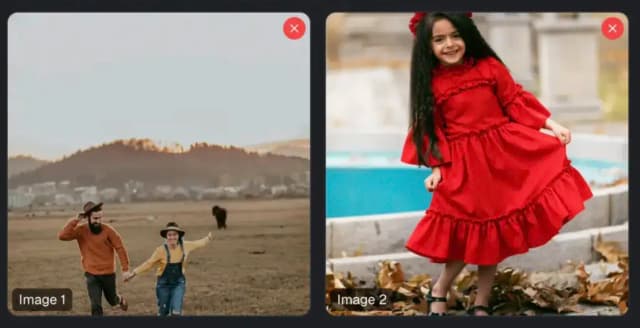
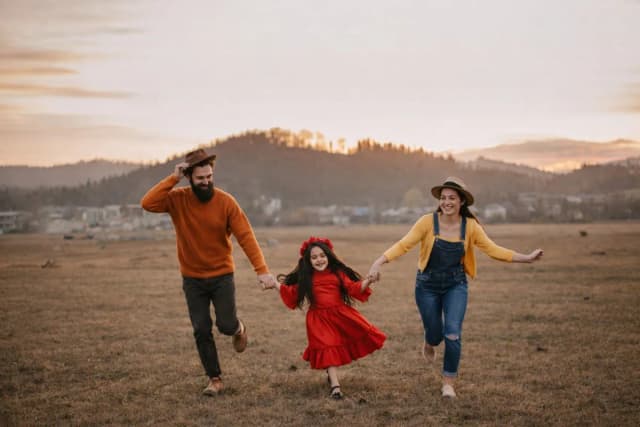
Add Person to Photo
Where should the person be and what should they be doing?
Your Merged Photo
The person has been seamlessly added to your photo
Result Time 10-30 seconds
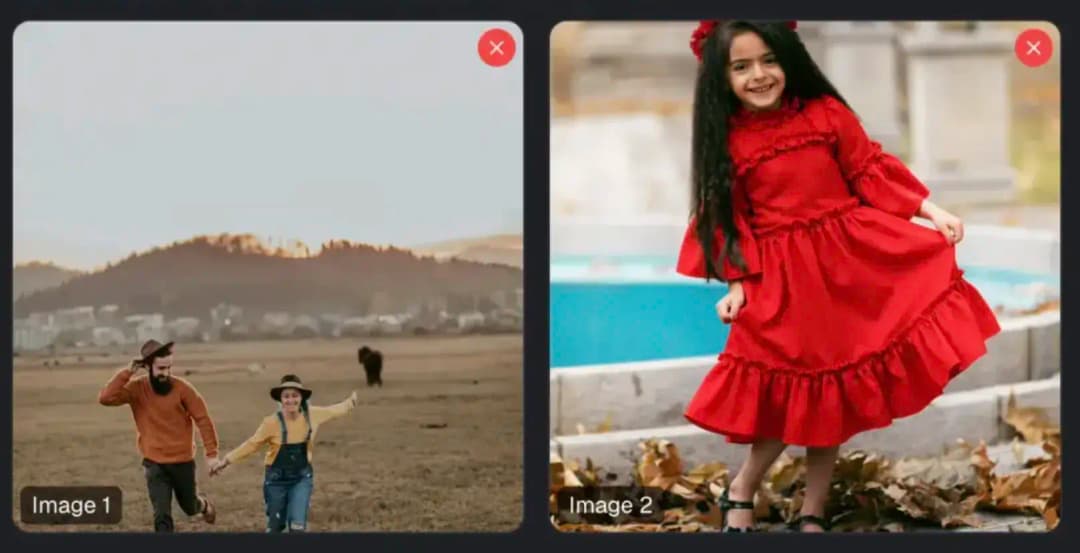
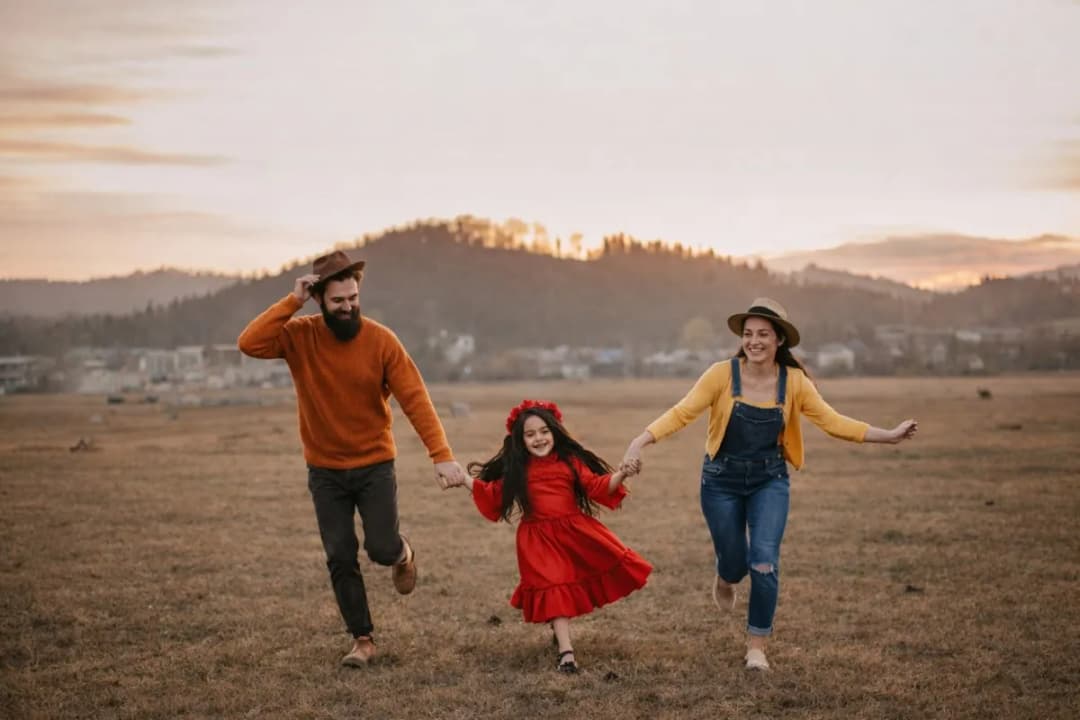
How to Add a Person to a Photo with AI
Upload Two Images
Upload two images: the background photo (the scene you want the person placed into) and a photo of the person you want to add. The AI automatically detects which image is the background and which contains the person — no need to label them. For the best results, use a clear photo of the person where their full body or upper body is visible, and a background scene with space where the person can naturally fit.
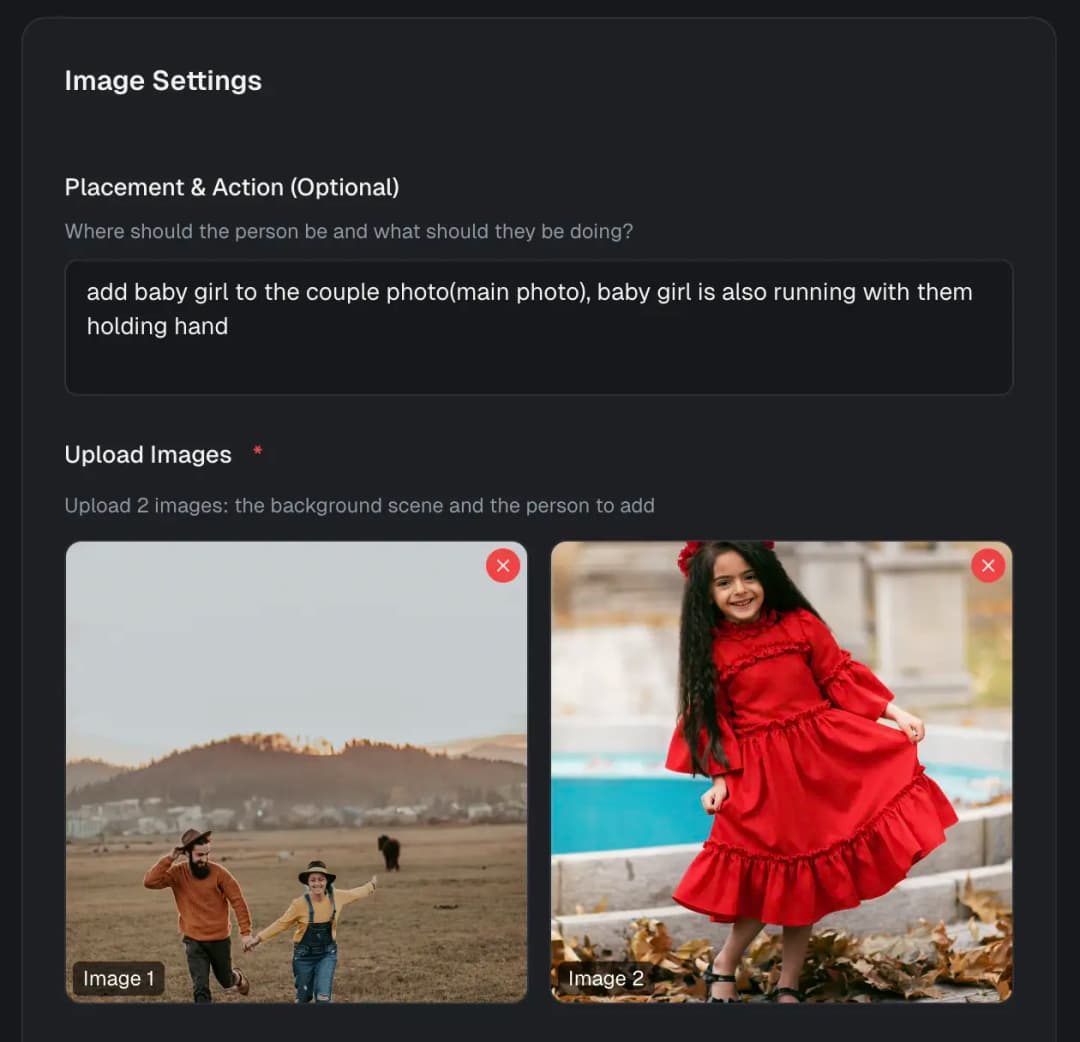
Describe Placement (Optional)
Optionally tell the AI exactly where and how you want the person positioned. For example: 'Standing on the left side next to the tree', 'Sitting on the sofa smiling', or 'Standing in the back row of the group'. If you leave this blank, the AI will automatically choose a natural-looking placement. You can also describe an action or pose if you want the person doing something specific in the scene.
Download Your Merged Photo
The AI seamlessly composites the person into the background with matched lighting, color temperature, shadows, and perspective. The person is scaled appropriately to fit the scene's depth — the result looks like a single authentic photograph, not a cut-and-paste collage. Download your merged photo in high resolution and share it with family, friends, or on social media. Generate multiple variations to pick the most natural-looking result!
Create full videos for YouTube & social
Turn scripts, audio, and ideas into complete videos with AI voices, visuals, and export.
Script to Video
Paste your script, choose a style, and let AI create a professional video with voice narration, music, and visuals in minutes.
Learn moreAudio to Video AI
Our audio to video AI generator is an audio to video converter built for creators: upload an audio file or paste a YouTube/TikTok link, and turn audio into video with auto captions, AI-matched visuals, and MP3-to-video export—no camera or B-roll hunt required.
Learn moreTikTok Video Generator
Generate scroll-stopping TikTok videos with AI. Trending hooks, viral formats, faceless content - everything optimized for TikTok's algorithm. No filming, no editing, just viral content.
Learn moreAI Movie Maker
The AI movie creator and movie maker AI built for cinematic shorts: write a video prompt, get an AI generated movie with scenes, professional voices, music, and export—text to movie AI without a studio or film crew.
Learn moreFrequently Asked Questions
Everything you need to know about adding a person to a photo with AI